In short
- Start with a list of services and the language of customers from emails and phone calls, not with a tool.
- Divide keywords by intent: informational goes to the blog, service and local to the offer page.
- Free sources are Google suggestions, People also ask, related searches and Search Console.
- One main keyword per subpage protects against cannibalisation.
- Lists of cities on a page are spam according to Google, so write a local phrase naturally.
Table of contents (9)
- How to choose keywords: start with a list of services
- The customer's language instead of the industry's language
- Three kinds of intent: informational, service, local
- Free sources of keywords worth checking
- Local phrases and how not to stuff them
- One main keyword per subpage
- What to avoid when choosing keywords
- Where to start this week
- Frequently asked questions
How do you choose keywords for the website of a service business when you do not want to pay a subscription for an SEO tool? It can be done for free. The best sources are your customers and the data that Google already gives you. Below I describe the order I follow myself and with clients.
How to choose keywords: start with a list of services
Start with a sheet of paper, not a tool. Write down everything you sell and sort it into the services you most want to sell.
For each service write down three things: what you call it, what customers call it and what problem it solves. An example for a cleaning company: "post-renovation cleaning" is the name of the service, and the problem is "I have dust all over the flat and no time to remove it". Both versions can be a good source of phrases.
First choose 3 to 5 services on which you earn the most or want to earn the most. The rest can wait. A list of 40 phrases with no priorities usually ends with nobody putting it into practice.
The customer's language instead of the industry's language

A customer rarely uses your vocabulary. You say "electrical installation audit", and they type "checking the electrics in a flat before buying". Google advises anticipating the words that readers type and remembering that people with different levels of knowledge use different words.
You have the cheapest source of such language to hand:
- Recent emails with enquiries and messages from the form.
- Questions asked by phone (write them down for two weeks).
- Questions at the first meeting or during the quote.
- Customer reviews on Google in which they describe their situation in their own words.
From practice: Sentences from customers' emails are often better phrases than the ones that occur to me as a specialist. All you have to do is copy them out, not invent them.
Three kinds of intent: informational, service, local
The same service hides several different intentions. A phrase that suits an article does not suit an offer page, and the other way round.
| Intent | What the searcher is doing | Example (accounting firm) | Where to serve it |
|---|---|---|---|
| Informational | Looking for knowledge | "how to settle a sole proprietorship" | A blog post |
| Service | Looking for a provider | "accounting office for a small business" | A service page |
| Local | Looking for a provider nearby | "accounting office Szczecin" | A service page or local page, plus the Google listing |
For an offer page choose mainly service and local phrases. Informational phrases will be useful in guides that then lead to the offer. If you want to understand what this looks like in terms of cost, read how much SEO costs.
Free sources of keywords worth checking
The sources below cost nothing but time. Each of them shows a slightly different side of the same subject.
Google suggestions, "People also ask" and related searches
Type the name of a service into Google and see what autocomplete suggests. Then go through the "People also ask" box and the list of related searches at the bottom of the results. These are real wordings that people type or are interested in. Write down those that fit your offer. Keep the ones with questions for blog posts or for a questions section on a service page.
Check this in a private window, because results and suggestions may depend on your history and location.
Google Search Console
If you already have a website, this is the most valuable source. The Performance report shows the queries for which your website appeared in results, together with clicks, impressions, CTR and average position. Look for queries that have plenty of impressions but few clicks or a poor position. The page already has some potential for them, and often it is enough to fit it better.
Google Ads Keyword Planner
This tool gives ideas for phrases and data on how often they are searched. It requires a Google Ads account, and according to the documentation the account has to be completed by giving billing details. An active campaign is not necessary. I do not base decisions on it, however. The range of data depends on the account, and the tool itself was created with ads in mind. Treat it as an additional source of ideas, not an oracle.
Competitors' websites
See how competitors in your city name their services in titles and headings. Do not copy. Look for names you had not thought of, and for gaps, that is, services that nobody describes well.
Local phrases and how not to stuff them
A "service + city" phrase is usually closest to the customer's decision. It works well on a service page and in a heading, but it has to sound natural.
Google explicitly describes as spam blocks of text with repeated names of the cities and regions that a business wants to serve. This also applies to footers with a long list of towns. The documentation says that a page may drop in results or not be displayed at all.
Instead:
- Name the city in the title, the heading and one or two sentences in which you describe where you work.
- If you really serve several cities, make a separate page only where you have something to say: completed jobs, an address, the specifics of the service in that area.
- Take care of consistent business data in your Google listing. For local queries that is often more important than the text of the page itself.
One main keyword per subpage
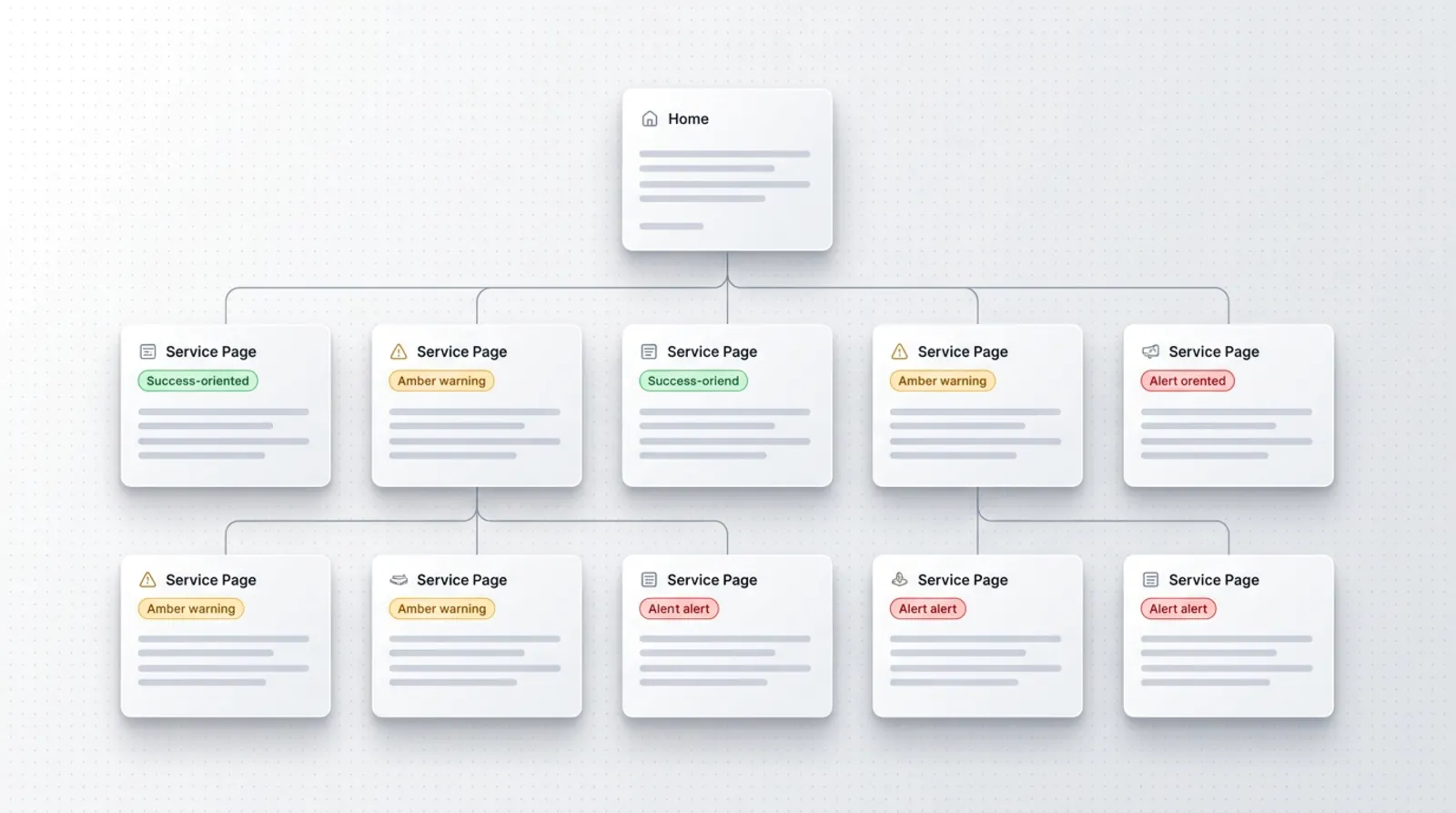
Each subpage should have one main keyword and a few secondary ones. When two pages aim at the same thing, they compete with each other (this is called cannibalisation) and Google may choose the less important one.
A practical method is a mapping table. Below is an example for a fictional cleaning company from Szczecin:
| Service | Main keyword | Secondary keywords | Subpage |
|---|---|---|---|
| Post-renovation cleaning | post-renovation cleaning Szczecin | cleaning a flat after renovation, cleaning after painting | /sprzatanie-po-remoncie |
| Window cleaning | window cleaning Szczecin | cleaning office windows, cleaning windows at home | /mycie-okien |
| Office cleaning | office cleaning Szczecin | keeping a company clean, cleaning a small office | /sprzatanie-biur |
| Informational questions | how to prepare a flat for cleaning | what to do with dust after renovation | blog posts, separate addresses |
The rule: if two phrases have the same customer goal, they go on one page. If the goal is different, you need a separate page. Window cleaning in an office and at home can be described on one page as long as you have nothing different to say about each of those services.
From practice: Before writing a new page I check whether an existing one already answers the same question. Very often it is better to expand the old one than to add a second, similar one.
What to avoid when choosing keywords
- Phrases that are too general. "Cleaning" or "bookkeeping" attract people with very different needs, and it is hard to hit the intent. A specific phrase with a service and a city usually leads better to an enquiry.
- Other people's brands and company names. Optimising for a competitor's name is touchy, and the visitor was looking for someone else anyway.
- Stuffing. Repeating the same phrase in every sentence tires the reader. Google describes it as spam and recommends writing naturally, so that variants appear by themselves.
- The keywords meta tag. Google does not use it in ranking, so it is not worth spending time on.
- Guessing. A phrase with no confirmation in data, in customers' questions or in search results is only a hypothesis.
Where to start this week
You do not need a month. A few hours spread over a week are enough.
- Choose 3 to 5 services that matter most to you.
- Write down the questions from emails and phone calls of recent weeks.
- For each service check the suggestions, "People also ask" and related searches.
- If you have Search Console, list the queries your website already appears for.
- Fill in the table: service, main keyword, secondary keywords, subpage.
- Improve the title and heading of one page, and after a few weeks check in Search Console what has changed.
If you would like me to look over your list of keywords and plan of subpages, write through contact. You will find more about how I work on visibility in Google on the SEO page.
Choosing keywords today is not only about classic results. Increasingly the answer is given by AI in Google, and your website may be its source. How to write content for such answers, I described in the post SEO and AI answers in Google.
Frequently asked questions
Do I need a paid tool to choose keywords?
No. To start, customers' questions, suggestions and boxes in Google results and Search Console are enough. Paid tools mainly give data on the size of interest, but you can build a sensible list without them too.
How many keywords should one subpage have?
One main keyword and a few secondary ones with the same customer goal. There is no fixed number. What matters is that all of them concern the same service and that the text reads naturally.
Is Google Ads Keyword Planner free?
Using it requires a Google Ads account, in which you have to finish setting up the account, including giving billing details. An active campaign is not necessary. The range of data depends on the account, so treat it as an additional source of ideas.
Can I add a list of all the cities I work in to my website?
Better not. Google describes blocks with repeated city names as keyword stuffing. Name the cities where you really work in natural sentences, and for important places make separate, valuable pages.
How can I check whether two of my pages compete with each other?
Type the same query into Search Console and see which addresses of your website appear. If you see several, you probably have two pages with the same goal. Merge them or clearly separate their topics.
Sources

Author
Piotr Babczyński
I help businesses win customers online: SEO, Google and Meta ads, automation and AI. I work from Szczecin, Poland, and remotely. I write about what I test on real projects.
- 30 years in IT
- SEO and Google Ads
- AI implementation
- #keywords
- #local SEO
- #Search Console