In short
- A good process to automate is repetitive, rule-based, frequent and involves retyping data between systems.
- To start with, enquiries from forms, scheduling and reminders work best, because they are frequent and simple to set up.
- With invoices, take KSeF into account: the dates for issuing depend on the size of the company, so confirm them with your accountant.
- Write the process down and count the time for a week before you set up anything. Automate one process at a time.
- Do not automate rare, judgement-based and relationship matters. The automation can prepare them, the decision stays with the human.
Table of contents (6)
Automating business processes does not start with choosing a tool. It starts with a question: which tasks in the office do you repeat every week, and always in the same way? Below I describe seven processes that in small businesses can most often be handed to a machine without risk, and how to choose the first one.
How to recognise a process to automate
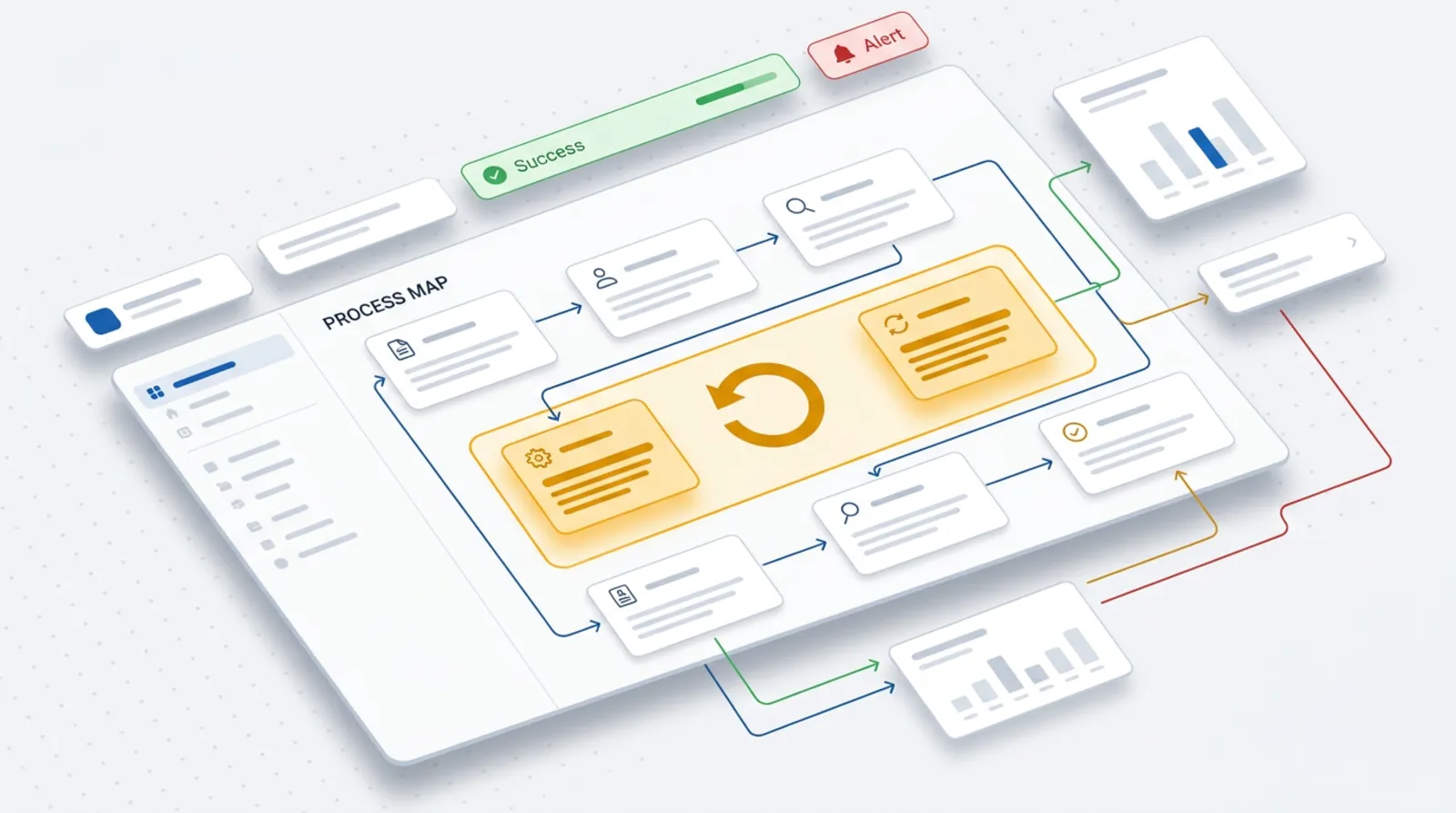
A good candidate meets four conditions at once. If any is missing, automation usually makes no sense or takes more work than the process itself.
- It is repetitive. Every time it consists of the same steps.
- It is based on rules. You can say "if X, then Y" without having to judge the situation.
- It happens often. The more often, the sooner the time invested in setting it up pays back.
- It involves retyping data between systems. You copy data from an email to a spreadsheet, from the spreadsheet to the invoicing program, from the program to the calendar.
The simplest symptom is the sentence "I have to type this in again". If you hear it regularly in the company, you have a candidate.
From practice: In small businesses, what eats the most time is not big tasks but small actions repeated dozens of times. Owners rarely notice them, because each one takes only a moment.
Seven processes to start with when automating business processes
For each process I describe the symptom, what the automation takes over, and what is left to the human. The order is not a ranking, but the first three points most often give the fastest effect.
1. Handling enquiries from forms and emails
Symptom: enquiries land in an inbox, somebody retypes them into a spreadsheet, and some replies go out late or not at all.
What we automate: saving the submission in one place (a CRM or a spreadsheet), an automatic confirmation for the customer, a notification to the responsible person and a task with a reply deadline. I described this in detail in the post on a form that creates a CRM task by itself.
What is left to the human: the quote, the conversation with the customer and the decision whether we take the job.
2. Scheduling appointments and reminders
Symptom: an exchange of several messages to agree on one time, and then no-shows because the customer forgot.
What we automate: sharing free slots for people to choose themselves, and an automatic reminder before the meeting. The calendar itself already offers a basic version, for example appointment schedules in Google Calendar let others book free slots. They require a Google account, and some features an additional subscription.
What is left to the human: deciding which slots are available at all, and exceptions to the rules.
3. Issuing invoices and payment reminders
Symptom: invoices are created "when somebody has a moment", and you remember overdue payments only when closing the month.
What we automate: creating an invoice from the job data, sending it to the customer and follow-up reminders once the payment deadline has passed. Here you need to take the National e-Invoicing System (KSeF) into account. According to the official website of the Ministry of Finance, the obligation to receive invoices in KSeF has applied to all taxpayers since 1 February 2026. The obligation to issue them comes in stages: from 1 February 2026 for the largest companies, from 1 April 2026 for the rest, and for the smallest (sales documented by invoices of up to PLN 10,000 per month) only from 1 January 2027. Invoices for consumers can be issued in KSeF voluntarily. Confirm the details for your company with your accountant, because they depend on the type of business. Links to the sources are below the post.
What is left to the human: unusual terms, corrections, a conversation with a customer who does not pay.
4. Retyping data from documents into spreadsheets and systems
Symptom: somebody sits over scans, orders or cost invoices and types the same fields into a spreadsheet.
What we automate: reading fields from documents (number, amount, date, counterparty) and entering them in the right place. Text recognition tools can be unreliable with poorer scan quality, so a sensible set-up is automation plus a quick check.
What is left to the human: checking the items marked as uncertain.
5. Recurring reports
Symptom: on Monday somebody spends an hour collecting sales or advertising data from several panels and pasting it into one file.
What we automate: fetching data on a schedule and assembling it into a fixed report that goes to email or a shared file. This covers sales, Google and Meta ad results, and the number of enquiries from the website.
What is left to the human: the conclusions. The report shows what happened. You decide what to do about it.
6. Onboarding a new employee or customer
Symptom: each time somebody looks for the list of things to do: an email account, access, a contract, training, first materials.
What we automate: a list of steps triggered by a single event (a signed contract, a new job): tasks for the right people, a welcome message, a form with details, creating a folder.
What is left to the human: granting access to sensitive data and the first conversation. Permissions are always approved by a human.
7. Backups and tidying files
Symptom: nobody knows when a backup was last made, and files lie in five places under different names.
What we automate: regular, recurring backups and fixed rules for naming and arranging files. I write about the method itself in the post on backups in a small business.
What is left to the human: periodically checking whether the backup can actually be restored. A backup that has never been restored is an assumption, not protection.
Which processes to choose first
The table below is my general assessment. A specific company may turn it upside down, so treat it as a starting point for a conversation, not a verdict.
| Process | How often | Risk of manual error | Difficulty of setup |
|---|---|---|---|
| Enquiries from forms and emails | daily | medium (a lost submission) | low |
| Appointments and reminders | daily | medium | low |
| Invoices and payment reminders | weekly or monthly | high (a mistake in the data) | medium, depends on the accounting program |
| Data from documents into spreadsheets | daily or weekly | high | medium to high |
| Recurring reports | weekly or monthly | medium | low to medium |
| Onboarding an employee or customer | with each new one | medium (a skipped step) | low |
| Backups and tidying files | constantly | high consequences if there is no backup | low to medium |
Start with a process that has both high frequency and low difficulty. It is usually the first or second row of the table.
What not to automate

Not everything should run by itself. There are three groups of matters that I leave to the human.
- Rare ones. A task done once a year will not repay the cost of setting it up. A good set of instructions is enough.
- Those requiring judgement. A complaint, a quote for a non-standard job, a decision on a discount. The automation can prepare the data, but it should not decide.
- Relationship matters. A conversation with an unhappy customer, negotiations, a thank-you after a big job. Here the customer wants contact with a human.
From practice: A good test is the question of whether a mistake by the automation would be costly for the relationship with the customer. If so, the automation prepares and the human approves.
If you use artificial intelligence for this, see the tasks AI performs in a small business. If you hesitate between ready-made tools and a custom integration, you will find a comparison in the post Make, Zapier or a custom integration.
Where to start automating business processes
You do not need a project for a whole quarter. Three steps and a few days are enough.
- Write the process down on a sheet of paper. Note the steps in order: what happens, who does it, in which program, where the data comes from and where it goes.
- Count the time for one week. Ask the people who do it to note how many times a week they perform the task and how long it takes. Do not estimate from memory, because we are usually wrong. After a week you have your own numbers, not other people's averages.
- Automate one process. The one that came out highest on time and lowest on difficulty. Check it for a few weeks and only then take the next one.
If you would rather do this with someone who has seen such set-ups in many companies, I describe the scope in the process automation offer. You can also simply write to me, and we will go through your processes and draw up a plan for the first month.
Frequently asked questions
Does automation make sense in a company of a few people?
Yes, if the same task comes back often. The size of the company matters less than repetitiveness. One person regularly losing time retyping data is reason enough to check whether it can be done automatically.
Do I need to know how to program to automate something?
Simple scenarios, such as a notification about a new enquiry, can be put together in ready-made no-code tools. More complex set-ups, for example with several programs or unusual data, usually need help from someone who will design and maintain them.
What happens when the automation makes a mistake?
That is why, for important matters, the automation prepares and the human approves. A well-built set-up reports errors, for example by email, and records what it did. It is also worth checking the results by hand at the start.
How much does it cost?
It depends on the number of systems to be connected, the quality of the data and whether ready-made tools are enough. That is why I precede a quote with a review of your processes, and do not give amounts in advance.
Where do I start if I do not know what to automate?
With a week of noting which repetitive tasks take time and how much. From such a list it is usually immediately clear which matters repeat and which are the simplest to take over.
Sources

Author
Piotr Babczyński
I help businesses win customers online: SEO, Google and Meta ads, automation and AI. I work from Szczecin, Poland, and remotely. I write about what I test on real projects.
- 30 years in IT
- SEO and Google Ads
- AI implementation
- #automation
- #processes
- #office
- #KSeF