
In short
- To start you need one tool, a few good prompts and a rule that a person reads the result before it is sent.
- AI copes well with drafts, editing, notes and tidying data, but enter prices and deadlines yourself.
- Treat every result as an intern's work: compare amounts, numbers and names with the original.
- Do not paste customer data into free tools without checking the terms; anonymise or use a business account.
- Introduce one task per week and write down shared rules for the whole company.
Table of contents (8)
- Communication with customers: the first two tasks
- Content: descriptions, posts, editing
- Office: notes, documents and spreadsheets
- Sales and knowledge in the company
- Table: what AI gives a small business and what the risk is
- Limits: mistakes, personal data and company secrets
- Where to start with AI in a small business
- Frequently asked questions
AI in a small business does not require an expensive rollout or a team of IT specialists. All you need is one tool, a few good prompts and a rule that a person reads the result before it is sent. Below are ten tasks that I see most often at clients and that you can hand to an AI assistant from tomorrow.
I name the tools neutrally: ChatGPT, Claude, Gemini, Copilot. Any of them is suitable for the tasks described. The differences concern mainly the terms on which data is processed, which I cover in a separate section.
Communication with customers: the first two tasks
An AI assistant writes drafts well. But you send them, not it.
1. Draft replies to emails
Hand over the first version of replies to typical questions: about a date, the scope of a service, a complaint. You add the specifics and decide on the tone.
Write a polite reply to the customer enquiry below. The company provides renovation services. Offer a free inspection, do not give a price or a date. Maximum 120 words. Text of the enquiry: [paste without the name and address]
What to watch out for: AI readily promises things you have not agreed. Enter dates, prices and guarantees yourself.
2. Replies to reviews
With online reviews, a calm, factual tone is what counts. AI will help you keep it even with a bad rating, when emotions suggest otherwise.
Write a public reply to a customer's negative review.
Tone: calm, without making excuses and without accusations.
Offer a phone contact to clear up the matter.
Review: [text of the review]
What to watch out for: do not put details of the job or the customer's data in the reply. Everyone reads it. I write more about reviews and your business listing in the guide to the Google Business Profile for your company.
Content: descriptions, posts, editing
3. Descriptions of services and products
Give AI the facts and it will arrange them into a readable description. Without facts you will get generalities that fit any business.
On the basis of the information below, write a service description for the company website, 150 words, in plain language, for the owner of a small business. Facts: [list: what the scope includes, for whom, what the cooperation looks like]
What to watch out for: check every claim about the scope of the service. AI can add an element that you do not offer.
4. Posts and newsletters
Ask for three variants of the same post and choose one. Add your own example from your work, because that is what distinguishes your text from someone else's.
5. Improving your own texts
This is where AI works best: typos, punctuation, shortening, unifying style. Say it outright: "Correct the mistakes and shorten by a third, do not change the meaning or the numbers". Pay attention to those numbers and proper names, because they are what gets changed without warning.
Office: notes, documents and spreadsheets
6. Meeting notes
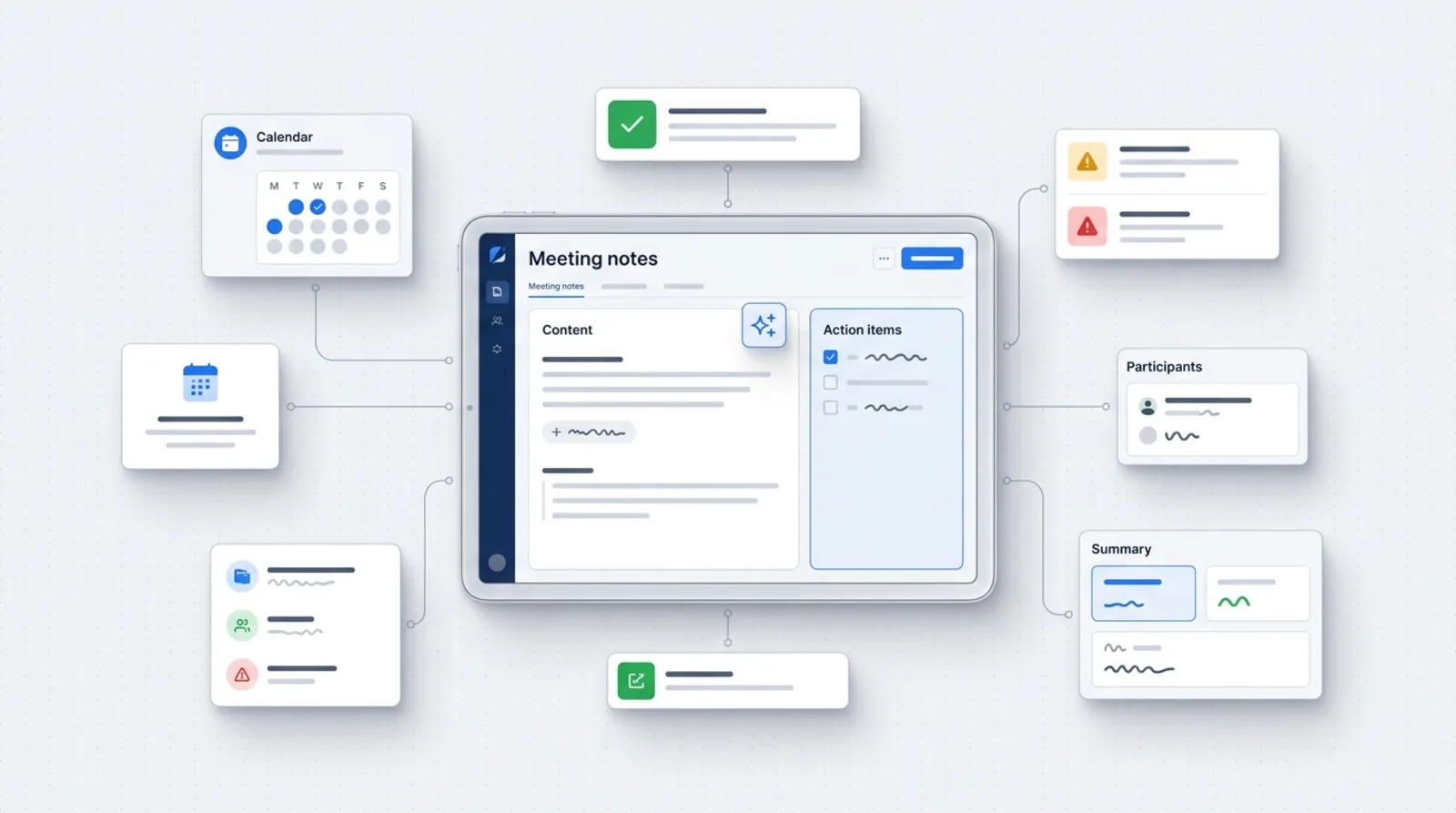
From a transcript or your own jottings, AI will produce a list of agreements, responsible people and deadlines.
From the notes below list: 1) decisions, 2) tasks with the responsible person and a deadline, 3) unanswered questions. Do not add anything. If information is missing, write "no data".
What to watch out for: recording conversations requires the participants to know. Notes from meetings with a customer often contain personal data.
7. Data from invoices and quotes
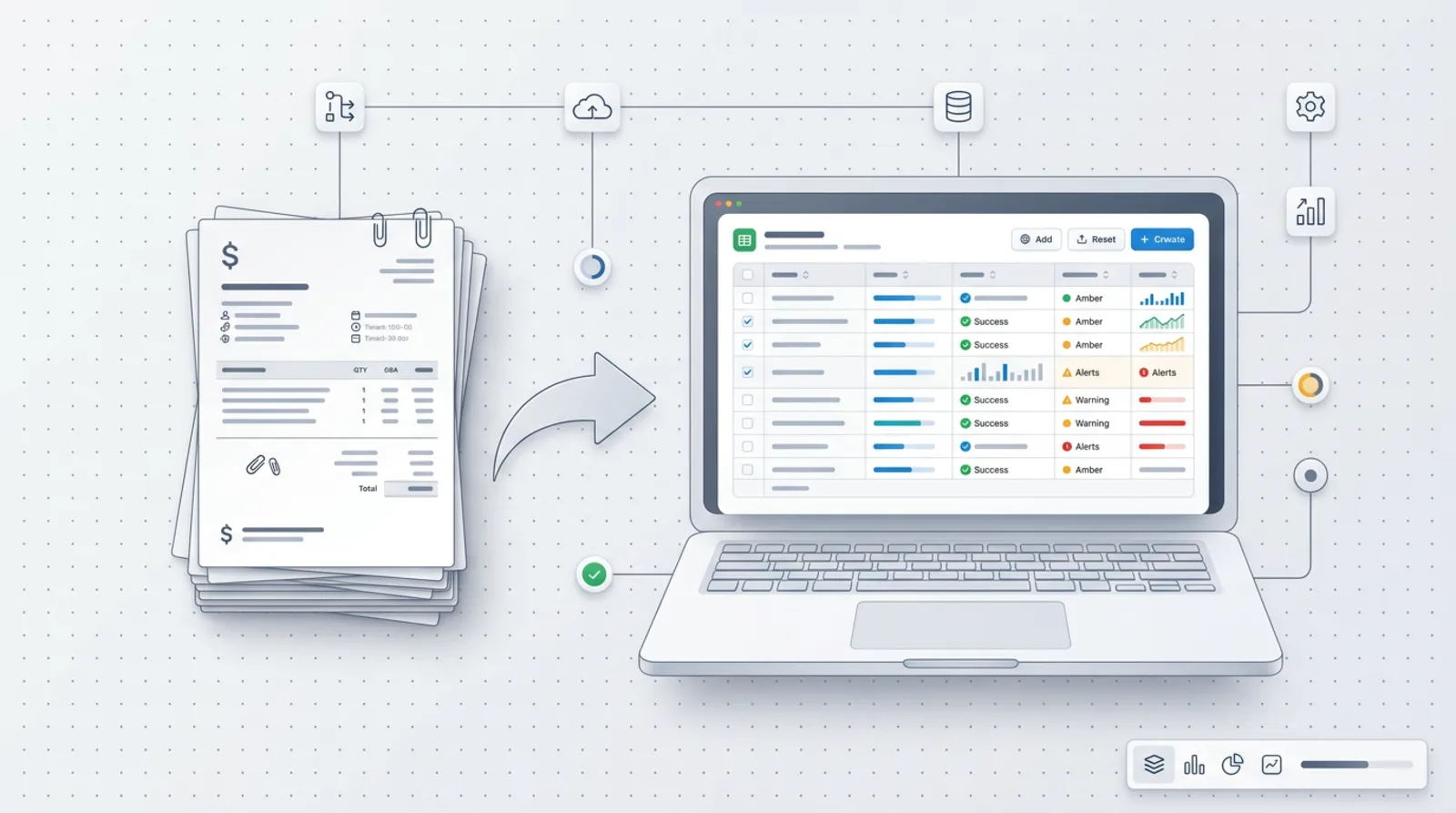
AI can pull a number, dates and amounts out of a document and arrange them in a table. It is useful when sorting out quotes from suppliers.
What to watch out for: always compare amounts and NIP numbers (Polish tax identification numbers) with the original. An accounting document is no place for guessing.
8. Tables and formulas in spreadsheets
Describe in words what the spreadsheet is to calculate, and you will get a ready formula with an explanation. Give the names of the columns and the program you use. Test the formula on three rows for which you know the result.
Sales and knowledge in the company
9. Quotes from a template and analysis of enquiries
Give AI your quote template and the data from the enquiry. You will get a tailored version to review. You can also paste a dozen or so anonymous enquiries and ask it to group them by topic. You will see what customers ask about most often, and that suggests what to add to your website.
What to watch out for: enter prices and terms yourself. The template stays your document; AI only fills it in.
10. Instructions for employees
Write down how you carry out a task and AI will turn it into a step-by-step instruction with a checklist. A new person in the company will find their way around the procedure faster, and you stop explaining the same thing from scratch. Also ask for a list of questions that a beginner might ask. They usually expose gaps in the description.
Table: what AI gives a small business and what the risk is
| Task | Saving | Risk | Does a person check |
|---|---|---|---|
| Replies to emails | a draft in a minute instead of writing from scratch | promises you have not agreed | yes, always before sending |
| Replies to reviews | a calm tone without long deliberation | revealing details of the job | yes |
| Service descriptions | a ready structure to correct | added services that do not exist | yes, every claim |
| Posts | several variants to choose from | generalities, no voice of your own | yes |
| Improving texts | quick proofreading and shortening | changed numbers or names | yes, compare with the original |
| Meeting notes | a ready list of agreements | missed or invented agreements | yes |
| Data from documents | a table instead of retyping | a wrong amount or number | yes, against the original |
| Spreadsheet formulas | a formula with an explanation | an error visible only in the results | yes, test on known data |
| Quotes and enquiries | a filled-in template, tidied enquiries | a wrong price or condition | yes |
| Instructions | a ready draft of the procedure | a missed step | yes, a person who knows the task |
Limits: mistakes, personal data and company secrets
AI makes mistakes and does so in a confident tone. Treat every result as an intern's work: helpful, but to be checked.
From practice: The most trouble comes not from spectacular errors but from small ones. A changed number, an added sentence, a deadline taken from nowhere. That is why with documents and quotes I check the result against the original, not "by eye".
The second limit is data. A rule of caution: do not paste customer data or information that is a company secret into free tools if you have not checked the terms on which they are processed. The Office for Personal Data Protection (UODO), the Polish data protection authority, points out that artificial intelligence uses personal data, processes it and learns from it. You will find materials on this on the authority's website.
The terms differ depending on the provider and the type of account. Anthropic states in its documentation that in commercial products (Team, Enterprise, API) it does not by default use inputs and outputs to train models. Google describes that in the Gemini app some conversations may be reviewed by humans, that activity settings affect whether conversations are used to improve models, and that work accounts may be subject to different rules. Check the policies of other providers, including OpenAI and Microsoft, in their current documentation, because they change over time. For customer data you usually need a business account and a data processing agreement. It is best to consult the person responsible for data protection in your company.
A practical method: anonymise. Instead of "Jan Kowalski, ul. Długa 5" write "customer A". For most of the tasks on the list that is enough.
The EU regulation on artificial intelligence (the AI Act) is coming into force in stages, and some obligations already apply. The European Commission states that the obligation to ensure an adequate level of AI literacy began on 2 February 2025. In practice this means that people who use AI in a company should know how to use it. The specific obligations of your company depend on how you use the tools, so if in doubt ask a lawyer.
Where to start with AI in a small business
Do not roll everything out at once. Choose one task per week and keep to this order:
- Week one: improving your own texts. The smallest risk, the fastest effect.
- Week two: draft replies to emails, with the data anonymised.
- Week three: meeting notes and service descriptions.
- The following weeks: documents, spreadsheets, quotes, instructions.
After each week write down what worked and what needed corrections. From these notes grows a library of proven prompts that the whole company can use.
Agree on shared rules too, even on a single sheet of paper: which tool we use and on which account, which data we do not paste, who checks the result, what never goes out without being read by a person. When some of the tasks start to repeat, they can be automated, which I write about on the page on automation. If you want AI to answer customers on your website, see the post on an AI assistant on your company website.
If you would rather start with someone who knows your industry, I describe this in the AI for business offer. You can also write to me straight away and arrange a workshop or a consultation on introducing AI in your company.
Frequently asked questions
Which AI tool should I use to start?
ChatGPT, Claude, Gemini and Copilot are all suitable for the tasks described. Choose the one whose data terms you accept and which you have in a bundle with other services. It is better to get to know one tool well than to try them all.
Can I paste the text of a customer's email into AI?
First remove personal data, that is, the name, address, phone and numbers. If you have to work on full data, use a business account and check in the provider's documentation whether the data is used to train models.
Do employees need to know that the company uses AI?
Yes, they should know the rules: which tool they use, what they do not paste and who checks the result. The EU AI Act also introduced a requirement to ensure AI competence, so it is worth writing this down.
Will AI replace an office employee?
In the tasks described AI speeds up the work but does not take over responsibility. Someone has to know the customer, check the result and decide. Treat AI as a tool for an employee, not a replacement.
Sources

Author
Piotr Babczyński
I help businesses win customers online: SEO, Google and Meta ads, automation and AI. I work from Szczecin, Poland, and remotely. I write about what I test on real projects.
- 30 years in IT
- SEO and Google Ads
- AI implementation
- #AI
- #small businesses
- #productivity