
In short
- An AI assistant based on the company's knowledge understands questions asked in the customer's own words, unlike a decision-tree chatbot.
- It makes sense with many repetitive questions and contact outside working hours, not with a few enquiries a week.
- It harms when the knowledge base is outdated, the assistant pretends to be human or gives prices and deadlines you do not know.
- Always state that it is AI, give a route to a human and a link to the privacy policy in the chat window.
- Judge the effect by enquiries passed on, questions without an answer and customer feedback, not by the number of conversations.
Table of contents (8)
- An AI assistant versus an old chatbot with a decision tree
- When an AI chatbot on a company website makes sense
- When an AI assistant harms
- How to build a good assistant
- Law and trust: information about AI and data from conversations
- How to measure the effect
- Where to start in your business
- Frequently asked questions
An AI chatbot on a company website can be a great helper, or it can be an expensive ornament that irritates customers. The difference depends on what questions you receive and whether you have material to build the answers from. Below I describe when such a solution makes sense, when it is better to skip it and how to introduce it so that it does not harm your brand.
An AI assistant versus an old chatbot with a decision tree
An AI assistant answers in its own words on the basis of the materials you give it. An old chatbot leads the customer along buttons arranged in advance.
A decision-tree chatbot works like a helpline with a menu: "press 1, press 2". Every question outside the script ends with the sentence "I don't understand". An assistant based on the company's knowledge understands a question asked in the customer's own way, for example "are you open on Saturday morning?", and looks for the answer in your documents: the FAQ, the description of the offer, the terms and conditions.
This brings convenience, but also risk. A decision tree will never say anything you have not written down. An AI assistant can put together a sentence that nobody approved if you do not set it limits. That is why the whole rest of this post is about how to set those limits.
When an AI chatbot on a company website makes sense
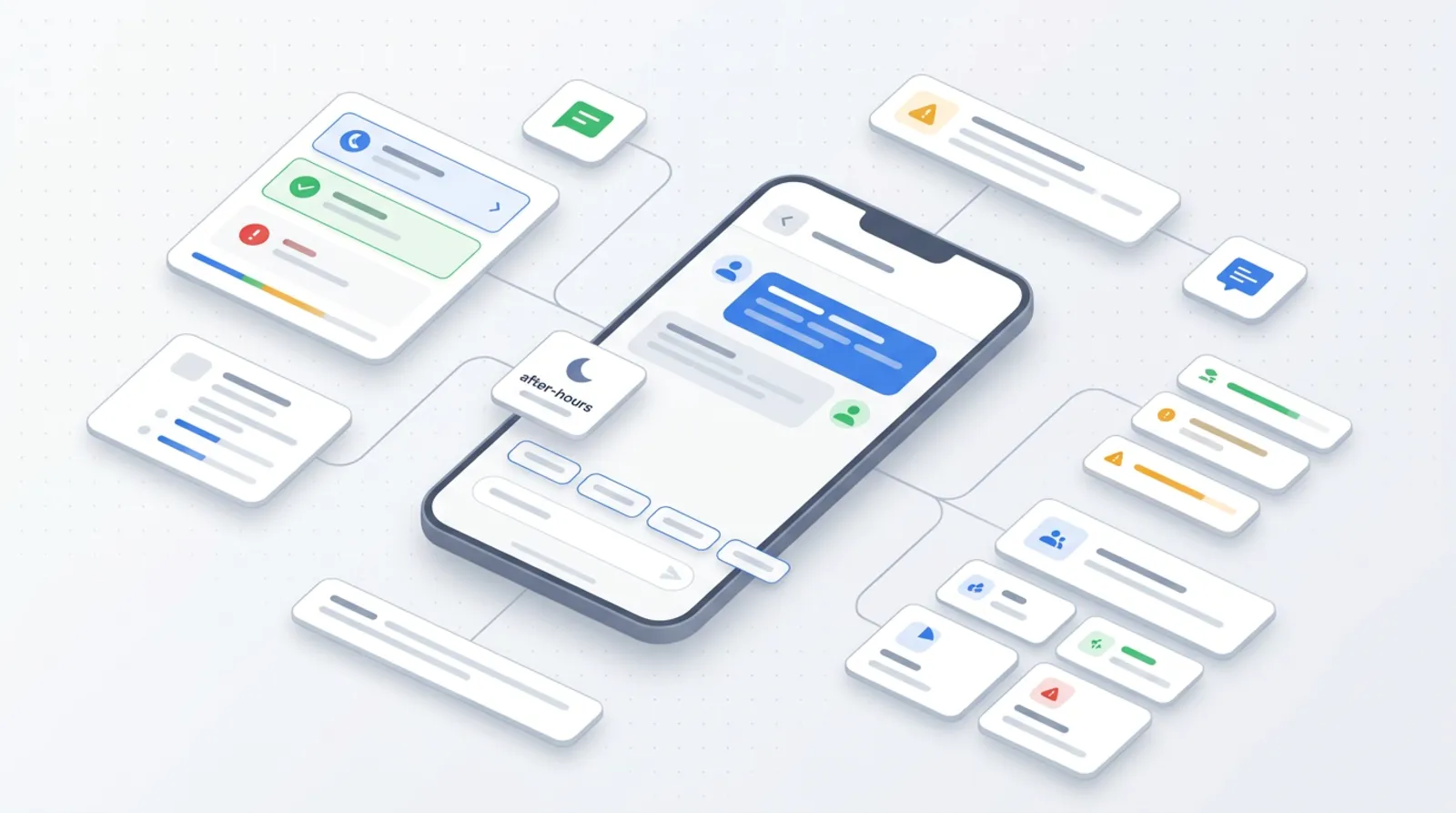
It makes sense when customers regularly ask about the same things and the answers can be written down. The more such questions, the greater the saving of your time.
Typical situations in which I see a real benefit:
- Questions about opening hours, directions, parking, forms of payment.
- General information about the offer and the scope of services, without a binding quote.
- Availability of dates, if the assistant can see the current calendar or refers people to booking.
- A first qualification of the enquiry: the assistant asks about the type of matter, location and date, and you receive an organised message instead of a single sentence "please send me an offer".
- Contact outside working hours, when a customer looks for an answer in the evening and you will reply in the morning.
From practice: Assistants work best in businesses that already answer the same ten questions in emails and on the phone. If you can list them from memory, you have the material for a good knowledge base.
When an AI assistant harms
It harms when it replaces a conversation the customer needs, or says things it should not. A badly set up assistant lowers trust faster than it helps.
The most common reasons:
- Few questions. If only a few people write to you a week, you will answer faster and more cheaply yourself.
- Services that require a conversation. In complicated, sensitive or high-value matters the customer wants to hear a human.
- An outdated knowledge base. The assistant will repeat an old price list, outdated hours or a withdrawn service, and will do so with full confidence.
- Pretending to be human. A name, a photo and "nice to meet you" with no information that it is a program undermine trust outright once the customer realises.
- Inventing prices and deadlines. This is the worst scenario. The customer will cite a sentence that nobody from the company wrote.
Table: situation, sense, reason
| Situation | Does it make sense? | Why |
|---|---|---|
| Many repetitive questions about hours, directions, rules | Yes | The answers are fixed and easy to write down |
| Questions come in the evening and at weekends | Yes | The assistant answers when you are not there |
| First quote enquiries from new customers | Yes | It collects data and organises the matter before your reply |
| A few enquiries a week | Rather not | Introducing and supervising it costs more than it gives |
| The service requires an individual diagnosis or quote | Only to collect data | The final answer must come from a person |
| The offer and prices change often and nobody updates them | No | The assistant will keep repeating outdated information |
| You want the customer to think they are writing to an employee | No | Hiding that it is AI harms trust and may break the rules |
How to build a good assistant
Start with the knowledge base, then set the limits, and finally refine the tone. The order matters, because tone will not repair incorrect information.
Knowledge base
Give the assistant only checked materials: the FAQ, the description of the offer, the terms and conditions, the complaints rules, contact details. Each document should have an owner, that is, a person who updates it. When you change the offer, you change the knowledge base too.
Limits

Write down plainly which topics the assistant does not answer: binding prices, delivery times, legal or medical advice, promises. For such questions it should answer honestly: "I don't know that, please get in touch", and give a phone number or a form. The handover to a human should be visible from the first message, not hidden at the end of the conversation.
Tone
Write the way you speak to customers. Briefly, politely, without artificial enthusiasm. The assistant should introduce itself as an AI assistant, not as "Ania from the office".
Tests on real questions
Collect from emails, messages and phone calls the questions that were really asked. Put them to the assistant before launch. Add tricky questions: about discounts, about a date "for tomorrow", about something you do not offer. Check that the assistant does not make things up.
From practice: After launch, what teaches the most is reading real conversations. The first weeks are usually spent correcting the knowledge base, not the assistant itself.
Law and trust: information about AI and data from conversations
The customer should know straight away that they are talking to a program. This follows from good practice, and in the European Union from the regulations too.
Under Article 50 of the EU regulation on artificial intelligence (the AI Act), systems intended to interact directly with people are to be designed so that people know they are dealing with AI, unless this is obvious from the context. According to the European Commission, Article 50 applies from 2 August 2026, and the information should be given at the latest at the first contact. The obligation formally rests on the provider of the system, but you decide how the assistant looks on your website. So state clearly next to the chat window that it is an AI assistant. Check the details, including the exceptions, in the Commission's guidelines, because the scope of obligations may depend on your company's role.
The second matter is personal data. If a customer in a conversation gives a name, phone number, email address or a description of their situation, that is personal data and GDPR (RODO in Poland) applies. As the controller you should inform who processes it, for what purpose and how long you keep it (Article 13 GDPR). Also make sure that the assistant does not encourage people to give sensitive data and that conversations do not sit in the system for ever. Add a link to the privacy policy directly in the chat window. If you doubt what applies to your company, consult the person responsible for data protection or a lawyer.
How to measure the effect
Measure what says something about the quality of the assistant's work, not the number of conversations. Many conversations can mean either success or that customers cannot find the information on the website.
It is worth tracking:
- How many enquiries the assistant passed to you and whether they were complete. A good handover saves you follow-up questions.
- Questions without an answer. That is a list of gaps in the knowledge base that you can fill in every week.
- Customer feedback. One question at the end is enough: "Did this answer help?".
- Mistakes. Analyse every conversation in which the assistant gave wrong information and fix the source of the error.
Review conversations regularly, every few days at first, less often later. Compare it also with what happens outside the chat: whether fewer people call with the same question, whether the contact form delivers better described matters.
Where to start in your business
Start by counting how many times a month you answer the same questions. If it is a few questions that take real time, an assistant may pay off.
- Write down the ten most frequent customer questions and the answers that you yourself consider good.
- Decide what the assistant must not say and where it should direct the customer.
- Check whether your website has an up-to-date FAQ and a description of the offer. If not, start with that.
- Test the assistant on real questions before customers see it.
- Add the information that it is AI, and a link to the privacy policy.
The wider context, that is, other tasks in which AI helps a small business, I described in the post AI in a small business: 10 tasks. If you want to see what it looks like from the implementation side, look at the AI for business offer. When the assistant is to use a calendar, a price list or an enquiry system, a custom application may also be needed, which I write about in the web applications offer. Want to go through it together? Write to me, and we will check whether an assistant makes sense in your business.
Frequently asked questions
Do I have to tell customers that they are talking to AI?
Yes, it is good practice, and under Article 50 of the AI Act systems that talk to people must disclose that they are AI, unless this is obvious. The European Commission states that the provision applies from 2 August 2026. State it clearly next to the chat window.
Can an AI assistant give prices?
It can give prices that you have written in the knowledge base and update regularly. It should not, however, set binding quotes or invent rates. For individual matters, let it refer people to contact you.
What about personal data given in the conversation?
Data given in the chat is subject to GDPR. Inform who processes it, for what purpose and for how long, and add a link to the privacy policy. If in doubt, consult the person responsible for data protection.
Will an AI assistant replace customer service?
No. It relieves you of repetitive questions, but matters that need a conversation should be passed to a person. Treat it as the first line, not the only one.
How do I check that the assistant works well?
Read real conversations, collect questions without an answer and ask customers for a short rating. On that basis, fill in the knowledge base. The number of conversations alone says little.
Sources

Author
Piotr Babczyński
I help businesses win customers online: SEO, Google and Meta ads, automation and AI. I work from Szczecin, Poland, and remotely. I write about what I test on real projects.
- 30 years in IT
- SEO and Google Ads
- AI implementation
- #AI
- #chatbot
- #company website
- #GDPR