In short
- The safest model is a draft prepared by AI and approved by a human.
- The foundation is a knowledge base: price list, FAQ and rules, which AI should use exclusively.
- Do not automate complaints, legal matters, non-standard quotes or personal data.
- Article 50 of the AI Act applies from 2 August 2026; measure success by first-response time and the share of corrections.
Table of contents (9)
- The model "AI writes a draft, a human approves"
- The company knowledge base: what AI should draw on
- When NOT to automate
- Information duties: the AI Act and transparency
- How to measure whether it works
- What it looks like in practice: an example day
- The most common slip-ups when rolling it out
- Where to start
- Frequently asked questions
AI for customer service makes sense in a small business when it writes a draft reply and a human approves it. That way you save time on repetitive questions, and the risk of a mistake or an embarrassing slip stays with someone who knows the company. You need a knowledge base for it (price list, FAQ, rules), clear limits on what AI never touches, and a simple way to measure response time. The new EU transparency rules also already apply, so it is worth knowing about them.
The model "AI writes a draft, a human approves"
The safest way to start is not an automated system that replies to customers on its own, but an assistant that prepares a proposal. It works like this: an enquiry arrives, AI drafts a reply based on your materials, and you or an employee read it, correct it and send it.
You gain several things:
- a faster first version of the reply,
- a consistent tone no matter who is replying,
- control, because nothing goes out without approval,
- learning, because you see which questions AI answers well and which it does not.
Only when you have been approving drafts almost unchanged for a few weeks for one type of question can you consider more automation of that one type. Everything else stays under supervision.

The company knowledge base: what AI should draw on
AI does not know your company. If it is not given facts, it starts guessing, and in customer service that is the worst thing that can happen. So the first step is not a tool, but organising your knowledge.
| Material | What it contains | Why |
|---|---|---|
| Price list | Current prices and scope of services | No invented prices |
| FAQ | The 15-20 most common questions with ready answers | Consistent replies |
| Rules | Complaints, returns, deadlines, payments | No promises beyond your terms |
| Opening hours and contact | When and how people can reach you | Up-to-date information |
| Tone and examples | 3-5 of your good replies | A style that matches the company |
I describe how to write instructions for AI so that it uses these materials in the guide on how to write prompts. If you are considering an assistant directly on your website, see also an AI assistant on your company website.
From practice: most of the work is not configuring AI, but writing down what the owner carries in their head. After this exercise, companies often notice that they themselves give inconsistent answers to the same question.
When NOT to automate
There are situations where a human should write the reply, and AI can at most help prepare a note:
- complaints and grievances, because empathy and a decision matter,
- legal and contractual matters, where a mistake can be costly,
- non-standard quotes that are not in the price list,
- personal and sensitive data, which should not go into tools without thought (see AI and GDPR in your company),
- an upset customer or one in a difficult situation,
- anything not covered by your knowledge base.
A good practice: state in the instruction that when AI has no answer in the facts, it should write "pass to a human" instead of guessing.
Information duties: the AI Act and transparency
The EU regulation on artificial intelligence (the AI Act) contains transparency rules in Article 50. Under Article 113, they apply from 2 August 2026 (see the text of Article 50), and the European Commission confirms on its page on the AI regulatory framework that the transparency rules start to apply in August 2026. So today they are already in force.
What does Article 50(1) say? AI systems intended to interact directly with natural persons must be designed so that those persons know they are dealing with AI. The exception is where this is obvious to a reasonably well-informed and observant person. This duty rests on the provider of the system, so if you are deploying a chatbot on your website, ask the provider how it has been handled.
What does this mean in practice?
- If a customer talks directly to a bot, make that clear, for example: "I am an AI assistant. If needed, I will pass you to a human."
- If AI only prepares a draft and a human approves and sends the reply, the customer is not talking to an AI system directly. I am not settling the legal nuances here, though, so if in doubt, consult a lawyer.
- Regardless of the AI Act, the GDPR applies if you process customer data.
From practice: even where the law does not require it, one sentence, "this reply was prepared with the help of AI and checked by us", builds trust rather than damaging it. But that is your decision, not an obligation.
How to measure whether it works
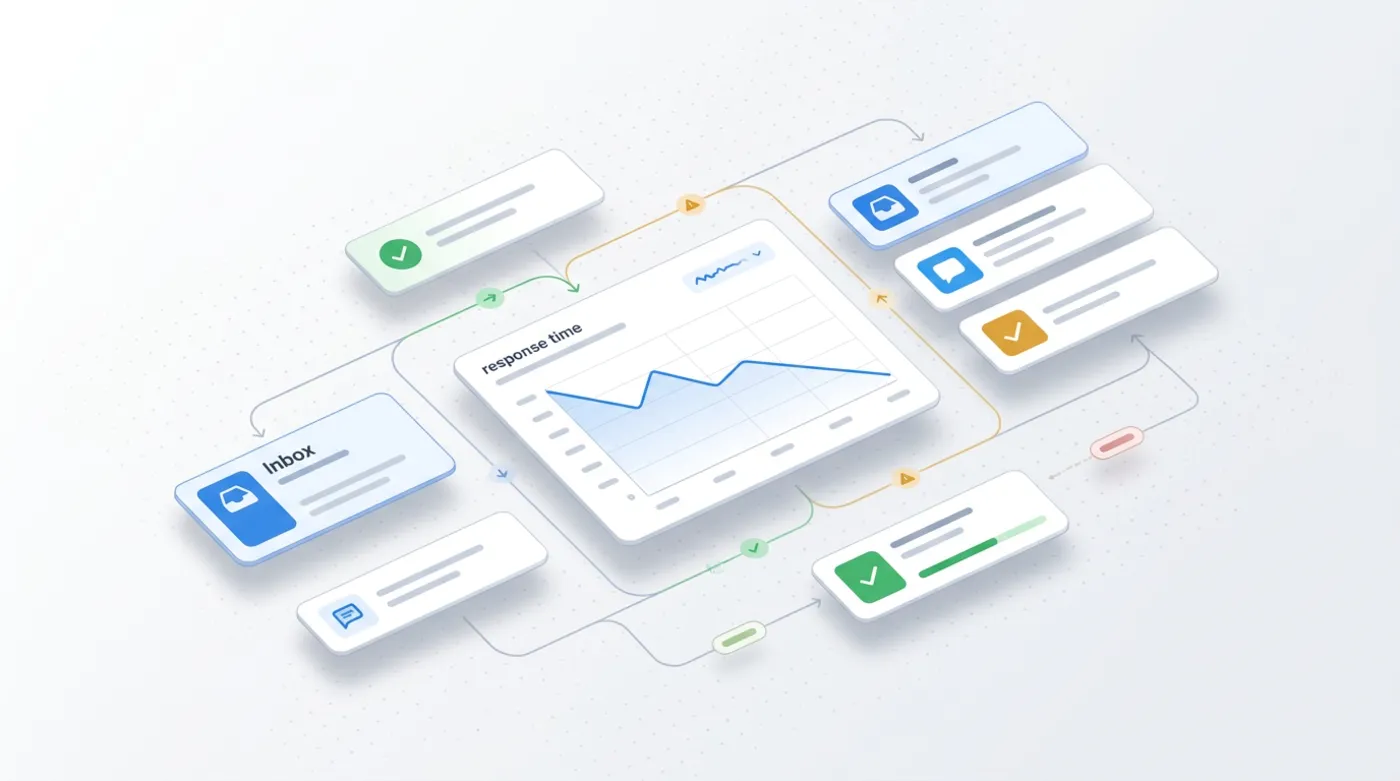
Without measurement you do not know whether AI helps or just adds work. Three simple indicators are enough, which you can collect by hand or from your mailbox and a spreadsheet:
- First-response time before and after the rollout (count it on a sample of, say, 20 enquiries).
- The share of drafts sent unchanged and with corrections. If you keep correcting the same thing, fix the knowledge base or the instruction.
- The number of errors caught during approval, meaning messages that would have gone wrong without your check.
Add a short question to customers asking whether the reply was helpful. I do not promise specific savings, because they depend on the company, but the data after a month will show you whether to go further.
What it looks like in practice: an example day
Imagine a small service office. In the morning a few enquiries arrive: one person asks about the scope of a service, another about a deadline, another whether the company works on Saturdays. An employee pastes each enquiry (without personal data) into a prepared instruction that contains the knowledge base. AI returns a draft. The employee checks the facts, adds the customer's name, corrects one sentence and sends it.
The third enquiry is a complaint. The instruction tells AI not to write a reply, but to mark the case as "pass to a human". The owner replies personally. This division of work is boring, but that is exactly why it works: AI does what is repetitive, and a human does what needs judgement.
The most common slip-ups when rolling it out
- An outdated price list in the knowledge base. AI will give the old prices with full confidence. Decide who updates the document and when.
- Sending without reading. A draft approved "in a hurry" stops being a safeguard. Introduce a rule that every draft gets read.
- Pasting personal data without need. Before you paste an enquiry, remove data that AI does not need.
- Automating too early. If you do not yet know which questions dominate, you have nothing to automate.
- No person in charge. Appoint one person who looks after the knowledge base and the instructions.
Remember that this is a process, not a one-off project. Your offer, prices and rules change, and so does the knowledge base. Once a month, spend a dozen or so minutes reviewing the document and a few recent drafts. That is enough to stop AI from repeating outdated information.
It is also good to set an escalation rule: who takes over when AI flags "pass to a human", and within what time the customer gets a reply. Without it, difficult cases wait the longest, and those are exactly the ones the customer cares about most.
Where to start
- List the 10 most common customer questions from the past month.
- Write the price list, FAQ and rules in one document.
- Prepare an instruction (you will find a template in the guide on prompts) that tells AI to use only the facts from the document.
- For two weeks, approve every draft by hand and measure the time.
- Decide which types of questions stay under strict control and which can be sped up.
- If you are deploying a bot on your website, agree with the provider on how customers are told it is AI.
Want to roll this out in your company without slip-ups? Take a look at the AI for business page or write to me via the contact form. You will find the basics of the topic in the post AI in a small business.
Frequently asked questions
Can AI reply to customers' emails on its own?
Technically yes, but to start with I recommend the model of a draft approved by a human. Only after weeks of observation can you automate narrow, repetitive types of questions.
What do I need for AI to answer truthfully about my company?
A knowledge base: a current price list, FAQ and rules. Plus an instruction that tells it to use only those facts and to pass the case to a human when an answer is missing.
From when do the transparency rules of Article 50 of the AI Act apply?
Under Article 113 of the regulation, Article 50 applies from 2 August 2026. The European Commission confirms that the transparency rules start to apply in August 2026.
Do I have to tell the customer they are talking to a bot?
Article 50(1) requires AI systems that interact directly with people to say so, unless it is obvious. The duty rests on the provider, so ask the provider of your tool about it.
How do I check whether rolling out AI in customer service pays off?
Measure first-response time, the share of drafts sent unchanged and the number of errors caught during approval. Compare the data from before the rollout and after a few weeks.
Sources

Author
Piotr Babczyński
I help businesses win customers online: SEO, Google and Meta ads, automation and AI. I work from Szczecin, Poland, and remotely. I write about what I test on real projects.
- 30 years in IT
- SEO and Google Ads
- AI implementation
- #customer service
- #AI Act
- #emails
- #knowledge base