
In short
- Do not paste customer or employee data, contracts, health data or document numbers into free AI accounts.
- Pseudonymisation does not make data anonymous: the data is still personal if someone holds the key to read it.
- Working with personal data requires a business plan and a data processing agreement (Article 28 of the GDPR).
- A one-page AI policy with a few rules and a clear answer on what to do after a mistake is enough.
- After data has been pasted, assess the risk and record the incident; reporting to UODO has a deadline of 72 hours from becoming aware of the breach.
Table of contents (9)
- AI and GDPR: what counts as personal data
- What not to paste into free tools
- Anonymisation and pseudonymisation
- Table: type of data, pasting, preparation
- A business plan, a processing agreement and settings
- A simple AI policy for your business
- What to do when someone pasted data
- Where to start in your business
- Frequently asked questions
AI and GDPR in a small business is a very practical question: what may you paste into a chat, and what may you not. An employee pastes correspondence with a customer to have it "nicely polished", and nobody stops to think where that content ends up. Below I describe which data calls for caution, how to prepare it and how to write down rules for your team.
This is a practical text, not legal advice. For contracts, training or a suspected breach, it is worth consulting a lawyer or a data protection officer.
AI and GDPR: what counts as personal data
Personal data is any information about an identified or identifiable natural person (Article 4(1) of the GDPR). It also counts if a person can be recognised indirectly, for example by a number, an email address or a combination of several details.
In a small business, personal data therefore includes a customer's name, their phone number, address, an order number linked to a name, a recording of a conversation or a candidate's CV. Even a message without a name can point to a specific person if it describes "the owner of the only salon in a small town".
Special categories of data (Article 9 of the GDPR) are a separate group. Processing them is in principle prohibited, with exceptions. They include:
- health data, including a sick note or information about a customer's illness,
- genetic and biometric data used to identify a person,
- data revealing racial or ethnic origin, political opinions, religious or philosophical beliefs,
- trade union membership,
- data concerning sex life or sexual orientation.
From practice: Most often the problem does not come from ill will. Someone wants to summarise a long correspondence or polish a complaint, and pastes it in whole, together with data that was not needed for the task at all.
What not to paste into free tools
Into free and consumer versions of chats, do not paste anything you would not send by email to a person outside the company without an agreement. Such accounts usually do not have an agreement suited to a business, and the rules on conversation history and model training differ between providers and plans.
The list of things I keep out of such tools:
- customer data: first name, surname, phone, address, order number with a name,
- data of employees and candidates: CVs, appraisals, salaries, sick leave, disciplinary cases,
- contracts and offers with the parties' details and commercial terms,
- medical data and other data under Article 9,
- document numbers: PESEL (Polish national ID number), ID card number, bank account number, NIP (tax identification number) of a natural person,
- trade secrets: calculations, wholesale price lists, source code, passwords and access keys.
The last point is not only about the GDPR. You protect commercial and technical information for your own reasons, whether or not it contains personal data.
Anonymisation and pseudonymisation
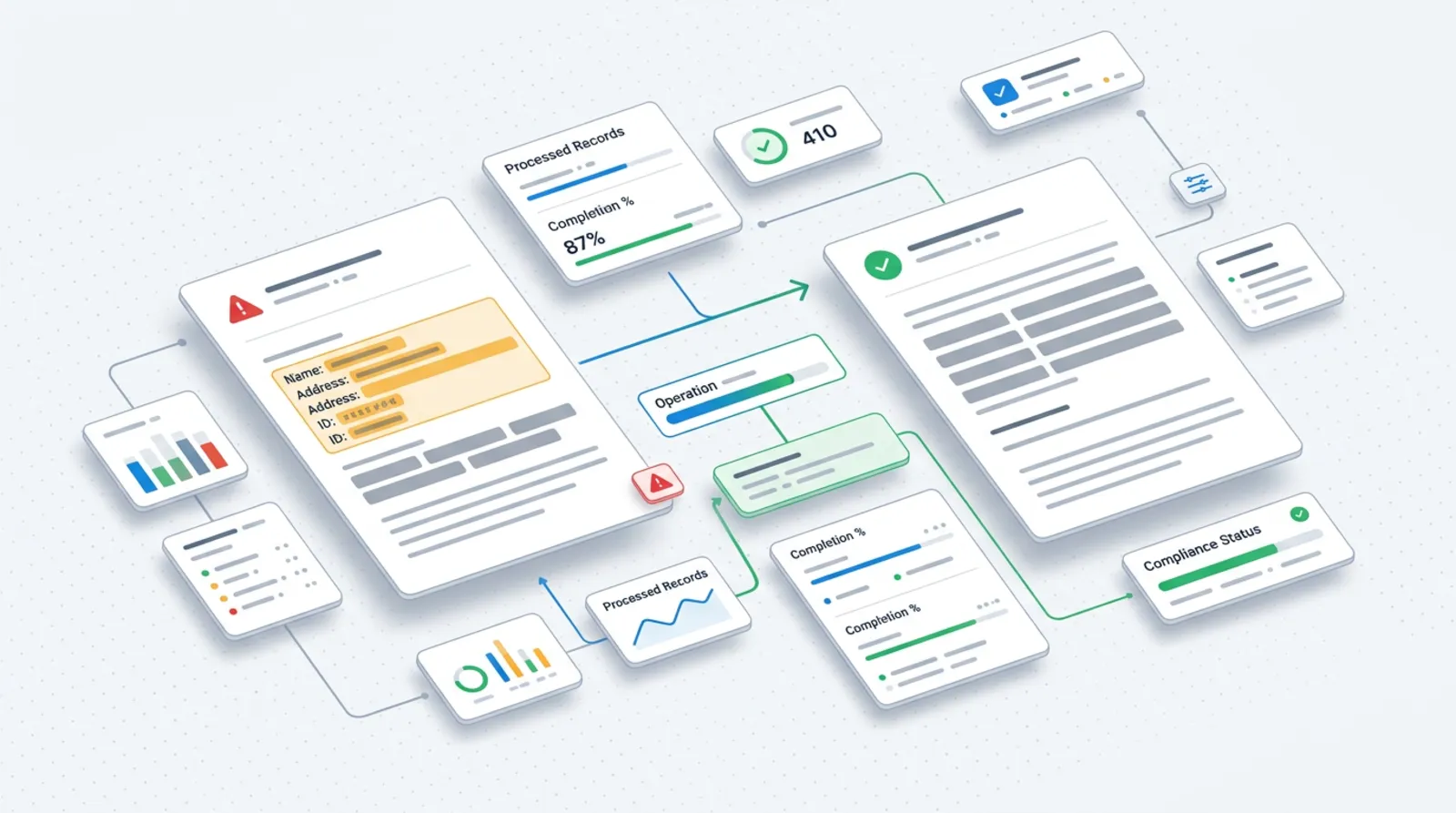
The simplest way to work with AI safely is to give it text in which a person cannot be recognised. These are two different things, and it is worth telling them apart.
Pseudonymisation (Article 4(5) of the GDPR) means processing data so that, without additional information, it cannot be attributed to a specific person. You keep that additional information, for example a table "Customer A = Jan Kowalski", separately and secured. Pseudonymised data is still personal data, because someone holds the key to read it. Anonymisation is a situation in which returning to the person is no longer possible by reasonable means. Achieving it is sometimes harder than it seems, because unusual details can give a person away.
In practice it is enough to replace surnames with labels, remove phone numbers, addresses and numbers, and generalise dates and amounts when they are not needed. Before you paste the text, read it once more through the eyes of a stranger: can you tell from this description who it is about?
Table: type of data, pasting, preparation
The table below is a starting point that you will adapt to your business. The general rule: the more sensitive the data, the stronger the tool and the agreement, or no AI at all.
| Type of data | Can it be pasted into a free chat | How to prepare |
|---|---|---|
| Content without personal data (a service description, a draft post) | Yes | Check there are no names or numbers |
| Correspondence with a customer | After changes | Remove the name, phone, address, order number |
| Employee data, CVs | No | Describe the situation in general terms, without identifying features |
| Contract with a counterparty | No, unless a template | Work on a template or on the clauses alone |
| Health data and other data under Article 9 | No | Do not process in AI without a legal assessment |
| Document numbers, PESEL, bank accounts | No | Remove completely |
| Calculations, code, passwords | No | Keep outside the tool, passwords never |
A business plan, a processing agreement and settings
If the team is to work with personal data, you need a tool on a business plan, with which you have a proper agreement. When a provider processes data on your behalf, this is processor processing, and Article 28 of the GDPR then requires a contract or another legal instrument setting out the rules. The provider should process data only on your documented instructions.
What to check before choosing a plan:
- whether the provider offers a data processing agreement (usually as an addendum to the terms or a "data processing addendum"),
- whether data from the business plan is used to train models, and how to switch that off,
- where the data is processed and whether the provider uses subprocessors,
- how long conversation history is stored and who has access to it.
In many tools you can switch off saving history or using conversations for training. The names and default values of these settings change, so check them in the panel and in the provider's current documentation instead of relying on memory. You will find a comparison of tools in the post ChatGPT, Claude or Gemini in your business.
From practice: Companies often buy a business plan, but the team keeps using private accounts because they are more convenient. The agreement alone achieves nothing if nobody has decided which tool is used for work.
A simple AI policy for your business

A policy does not have to be long. One page that everyone reads works better than a set of regulations nobody opens. Here are six rules you can copy and adapt:
- For work we use only tools approved by the owner, on company accounts.
- Into free and private accounts we do not paste data of customers, employees, contracts or company secrets.
- Before pasting, we remove personal data or replace it with labels.
- Special categories of data, including health data, do not go into AI without the owner's consent and a legal assessment.
- A person checks the output of the AI before it goes to a customer or onto the website.
- Anyone who pasted something not permitted reports it straight away, with no consequences for the report itself.
It is worth adding who in the company may use what: different tools for marketing, different ones for accounting. A good complement is the list of tasks where AI helps without risk, described in the text AI in a small business: 10 tasks. There is also the obligation under Article 4 of the Artificial Intelligence Act (AI Act): companies using AI systems are to ensure the competence of the people who use them. It has applied since 2 February 2025, so a short training of the team on this policy is a good start.
What to do when someone pasted data
First stop and establish the facts. Pasting personal data into the wrong tool may be a personal data breach, but it does not always have to be reported to the supervisory authority.
The next steps:
- Establish exactly what was pasted, when, on which account and whose data it concerns.
- Delete the conversation and check the account settings, including saving history.
- Assess the risk for the people concerned: could they suffer real consequences, for example the disclosure of health data.
- Record the incident and your assessment, even if you decide that a report is not needed.
- If there is a risk to the rights or freedoms of individuals, report the breach to the President of UODO (the Polish data protection authority) without undue delay and, where feasible, within 72 hours of becoming aware of it (Article 33 of the GDPR). With a high risk you must also notify the people whose data it concerns.
UODO describes the details and the form on its page about reporting breaches, linked in the sources. If in doubt, ask a lawyer or a data protection officer, because the deadline runs quickly.
Where to start in your business
Start with an inventory, not with bans. Ask the team which AI tools they already use and for what. The result is sometimes surprising, and without it the policy will be written blind.
A plan for the next two weeks:
- Collect information on who uses what and on which accounts.
- Choose one or two tools on a business plan and check the terms of the processing agreement.
- Write the policy on one page, based on the six rules above.
- Hold a short meeting with the team and show an example of anonymisation.
- Decide who receives reports of mistakes and how a breach is assessed.
If you like, I will help prepare these rules and choose tools for your business. I describe the scope of work in the AI for business offer, and you can send questions through the contact form.
Frequently asked questions
Can I paste the text of a customer's email into ChatGPT?
Only after removing the data by which a person can be recognised, that is the name, phone number, address and numbers. It is best done on a company account with the right settings. If the email concerns health or sensitive matters, do not paste it at all.
Does anonymised data stop being subject to the GDPR?
Yes, but only with genuine anonymisation, when it is impossible to return to the person. Replacing a name with "Customer A" while keeping a table with the key is pseudonymisation, and the data is still personal. Unusual details can also give a person away.
Does a small business need a processing agreement with an AI provider?
If the provider processes personal data on your behalf, Article 28 of the GDPR requires such a contract or another legal instrument. Check the provider's business offer. If in doubt, ask a lawyer.
Can I ban employees from using AI?
You can decide which tools may be used and for what. A ban alone is often ineffective, because people reach for private accounts. It is better to name an approved tool and set clear rules.
Who is responsible when an employee pastes customer data?
The data controller is usually the company, so it is the company that is responsible for ensuring data security. The details depend on the circumstances, so assess the matter with a lawyer.
Sources

Author
Piotr Babczyński
I help businesses win customers online: SEO, Google and Meta ads, automation and AI. I work from Szczecin, Poland, and remotely. I write about what I test on real projects.
- 30 years in IT
- SEO and Google Ads
- AI implementation
- #GDPR
- #AI
- #data security