
In short
- There is no single best AI tool for every company, and models change every few months.
- The ecosystem often decides convenience: Gemini with Google Workspace, Copilot with Microsoft 365.
- Enter company data only into business plans, and check the provider's statements on training models.
- Choose through a week of testing on 3–5 of your own tasks, not on the basis of reviews.
- Start with one tool, not four.
Table of contents (8)
I hear the question "ChatGPT or Claude or Gemini" from business owners more and more often, usually right after someone on the team started using one of them privately. There is no single best tool for every company. They differ in ecosystem, strengths and data rules. This post will help you pick one tool to test, rather than four at once.
Can you name one best tool?
No, and it is not worth looking for one. Each of these tools changes every few months: new models, features and plans appear. A ranking from half a year ago is worth little today.
That is why I do not compare model versions here. I describe the typical strengths and what each tool is plugged into. The ecosystem changes more slowly than the model, and it is usually what decides how convenient a tool is in a company.
The four tools people ask about most often:
- ChatGPT (OpenAI): very popular, lots of integrations and add-ons, and many employees already know it from home.
- Claude (Anthropic): a popular choice for long documents, writing and text analysis.
- Gemini (Google): works in Gmail, Docs, Sheets and Drive if the company uses Google Workspace.
- Microsoft Copilot: works in the Microsoft 365 suite, that is Word, Excel, Outlook and Teams.
ChatGPT, Claude or Gemini: strengths and ecosystem
In short: ChatGPT wins on popularity, Claude on working with text, Gemini and Copilot on sitting inside the office suite. It is a simplification, but a good starting point.
ChatGPT has the largest user base, so it is easy to find instructions, templates and help from friends. It offers many integrations with other services. For a team that is just starting, this is a big plus.
Claude is often recommended for working with long materials: contracts, terms and conditions, reports, meeting notes. Many users also like the style of its answers when writing and editing. Anthropic offers a Team plan for groups, and on the provider's website one of the plan's features is a statement that models are not trained on your content by default.
Gemini makes sense above all when your company is on Google Workspace. Google describes Gemini as built into Workspace apps, including Gmail, Docs, Sheets and Drive. It also states that company data is not used to train models or for advertising.
Microsoft Copilot is for companies that work in Microsoft 365. According to Microsoft's documentation, it works on content the user has permission to access, and prompts, responses and data from Microsoft Graph are not used to train foundation models.
As for OpenAI's business plans: I could not open the provider's official pages while preparing this post, so I give no specifics here about ChatGPT's plans and data. Check them directly on OpenAI's website before you let company data in.
From practice: In the companies I know, the "intelligence" of the model rarely decides the choice. More often what decides is whether the tool is where people already work: in email, in the spreadsheet, in documents.
Which tool for which task
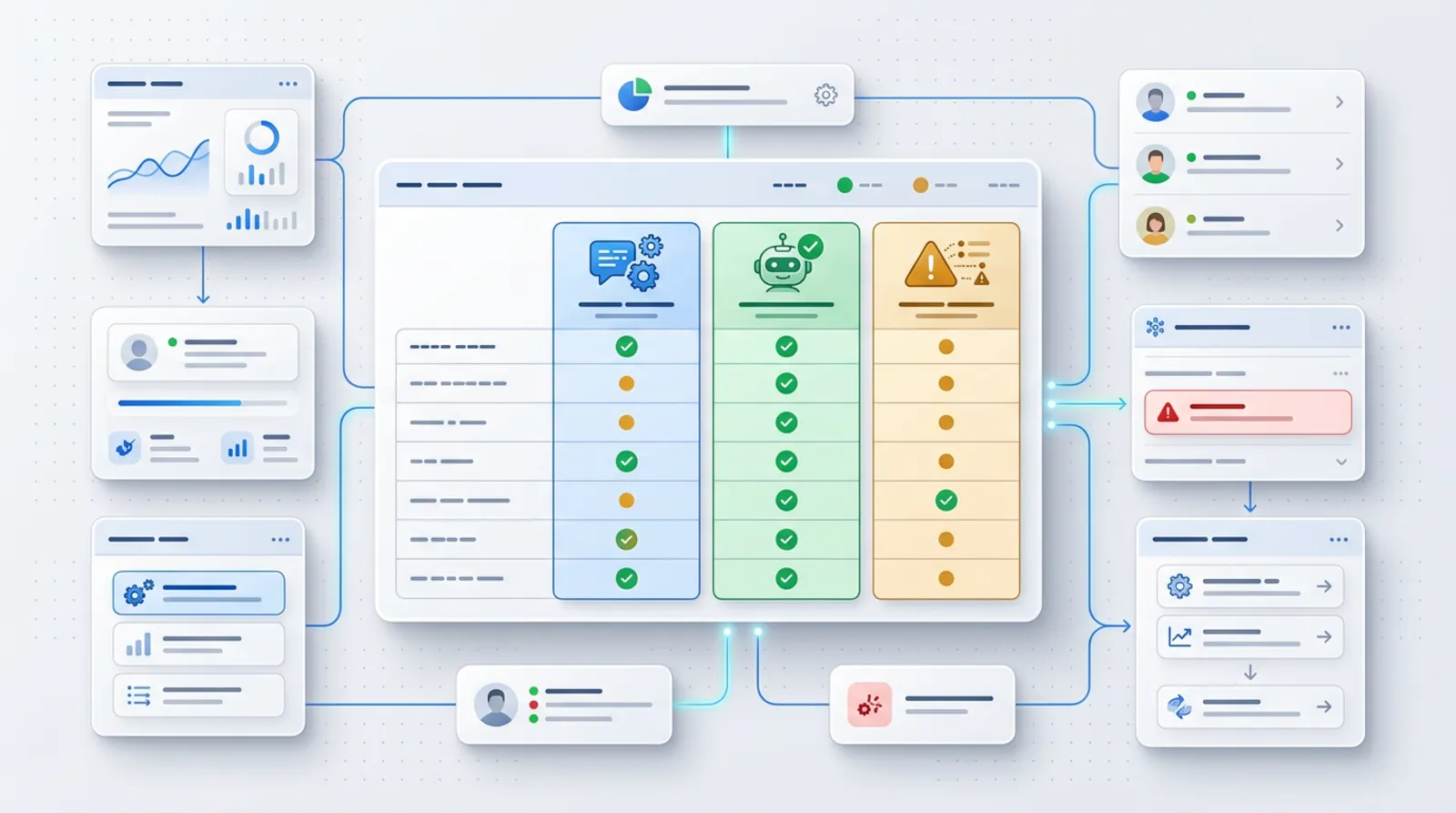
The table below reflects my observations from working with companies, not test results. The same model can impress you one time and disappoint you the next, so treat it as a list of candidates to check yourself.
| Task | What is worth testing | Notes |
|---|---|---|
| Emails and replies to customers | Gemini (Gmail) or Copilot (Outlook), possibly Claude or ChatGPT | Convenience depends on where you read your mail. A tool in the inbox saves copying. |
| Long documents (contracts, reports, terms and conditions) | Claude, ChatGPT | Check on your own document whether the summary leaves out important provisions. Always verify the results. |
| Spreadsheets and summaries | Gemini (Sheets) or Copilot (Excel), ChatGPT | Check formulas and conclusions by hand on a few rows. |
| Work inside the office suite | Gemini with Google Workspace, Copilot with Microsoft 365 | The advantage here is integration, not the model itself. |
| Working with files (PDF, photos, tables) | ChatGPT, Claude, Gemini | Differences can be large. Upload the same 2–3 files to each and compare. |
| Polish language, texts for customers | All four, on your own examples | Each handles Polish, but style and mistakes differ between tools and versions. |
Note that no row has a single answer. That is deliberate: the result depends on your documents and your way of working.
Business plans and data: what to check before rollout
Enter company data only into plans that have clear rules on the use of data. On private accounts the rules can be different and need to be checked in the settings, which is why employees should not paste contracts or customer data there.
Three of the four providers have written statements that I checked on their official websites: with the Team plan, Anthropic does not train models on your content by default, Google states for Workspace that models are not trained on company data, and Microsoft states the same for prompts and responses in Copilot.
Such statements do not replace your own judgement. Before the team starts working, go through this list:
- Is it a business (team) plan, rather than a private account?
- What does the provider say about training models on your data?
- Who in the company manages the accounts and can switch them off when someone leaves?
- Do you have a data processing agreement, if you enter personal data?
- Do employees know what must not be pasted in?
I described the details on personal data in a separate post: AI and GDPR in your business.
From practice: The biggest risk is not in the tool itself, but in someone pasting customer data into a private account because there is no company one. A good plan and one simple rule are often enough.
How to choose: a test on your own tasks

It is best to choose through a week of testing on your own tasks, not on the basis of reviews. Take 3–5 tasks that repeat every week in your company, for example replying to a typical enquiry, summarising a document, describing a service or a summary from a spreadsheet.
For a week, give each task to two tools and compare the results. It matters that the same person judges them, against the same criteria.
The criteria I recommend:
- Quality in Polish: does the text sound natural and error-free, or does it need rewriting.
- Integration with what you already use: email, calendar, documents, spreadsheets.
- Data rules: a business plan, the provider's statements, the ability to manage accounts.
- Convenience for the team: will people reach for it on their own, or do they have to be forced.
- Cost at team scale: check the provider's current price list, because it changes often.
You will find example tasks to start with in the post AI in a small business: 10 tasks.
One tool to start with, not four
Start with one tool. Four subscriptions and four ways of working are chaos in which nobody learns anything well.
If your company is on Google Workspace, Gemini is the natural candidate. If on Microsoft 365, then Copilot. If you work across many different tools or mainly on documents and texts, test ChatGPT and Claude as standalone solutions. In a few months you may change your mind, and that will not be a failure, just a normal correction.
You do not need a big project to swap a tool. You need a few written-down tasks and rules, so that moving your habits over is simple.
Where to start in your business
Start by choosing one tool and one week of testing. The rest can be refined along the way.
- Write down 3–5 repetitive tasks that eat up time.
- Check which office suite you already work in (Google Workspace or Microsoft 365).
- Pick two tools to test, including the one built into your suite.
- Check on the provider's website what the business plan looks like and what applies to data.
- Set one rule: what we do not paste into any AI tool.
- After a week, compare the results against the criteria from the previous section and choose one.
If you like, I will help you choose the tool and roll it out in your team: from a test on your tasks to rules for working with data. I described this in the AI for business offer, and if you prefer to talk straight away, write to me through contact.
Frequently asked questions
Can I paste customer data into ChatGPT or Claude?
Not on a private account. Enter customers' personal data only in a business plan with clear data rules and, if necessary, with a data processing agreement. Always check the provider's terms first.
Is it worth paying for a team plan?
Usually yes, if the team will use the tool daily and enter company data into it. Team plans give you account management and clearer data rules. Check current prices with the provider.
Can I use two tools at once?
You can, but at the start I advise against it. Two tools make sense in a one-week comparison test. After that, pick one so the team builds shared habits.
Do AI tools handle Polish well?
All four write in Polish, but the quality of style and correctness differ between tools and versions. Check it on your own texts, for example a reply to a customer, and judge how much needs correcting.
What if my company uses neither Google Workspace nor Microsoft 365?
Then integration with a suite is not a criterion. Test ChatGPT and Claude as standalone tools on your own tasks and judge the quality in Polish and convenience for the team.
Sources

Author
Piotr Babczyński
I help businesses win customers online: SEO, Google and Meta ads, automation and AI. I work from Szczecin, Poland, and remotely. I write about what I test on real projects.
- 30 years in IT
- SEO and Google Ads
- AI implementation
- #AI
- #ChatGPT
- #Claude
- #Gemini