In short
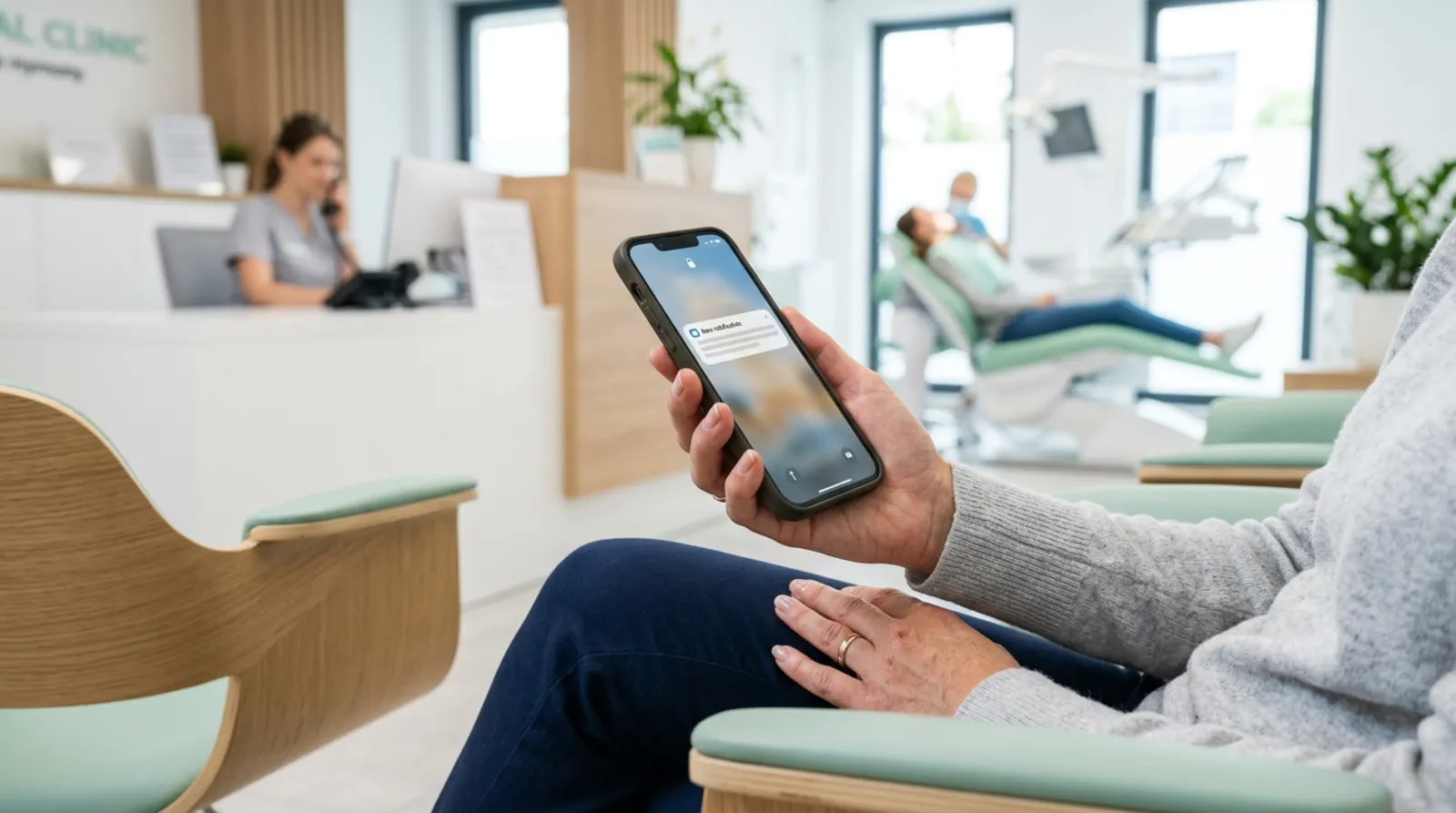
- The system sends a reminder before the appointment, and the client confirms or cancels with one click on a link.
- It is best to combine channels: an email with a calendar invitation after booking, and an SMS as a short reminder before the appointment.
- A reminder of a scheduled appointment is something different from an offer. Commercial information requires consent, so don't add advertising to reminders.
- The whole thing rests on one source of data: the booking form saves the appointment in the calendar, and the calendar triggers the reminders.
Table of contents (7)
Automatic SMS appointment reminders are the simplest way to cut down on client no-shows without sitting by the phone. The system sends a message before the appointment on its own, and the client confirms or cancels with one click. The freed slot goes back into the calendar and you can fill it. I don't promise a specific drop in no-shows, because it depends on the industry and the clients, but the mechanism is simple and works in clinics, salons, workshops and offices. Below I describe how to put it together and what to take care of regarding consent.
Why a reminder phone call doesn't work
Calling every client the day before their appointment takes time you could spend working. The client often doesn't pick up, and you are left not knowing whether they will come. On top of that you have to remember whom you have already called. It is a classic example of a task that a person does out of necessity and a machine will do without error.
An automatic system has three advantages. It doesn't forget, it sends the same way at any hour, and it leaves a trail: you see who confirmed, who cancelled and who didn't respond. I wrote about such repetitive tasks at greater length in the post processes to automate in your business.
From practice: The businesses that gain the most are those where one person does everything: takes bookings, serves clients and schedules. Every no-show then means a really empty hour that nobody will pay for.
SMS, email or calendar: which channel to choose
You don't have to choose just one. Each has a different role.
| Channel | Strength | Weakness | What for |
|---|---|---|---|
| SMS | The client sees it straight away | Paid, short content | A reminder the day before and a confirmation |
| Longer content, directions, preparing for the appointment | Easy to overlook | A booking confirmation and details | |
| Calendar invitation | Lands in the client's calendar, reminds on its own | Not everyone uses it | Extra certainty for longer appointments |
What I most often suggest is a set: an email with a confirmation straight after booking (with a calendar invitation), and an SMS as a short reminder before the appointment. The calendar takes care of the rest on the client's side, and the SMS catches those who don't look at their email.
When to send reminders
One rule is universal: the message should arrive early enough that the client can still cancel and you can still fill the slot. The remaining settings depend on the service.
- For a booking made well in advance, a confirmation straight away and a reminder a few days before work well.
- The day before the appointment is the standard moment for a short reminder with a request to confirm.
- A few hours before makes sense for services where clients are late or forget about them, but it leaves no time to fill the slot.
As an example: the NFZ (Poland's National Health Fund) sends reminder text messages four days before an appointment with a specialist, and the message gives the date, the type of service and a phone number for cancelling the appointment. This is from the NFZ announcement about reminder text messages, and it is not a pattern for every industry, but it shows well what should go into the message.
Confirming and cancelling with one click
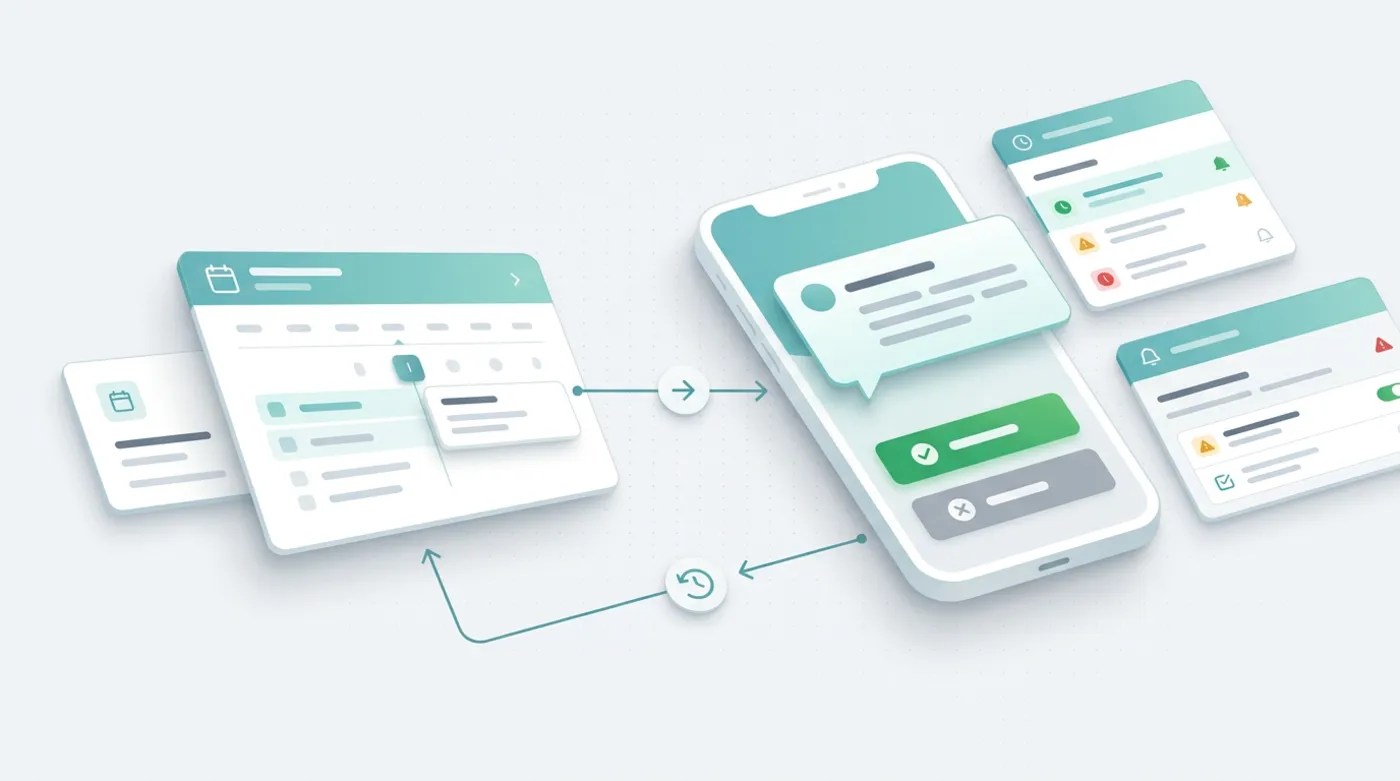
This is the part that makes the difference. A reminder alone informs, while a button changes the client's behaviour. You put two links in the message: I confirm and I cancel or reschedule.
How it works on the system's side:
- The booking goes into the calendar (this is your source of truth about appointments).
- The automation sends a reminder with individual links.
- A click on "I confirm" marks the appointment as confirmed.
- A click on "I cancel" frees the slot in the calendar and sends you a notification.
- No response means it is worth letting your staff know, e.g. with a short phone call only to those people.
This way you call a few people, not everyone. When someone cancels, you can immediately show the client other free slots. You can also send the freed slot to a waiting list. A booking form is connected to a calendar and a customer database in the same way, which I described in the post an automatic contact form with a CRM.
Integration with the calendar and the booking form
The whole thing rests on one source of data. The booking form on the website saves the appointment in the calendar, and the calendar triggers the reminders. If the client changes the appointment, the reminder moves with it. If they cancel, the message won't be sent. Without this it is easy to end up with a client receiving a reminder for an appointment that no longer exists.
Consent and the GDPR: a reminder is not an advertisement
This is the place where small businesses most often go wrong in both directions: they either block everything or send too much. I am not a lawyer, so treat this as a way of organising your thinking, and settle the details with a lawyer or a data protection officer.
Article 10 of the Polish Act on the Provision of Services by Electronic Means prohibits sending unsolicited commercial information to a natural person by means of electronic communication. Information is considered solicited if the recipient has consented to receiving it. The full text is in the consolidated text of the act. Commercial information is information intended directly or indirectly to promote goods, services or the image of a business. UKE (Poland's Office of Electronic Communications) points out that an SMS to a mobile phone is such a means of electronic communication, so the same rules cover text messages and emails (UKE announcement).
A practical division follows from this:
- A reminder of a scheduled appointment, a confirmation, a cancellation, a change of date. This is communication connected with a service that the client asked for themselves.
- An offer, a discount, a promotion, an invitation to a special event. This is already promotion, so you need marketing consent.
For clarity: this division can be seen in the code of conduct for the healthcare sector, issued under Article 40 of the GDPR and published on the website of UODO (Poland's data protection authority). It indicates that a reminder of an appointment, and the confirmation and cancellation of a visit, fall within the coordination of services, while a text message or email with a discount code will be a marketing action (code of conduct for the healthcare sector). It is an industry document for medical facilities, but the logic of the distinction is clear for other services as well. Don't carry it over one to one to your industry without a consultation, though.
From practice: The biggest mistake is a note in a reminder like "and by the way, only until Friday 20% off your next service". One sentence of advertising changes the nature of the whole message. I keep reminders clean and send promotions separately, to people who have consented.
How to collect consent in a booking form
For a booking form, take care of three things:
- A phone number field and a short explanation that it is used for an appointment reminder.
- A separate, unticked-by-default field for marketing consent, if you want to send offers. Don't combine it with the terms and conditions.
- A link to information on data processing (the information notice) and a simple way to opt out.
You'll find more about data in automation tools in the post on AI and the GDPR in your business. If your SMS provider processes your clients' data, check the data processing agreement.
Where to start in your business
- Write down how many appointments a week clients cancel or miss. Without numbers from your own business you can't judge whether automation pays off.
- Decide which messages are service reminders and which are marketing. Settle this with a lawyer or a data protection officer.
- Check whether your booking system has built-in reminders, or whether it can be connected to an SMS gateway.
- Write a short reminder text: date, time, address, two links. No advertising.
- Test it on a few appointments of your own and your friends before you switch the whole thing on.
If you like, I can connect your calendar, booking form and reminder sending into a single flow. See automation for small businesses or write through the contact form.
Frequently asked questions
Do I need the client's consent for an SMS appointment reminder?
The consent rules in the Act on the Provision of Services by Electronic Means apply to commercial information, that is, the promotion of services. A reminder of a scheduled appointment is something different, and in its code of conduct for the health sector UODO describes it as part of the coordination of services. Settle the details for your industry with a lawyer or a data protection officer.
Can I add a promotion to a reminder?
Better not to. An advertising note can turn the message into commercial information, which requires the recipient's consent. Send promotions separately, to people who have given marketing consent.
When is the best time to send a reminder?
Early enough that the client can still cancel and you can fill the slot. A reminder the day before the appointment often works well, and for bookings made well in advance, an extra one a few days before. Adapt it to your service.
Is an SMS the same means of communication as an email in the eyes of the law?
UKE points out that sending a message to a mobile phone is a means of electronic communication, so the same rules on commercial information cover text messages and emails.
Can I promise myself a specific drop in no-shows?
No. The effect depends on the industry and the clients. That is why it is worth measuring no-shows before and after the rollout, on your own data.
Sources

Author
Piotr Babczyński
I help businesses win customers online: SEO, Google and Meta ads, automation and AI. I work from Szczecin, Poland, and remotely. I write about what I test on real projects.
- 30 years in IT
- SEO and Google Ads
- AI implementation
- #SMS
- #bookings
- #GDPR
- #automation