
In short
- Zapier charges for tasks, Make for credits, and n8n in the cloud for executions of the whole workflow, so the same process costs different amounts.
- No-code wins on speed of getting started and on changes without a programmer.
- Custom code makes sense for a stable, costly or sensitive process.
- Hidden costs are maintenance, API changes at vendors and plan limits.
- Start with a no-code prototype and rewrite the process only once it is stable.
Table of contents (8)
The question "Make or Zapier" usually comes up when someone wants a form, invoices or a CRM to stop requiring data to be retyped by hand. There is also a third way: a custom integration written in code. Below I compare these approaches in terms of cost, limitations and risk, so you can choose a tool for your process, not for fashion.
How no-code platforms differ from a custom integration
A no-code platform connects apps in the browser, without programming: you choose a trigger event and the following steps, and ready-made connections to popular services are available straight away. A custom integration is code that calls the APIs of your systems, usually on a server or in a server function.
Zapier and Make are cloud services for which you pay a subscription that depends on usage. n8n works differently: according to the official pricing page, it is available as a cloud maintained by the vendor, and also as an installation on your own server (a free Community Edition and paid plans). With self-hosting, however, you are responsible for the server, updates and backups.
Custom code has no ready-made connectors. In return, it does exactly what you design, and does not depend on an intermediary's price list. In exchange you pay up front for the design and build, and after launch somebody has to look after it.
In practice, most small businesses start with a no-code tool, because it lets you test an idea without a big investment. Custom code appears later, when the process has already been proven.
How Zapier, Make and n8n charge
Each tool measures usage differently, so the same process can cost different amounts. That is why, before choosing, count how many steps your scenario has and how many times a day it runs.
- Zapier charges for tasks. According to Zapier's help, a task is every successful action, while the trigger itself, filters and steps such as Formatter do not use tasks. A Zap with a trigger and two actions therefore uses two tasks per run.
- Make charges for credits. According to Make's current website, the billing unit is credits, and each action performed by a scenario uses a certain number of them. Previously people spoke of operations, so older guides may use a different name.
- n8n charges in the cloud for workflow executions. One execution is one run of the whole flow, regardless of the number of steps.
Zapier and Make have free plans with a small limit, which are enough for testing. Always check current limits and prices on the vendors' websites, because they change more often than this post.
Make or Zapier and custom code: a comparison
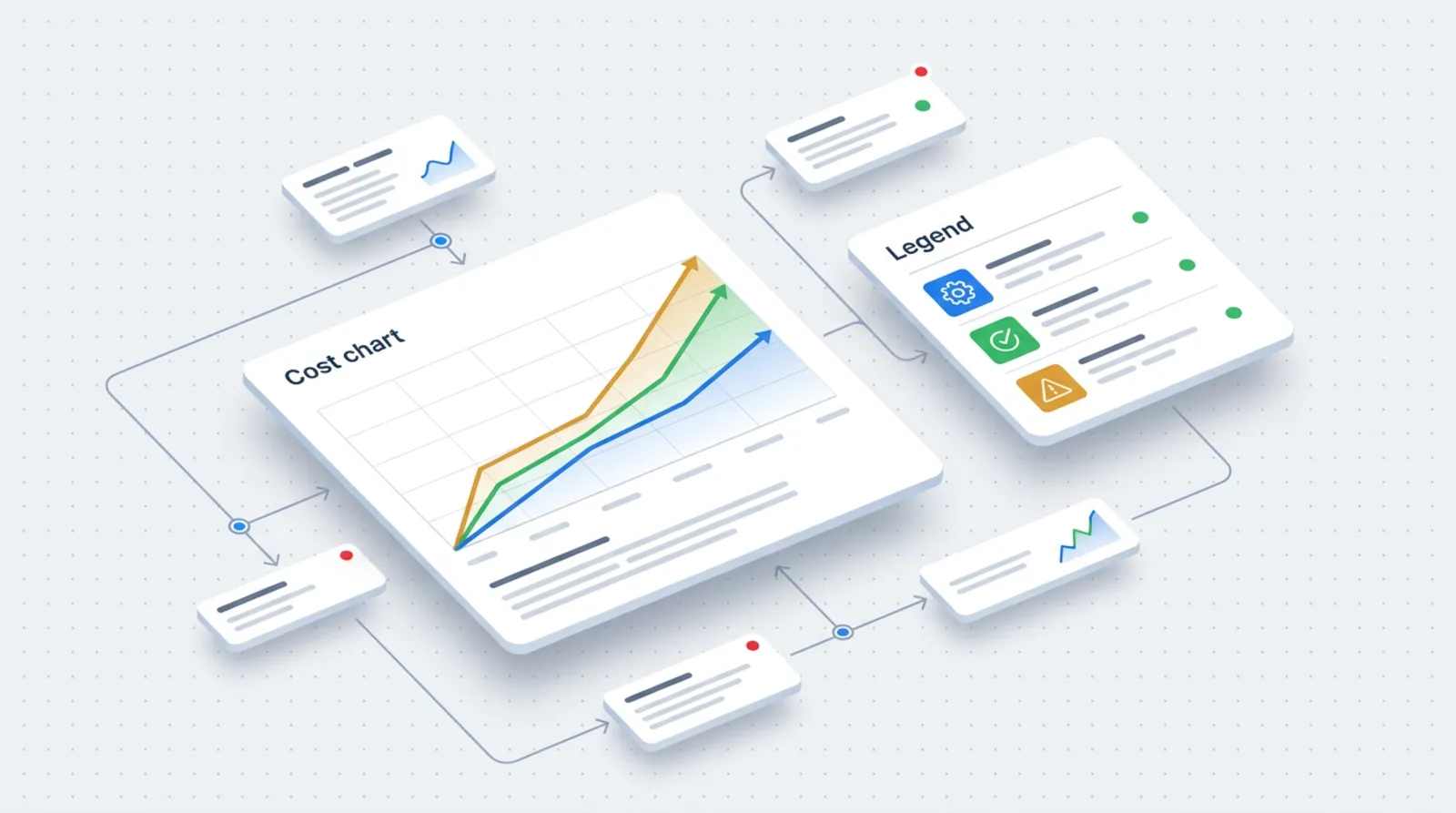
The table below shows the differences that decide the choice in practice. The ratings are descriptive, because actual costs depend on volume and the number of steps.
| Criterion | Zapier | Make | Custom integration |
|---|---|---|---|
| Speed of getting started | Very fast, simple editor | Fast, more options to set up | Slowest, it has to be designed and written |
| Cost at low volume | Low, sometimes free | Low, sometimes free | Usually the highest (cost of building) |
| Cost at high volume | Grows with the number of tasks | Grows with the number of credits | Stable, depends mainly on the server |
| Flexibility | Limited to the available connectors | Greater, rich scenario logic | Full |
| Maintenance | Infrastructure on the vendor's side, you watch the scenarios | As beside | On your side or the contractor's |
| Dependence on the vendor | High | High | Low |
| Data and GDPR | Data on servers in the USA, a processing agreement available | EU data regions to choose from, with caveats | Depends on the hosting you choose |
| Who will change it in the company | A non-technical person | A somewhat technical person | A programmer |
Data and GDPR: where customer information goes
If the automation moves names, emails and the content of enquiries, you are the controller of that data and the platform is the processor. So you need a processing agreement and to know where the data is processed.
Zapier states that it hosts data on AWS servers in the United States, has its own processing agreement with standard contractual clauses and an EU-US Data Privacy Framework certificate. Make lets you choose an EU data region (EU1 or EU2), but the vendor's help notes that choosing a region does not guarantee processing exclusively in the EU: some features, especially those related to AI models, may send data outside it. With n8n on your own server, you decide on the location of the data yourself.
From practice: Before you choose a tool, write down what data passes through the automation. It often turns out that for a simple notification an enquiry number is enough, not the whole content of the message.
When sensitive data is involved, or a customer has requirements about location, a custom integration on a server in the EU is sometimes the simplest answer.
When to choose what
The choice depends on how often the process changes and how many times a day it runs. The scenarios below cover most of the situations I see in small businesses.
- A simple process, a few runs a day, many changes. Zapier or Make. Example: a new enquiry from the website goes to a spreadsheet and to your phone. I describe a similar set-up in the text about a form that creates a CRM task by itself.
- Complex logic: conditions, loops, several systems. Make or n8n. A visual scenario editor copes with branching better than a linear sequence of steps.
- A requirement on data location, or your own infrastructure. n8n on your own server, or custom code.
- High volume, a stable process, critical for revenue. A custom integration. The cost of building pays back when usage fees grow from month to month.
- A non-standard system without a ready-made connector. Custom code, provided the system has any API at all.
If you do not know which processes are worth automating in the first place, start with the list in the post 7 processes to automate in your business.
Hidden costs and limitations
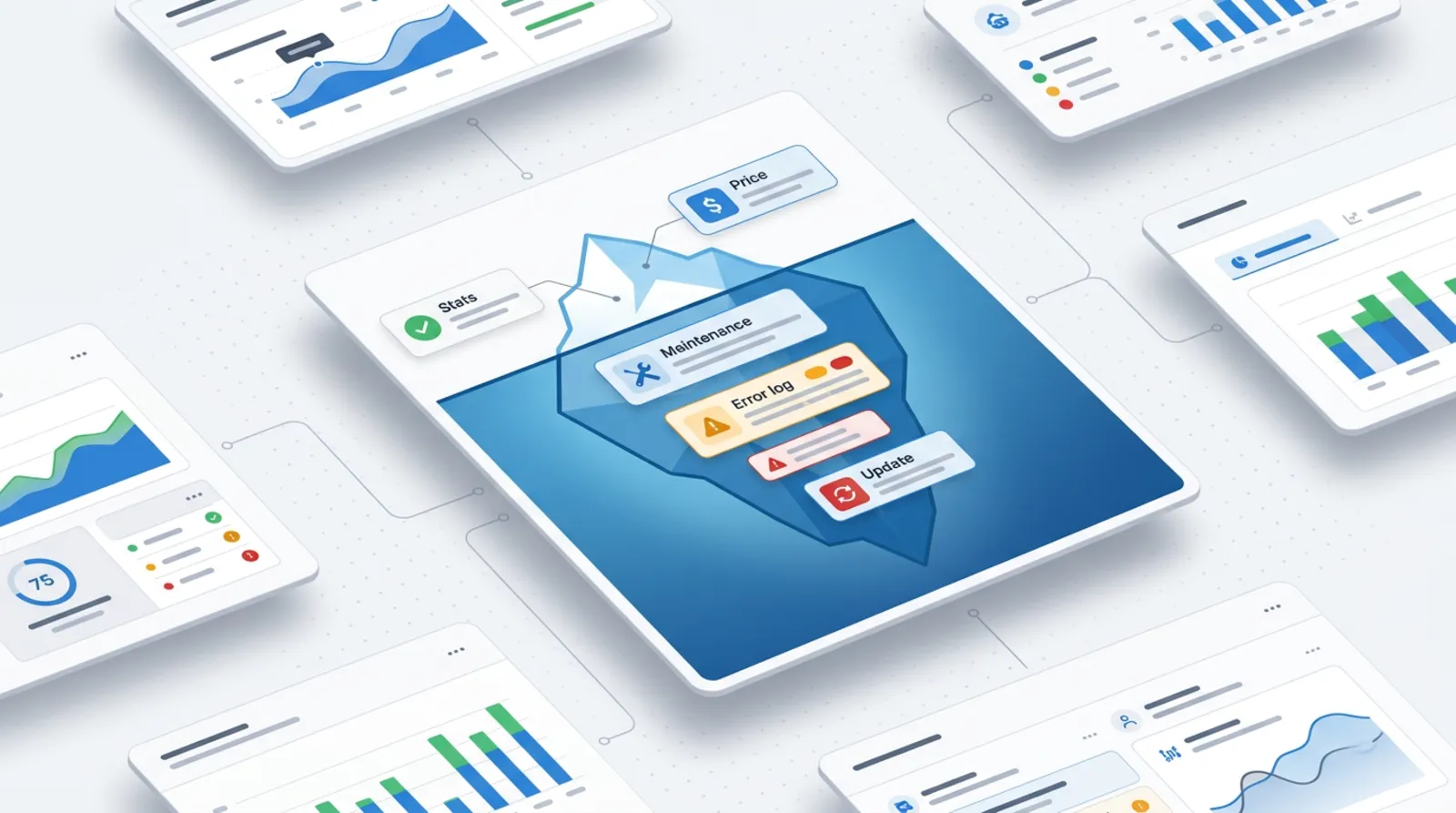
The subscription is only part of the spending. The rest shows up only after a few months.
- Maintenance time. Somebody has to check that the scenarios work and react to error messages.
- API changes. When an app's vendor changes the way of logging in or the data format, the scenario stops working until it is fixed.
- Limits. The number of runs, data size, execution time and how often new events are checked depend on the plan.
- A growing number of steps. Adding more steps to a single scenario raises the use of tasks or credits.
- Knowledge in one head. A scenario built by one person with no description is hard to take over.
From practice: The most common failure is not a bug in the tool, but a change on the side of another app. That is why every important scenario should send a notification when it does not run.
Custom code has its own hidden costs: documentation, monitoring and somebody to fix it a year from now. Without that it is just as fragile as a no-code scenario.
Where to start
The most sensible path is a no-code prototype, and only then a decision on rewriting. A prototype in Zapier or Make shows within a few days whether the process makes sense and where the exceptions are. Only a stable process that costs more and more or needs greater control is worth moving to custom code.
- Choose one process that repeats most often and takes the most time.
- Describe it step by step, including exceptions and the data that passes through it.
- Build a prototype in a no-code tool and run it on a few real cases.
- Set up an error notification and name a person responsible.
- After a few months, check the usage and the number of fixes. Only then judge whether to rewrite the process as a custom integration.
If you would like me to help choose a tool and roll out the first automation, see the automation offer or write to me.
Frequently asked questions
Do Zapier and Make have free plans?
Yes, both have free plans with a small usage limit. They are suitable for testing and very simple automations. You can check current limits on the vendors' pricing pages.
Is a task in Zapier the same as a credit in Make?
No. Zapier counts successful actions as tasks, and triggers and filters do not use tasks. Make counts the credits used by a scenario's actions. Compare costs on your own scenario, not by the names of the units.
Can I keep customer data only in the EU?
With Make you can choose an EU data region, but the vendor notes that some features, especially AI, may process data outside it. Zapier states hosting in the USA. Your own server in the EU gives you full control.
What happens when an app changes its API?
The connection may stop working until the scenario or connector is fixed. That is why important automations should send an error notification, and somebody should be responsible for fixing them.
After a no-code prototype, do I have to write everything from scratch?
Not always. If the process runs stably and the costs are acceptable, stay with the tool. Rewriting makes sense when usage fees are growing, you need more control, or data protection requires it.
Sources

Author
Piotr Babczyński
I help businesses win customers online: SEO, Google and Meta ads, automation and AI. I work from Szczecin, Poland, and remotely. I write about what I test on real projects.
- 30 years in IT
- SEO and Google Ads
- AI implementation
- #Make
- #Zapier
- #n8n
- #integrations