In short
- Clicks without enquiries rarely mean a bad ad system; more often the mistake is in tracking, targeting, the website or answering the phone.
- The search terms report is the fastest test of an account: it shows what you are actually paying for clicks on.
- An ad should lead to the page of a specific service, with a clickable number and a readable view on a phone.
- Match the ad schedule to the hours when someone answers the phone, and the promise in the ad to the real offer.
- Change one thing at a time and give the bidding strategy time, instead of fiddling with the account every few days.
Table of contents (8)
- Google ad not working? First find out where the customer drops off
- Mistakes in tracking and targeting
- Mistakes after the click: the website and the phone
- Mistakes in the offer and in running the account
- Table: symptom, cause, what to check
- Does the same apply to Meta?
- Where to start this week
- Frequently asked questions
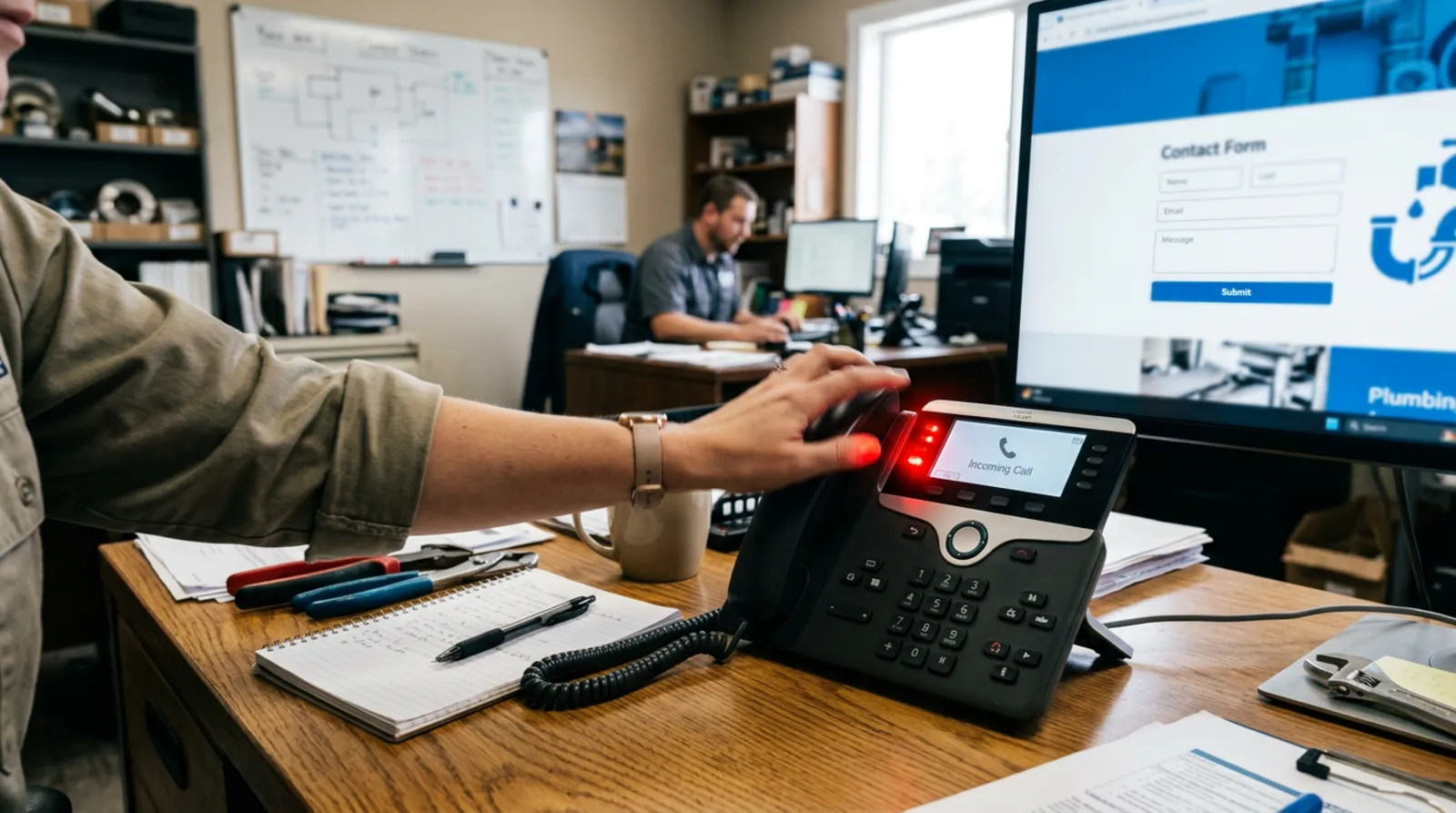
Clicks are coming in, but the phone stays silent. Most often a business owner concludes that Google advertising does not work and wants to switch it off. In my experience, the ad system itself is rarely to blame. Usually one of several elements along the way fails: tracking, targeting, the website, or how work is organised on your side. Below are the nine mistakes I see most often, with a way to check and fix each one.
Google ad not working? First find out where the customer drops off
Before you change anything in the account, trace the customer's path: search, ad, click, website, phone call or form, conversation. The mistake can sit at any of these stages, and fixing the wrong place only wastes budget.
It is good to start with two questions. Do you know how many enquiries actually came from the ads? And has anyone in the company checked what happens to each of those enquiries? Without answers to these, every further change is guesswork.
Mistakes in tracking and targeting
These three mistakes mean the ad is shown to the wrong people, or the system learns from the wrong signals.
1. No conversion tracking, or counting the wrong events
If the account does not know what counts as success, it cannot choose the right audience. A common mistake is counting as a conversion a mere visit to the website, a click on the menu or a scroll, rather than a submitted form or a click on the phone number.
How to check: in the Google Ads panel, open the list of conversions and see which events are counted and which are set as primary. Send a test form yourself and check whether the event appears. How to fix: leave as primary only those actions that mean a customer has contacted you. Events from Google Analytics can be imported as conversions, but the data may appear with a delay of up to a day.
2. Keyword match types that are too broad, with no negatives
The ad shows for phrases that have little to do with your offer, and you pay for every click.
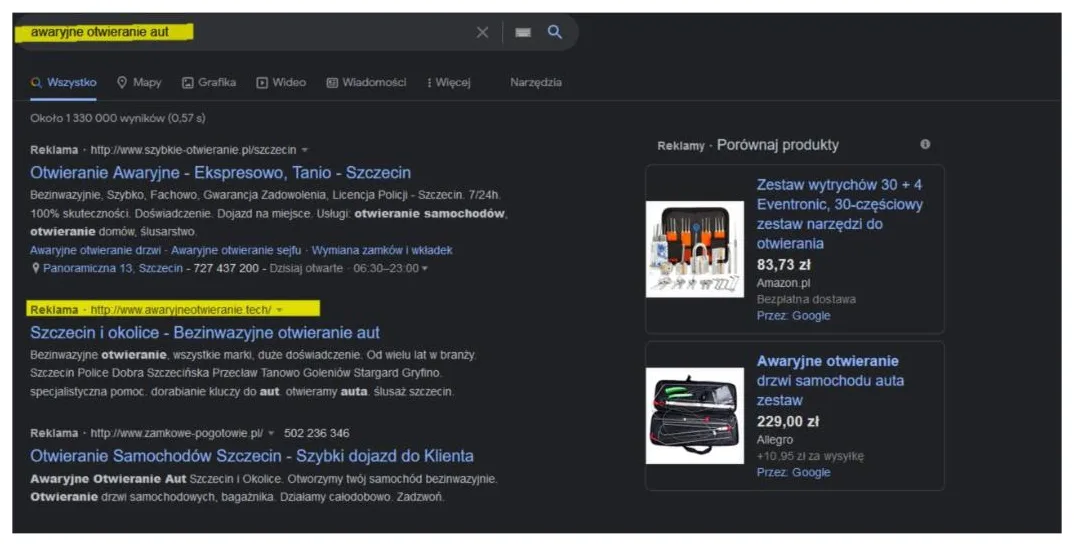
How to check: open the search terms report (in the panel: Campaigns, Insights and reports, Search terms) and read what people typed before clicking. It is the fastest test of the whole account. How to fix: add unsuitable phrases as negative keywords. Google notes that from this report they are added as exact-match negatives by default, so also list more general words, for example "job", "free", "course", if they do not fit your offer.
From practice: I read the search terms report at the start of every account review. Often within a dozen or so minutes it is clear that part of the budget is going to people who were looking for something other than the company's service.
3. Wrong location
For a local business, an ad shown outside your service area is pure loss.
How to check: in the campaign settings, look at the locations and at the advanced options. By default the "presence or interest" setting applies, which also covers people outside the area if they showed interest in it, for example by searching for the town. The "presence" option is narrower and covers people who are actually in the chosen place or regularly visit it. How to fix: if you serve only your own region, consider "presence" and add exclusions for areas where you do not operate. For some businesses the broader option makes sense, for example when customers plan a service before they arrive, so base the decision on the location report from your own account.
Mistakes after the click: the website and the phone
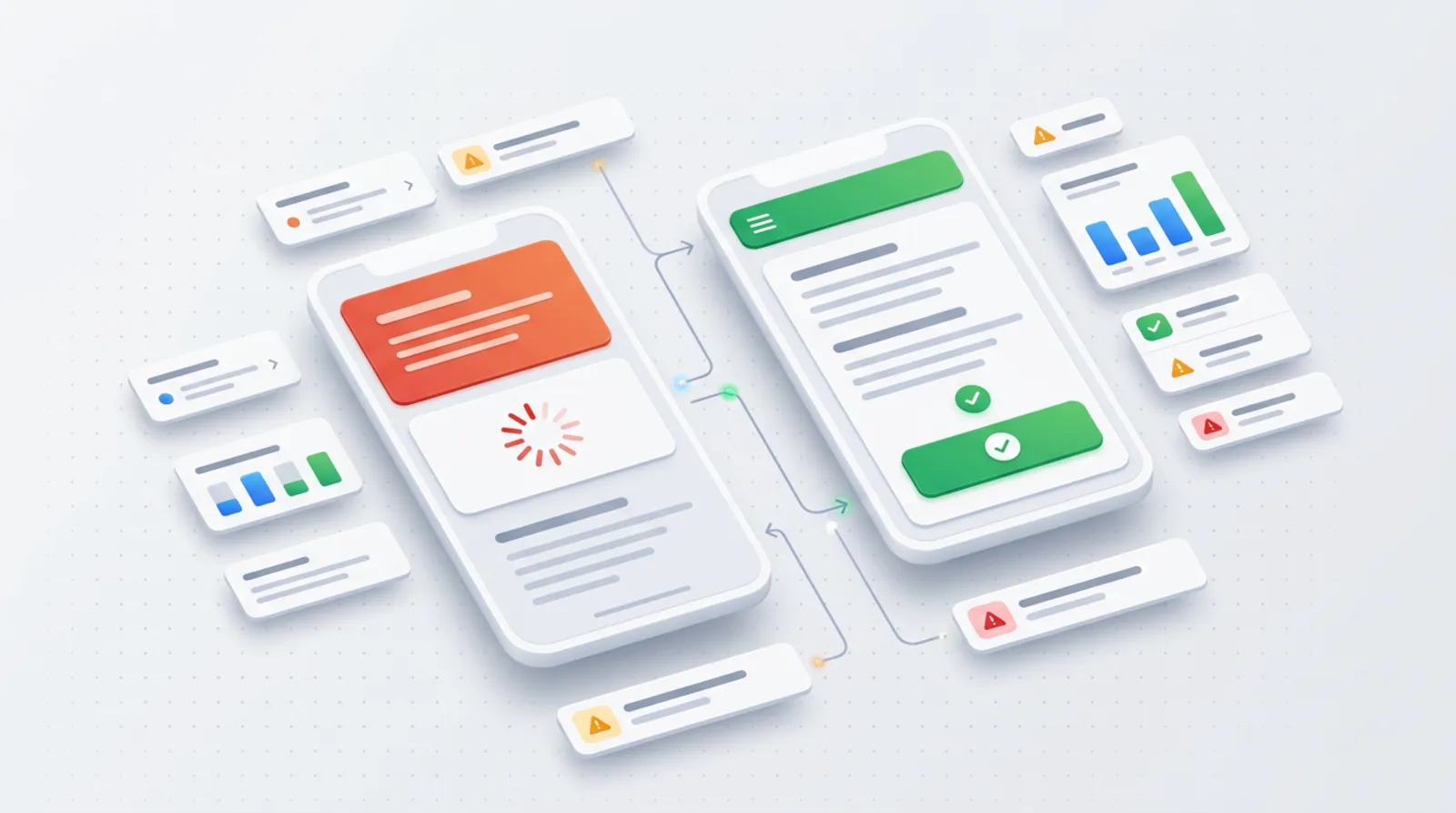
Here the customer has already paid you for the visit with their click, and you lose them.
4. The ad leads to the home page
A person who searched for a specific service lands on the home page and has to look for the right tab on their own. Most do not.
How to check: click your own ad from your phone and see whether the first screen contains what a person typing that phrase would be looking for. How to fix: for each ad group, point to a separate service page with a single goal, which is contact. How I run such campaigns is described in the advertising offer, and on choosing between ads and SEO I write in the article Google Ads or SEO to start with.
5. A website that is slow or hard to read on a phone
Many customers of local services visit from a phone, on the go, often with patchy reception.
How to check: open the website on your own phone over mobile data, not Wi-Fi. Count how much time passes before the content appears and whether the contact button is visible without scrolling. How to fix: reduce image sizes, remove unnecessary plugins and scripts, shorten the text above the fold. Detailed results for your website are given by Google's speed test.
6. No clickable phone number
If a customer has to copy the number from the screen into the phone, some will give up.
How to check: on a phone, tap the number on the website. A call should open. How to fix: the number should be a phone link, and a "Call" button should be visible on every screen, ideally stuck to the bottom. Also add counting of clicks on the number as a conversion, because this goes back to mistake one.
Mistakes in the offer and in running the account
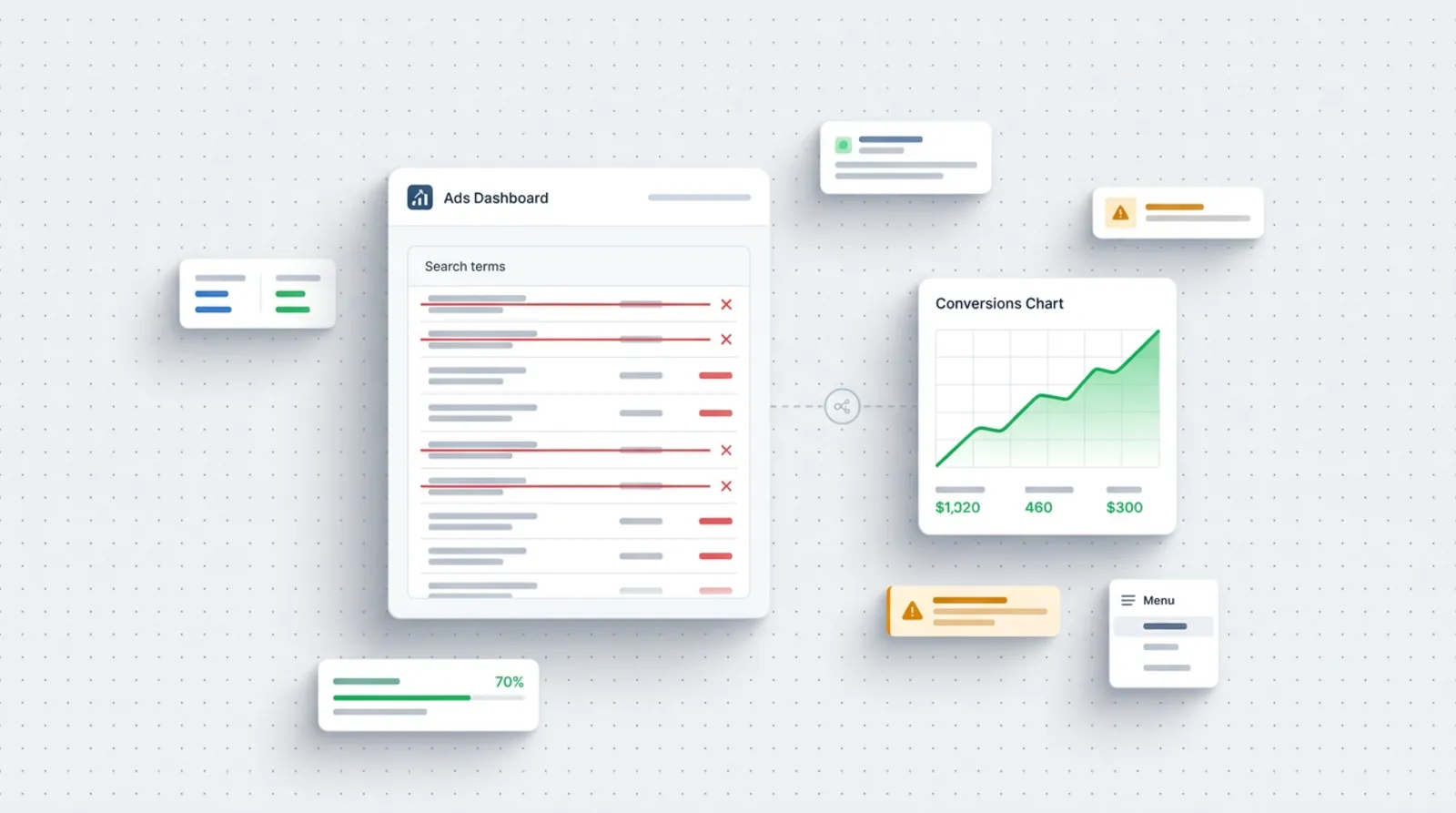
The last three are less technical, and often cost the most.
7. Ads run when nobody answers
By default, ads can run around the clock. If people call you at ten in the evening and nobody calls back in the morning, the customer calls a competitor.
How to check: in the report by hour and day of the week, compare when clicks come in with when someone actually answers the phone. How to fix: set an ad schedule that matches your working hours. Remember that a schedule does not change the budget, the system spreads it across the hours when the ad runs. If you cannot answer, back it up with a form and a quick reply to enquiries.
8. The promise in the ad does not match the offer
The ad promises "urgent visits on the day of the request", while the website talks about weekly lead times. Or the ad hints at a price, and the website says nothing about it.
How to check: put the ad text, the landing page and what you say on the phone side by side. Make every sentence match. How to fix: in the ad, write only what you can deliver, and start the page with the same wording as in the ad. A customer who recognises their own phrase stays.
9. Changing things too often and no patience for the learning phase
An account with automatic bidding strategies needs data. Frequent changes make the system start over again and again.
How to check: look at the account's change history. If you change something every few days, it is hard to judge the effect of any of the changes. How to fix: according to Google's documentation, the "Learning" status appears after structural changes, that is, a new strategy, a change to the campaign composition or a change of conversion goal, and it lasts no longer than 7 days, while the ads run normally in that time. Change one thing at a time, note the date, and judge the effect only after a period that matches your sales cycle.
Table: symptom, cause, what to check
| Symptom | Possible cause | What to check |
|---|---|---|
| Lots of clicks, zero enquiries | Tracking counts the wrong events or the ad leads to the home page | Conversion list, landing page of each ad |
| Enquiries, but not from the right people | Match types too broad, no negatives | Search terms report |
| Contacts from other cities | "Presence or interest" option | Location settings, location report |
| They click but leave straight away | Slow website or poor phone view | Test on a phone over mobile data |
| They call, but nobody answers | Ads run outside working hours | Schedule, hourly report |
| Conversations, but they do not end in a sale | The ad promises more than the offer | Ad text, website and conversations |
| Results jump from week to week | Changes in the account too often | Change history, bidding strategy status |
From practice: before anyone decides on a bigger budget, I recommend doing one test call: click the ad, open the website from a phone and call. That single attempt often shows more than a report.
Does the same apply to Meta?
Yes, to a large extent. Missing tracking, a poorly aimed offer, a slow website and no reaction to enquiries ruin results just as much on Facebook and Instagram. The difference is in targeting: there are no keywords, so the message of the ad and a quick reply to the form matter more. I described this in the article on a Meta campaign for a contact form.
Where to start this week
You do not have to fix everything at once. Do it in this order:
- Open the conversion list and check what is counted as success.
- Read the search terms report from the last month and add negatives.
- Check the location settings and the "presence" option.
- Click your own ad from a phone and call the number from the website.
- Match the schedule to the hours when you answer the phone.
- For a few weeks, do not change the bidding strategy without a clear reason.
If you prefer to have someone from outside take a look at the account, I can do a free review of your advertising account and point out which of the nine places costs you the most. Write to me through the contact form.
Frequently asked questions
How long should I give a campaign before deciding it does not work?
It depends on the number of enquiries and the length of your sales cycle. According to the documentation, the "Learning" status in Google Ads lasts no longer than 7 days, but judging profitability takes a longer period. First make sure tracking works, because without it no timeframe settles anything.
How do I know whether enquiries come from the ad?
This requires conversions to be set up: a submitted form and a click on the phone number. Also ask customers how they found out about you. Clicks alone in a report do not prove that anyone got in touch.
Can I fix the account myself, or is it better to commission a review?
You can do the first steps yourself: the conversion list, the search terms report and the phone test. An outside review helps when results still do not look good or you are not sure what the cause is.
Does switching ads off at night and at weekends help?
It helps if nobody answers calls or replies to enquiries during that time. A schedule does not change the budget, the system spreads it across the hours when the ad runs. First check the hourly report in your own account.
Sources

Author
Piotr Babczyński
I help businesses win customers online: SEO, Google and Meta ads, automation and AI. I work from Szczecin, Poland, and remotely. I write about what I test on real projects.
- 30 years in IT
- SEO and Google Ads
- AI implementation
- #Google Ads
- #conversions
- #local advertising