In short
- A native form usually gives more enquiries, a form on your website usually better filtered ones.
- You lose the most money on an audience that is too broad and a form with no qualifying questions.
- A form type with a data review step (Higher intent) limits random submissions.
- The value of an enquiry depends on the speed of contact: connect the form to a notification or a CRM.
- You collect personal data, so you need a privacy policy and a clear purpose of processing.
Table of contents (8)
A Facebook ad with a form is one of the simpler ways to get enquiries from customers in your area or from all over Poland. Simple does not mean automatic: four things decide whether you get calls from people who really want to buy. The choice of form type, the audience, the questions in the form and how quickly you call back. Below I describe the settings in the order in which I do them in Ads Manager.
A Facebook ad with a form: native or on your website
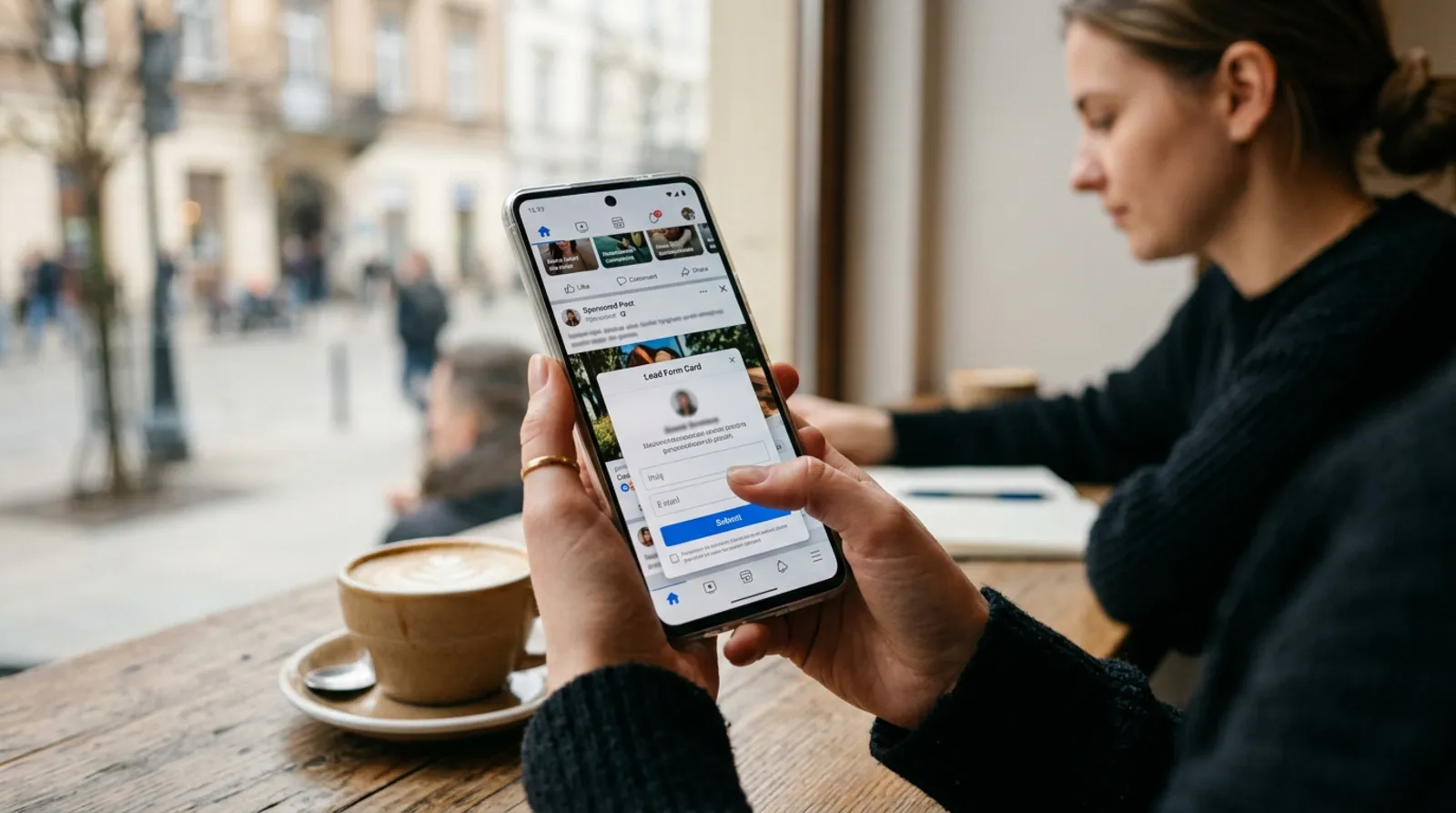
You have two routes. A native form (in the Polish version of Meta: formularz błyskawiczny, in English Instant Form) opens inside Facebook or Instagram itself. The other option is an ad that sends people to your website, where an ordinary contact form waits.
Meta describes both options as equivalent and sometimes recommends combining them in one ad account. Which to choose depends on how serious the customer's decision is and how well your website works.
| Meta native form | Form on your website | |
|---|---|---|
| Customer effort | Small, data often fills in by itself | Greater, they have to go to the website and fill in the fields |
| Number of enquiries | Usually more | Usually fewer |
| Quality of enquiries | Varies, some people click without thinking | Usually higher, because the customer made an effort |
| Control over the experience | Limited to Meta's tools | Full: offer description, photos, reviews |
| Measurement | Leads go to Meta and have to be downloaded | Requires a correct pixel and events on the website |
| Technical requirements | Almost none | A fast website and a form that works on a phone |
I choose a native-form ad when the service is simple and the customer only wants to leave a number (a check-up, a quote, booking a date). Sending people to a website works for more expensive services, where the customer first has to learn what exactly they are buying. If your website is slow or looks poor on a phone, the native form will be the safer option.
Campaign objective, audience and budget
Objective and audience
Choose the campaign objective according to what the outcome is meant to be: a left contact. Since 2022 Meta has had a simplified set of objectives, and one of them concerns gathering contacts (in the English interface it is Leads). The names in the panel may change over time, so look for an objective described as collecting contacts from potential customers, not traffic to a website or reach.
With a form on your website you have a choice: a contact objective or a traffic objective. A traffic objective will bring more clicks, but not necessarily more enquiries.
The audience is where small businesses lose the most money. The rules I apply:
- Start with the location where you actually provide the service. A business from Szczecin does not need ads across the whole country.
- Do not narrow interests by force. An interest list that is too narrow takes away the system's room to look for people who actually respond to the ad.
- Exclude people who are already your customers, if you have a list of them.
- Start with one, well-defined audience. Several similar audiences compete with one another for the same budget.
From practice: The most common mistake is the audience "everyone within a few dozen kilometres, of any age". The ad is then shown to people who will never buy such a service, and the form collects random numbers.
Budget and schedule
You set the budget so that the campaign can gather data for several weeks, not several days. Meta needs time for the so-called learning phase: the system checks to whom the ad brings contacts. Changing settings during it usually makes it longer.
The specific amount depends on the industry, the competition in your area and how much you can pay for one enquiry. Start from the other end: how much you are able to spend on winning one customer and how many enquiries turn into a sale for you. From that follows which cost per enquiry is worth it for you.
Fit the schedule to when you can pick up the phone. An ad that collects enquiries on Sunday evening when you call back on Tuesday loses most of its value.
Creative and form
Photo, video, text and button
A good creative says what you offer, to whom and what the recipient should do. A photo or short video should show the real service or a finished job, not a stock photo. People quickly recognise anonymous stock images.
In the text, start with the customer's problem or with the specifics of the service and place. Write what happens after the form is filled in ("I will call you back within one working day"), but only if you will really do it. Choose a call-to-action button that matches the promise, for example sending an enquiry, and not a generic "Learn more".
Prepare several different variants of the ad: a different photo, a different first paragraph. Only the data from the campaign will show which works better. If the subject of Meta ads is new to you, see also what my advertising services look like.
Form structure and qualifying questions
The form should ask as much as you need to assess the enquiry, and nothing more. Every additional field lowers the number of submissions but raises their quality.
Meta lets you choose the form type. The variant aimed at a larger number of enquiries (in English More volume) is short and quick to send on a phone. The variant aimed at higher intent (Higher intent) adds a step for reviewing the data before sending, so the person consciously confirms that they want contact. You can use these two descriptions as a cheat sheet: the first will give more numbers, the second usually fewer, but better thought through.
Add to the form:
- contact details: name, phone or email (one of them is enough, if that is how you will call or write),
- 1 to 3 qualifying questions, for example about the town, the type of service or the date,
- a short, specific open question only if you will really use it,
- a link to the privacy policy, which Meta requires when you create a form.
Questions with ready answers to choose from work better than fields to type in. The customer answers with one click, and you get an answer that is easy to sort.
What next with the enquiry

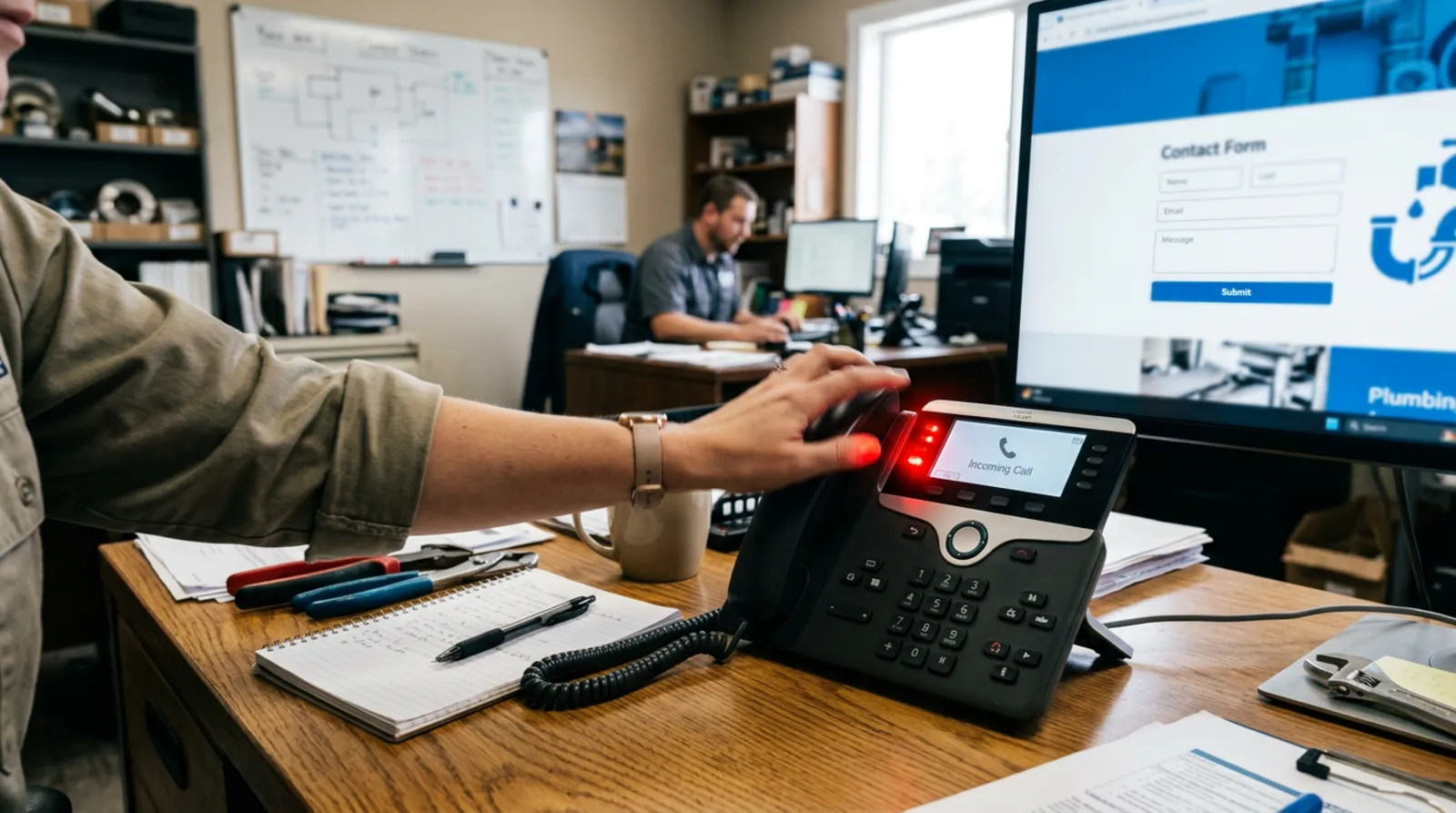
An enquiry is worth as much as the time that separates it from your phone call. Contact within hours usually gives a far better result than a reply after two days, because the customer still remembers the ad and often asks your competitors too.
You can download leads manually from the Meta panel, but that requires discipline. It is better to connect the form to a spreadsheet, an email inbox or a customer relationship management system (CRM), so that every new contact triggers a notification. Meta offers integrations with popular tools, and for bigger needs you can build your own connection. I describe how to automate this without expensive systems in the automation offer.
Also send a short confirmation message straight after the form is filled in. The customer knows the enquiry arrived, and you gain a moment to make the call.
Measuring results and GDPR
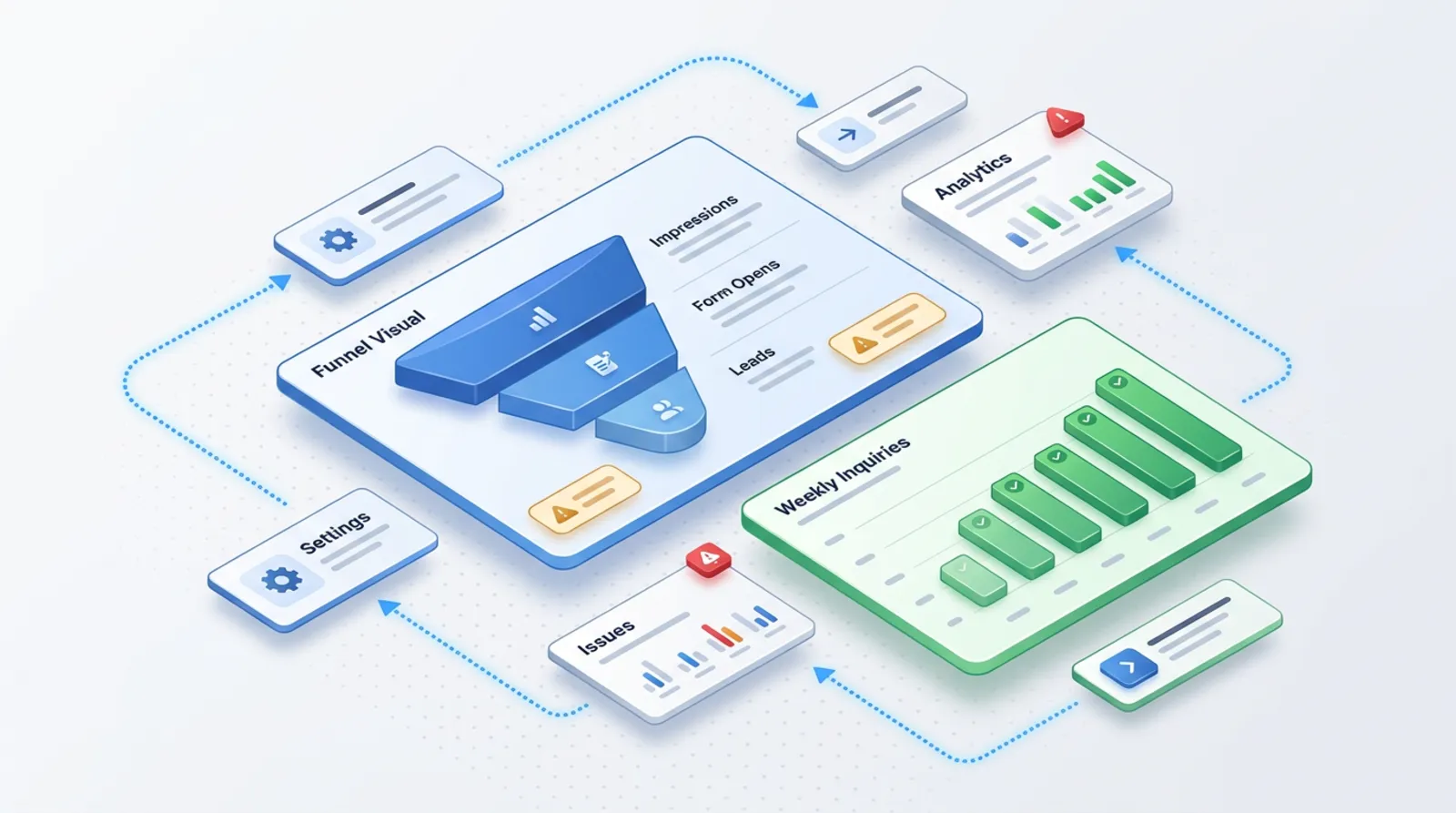
Measure the cost of one enquiry and how many of those enquiries end in a sale. A low cost per enquiry can be deceptive if none of those people buy.
For measurement you use the Meta pixel on your website and the Conversions API, which sends events from the server to Meta. Meta describes them as tools that complement each other: the pixel works in the browser, the Conversions API on the server side. Thanks to the latter you can also pass to Meta the information about which enquiries became customers, which helps the system look for similar people. With a native form it is worth recording in a spreadsheet or CRM where the contact came from and what happened to it.
You collect personal data, so GDPR (RODO in Poland) applies to you. In practice:
- In the form, give the privacy policy and state for what purpose you use the data (e.g. contact about a quote).
- Do not collect more data than you need for that purpose.
- Consent is not always the right legal basis. UODO (the Polish data protection authority) reminds us that when another basis for processing exists, consent is not collected. If, however, you want to send a newsletter, you need a separate, voluntary and specific consent.
- Decide how long you keep the data of people who did not become customers, and delete it.
- If in doubt, ask a data protection specialist. This text is not legal advice.
The most common mistakes
Most failed campaigns come down to a few repeated slips:
- an audience that is too broad and no restriction to the area where you operate,
- a form with no qualifying questions, so you get numbers without context,
- no quick response: a call after several days,
- an ad that promises something different from the offer, so the customer feels misled,
- changes to the campaign every two days, before the system has gathered data,
- no tracking of which enquiries turned into sales.
From practice: When an ad performs worse, my first suspicion goes to what happens after the form is filled in, and only then to the ad itself. The problem often lies in reaction time, not in the campaign.
If you are wondering whether ads on Google would be better, compare the two approaches in the article Google Ads or SEO.
Where to start
Start by answering three questions: what service you want to sell, in which area and who will pick up the phone. Then:
- Choose the form variant on the basis of the table above.
- Set an objective connected with contacts and one, narrowly defined audience.
- Prepare two or three versions of the ad with a real photo.
- Build a short form with two qualifying questions and the privacy policy.
- Connect the form to a notification so that a new contact does not wait in the panel.
- After a few weeks, assess how many enquiries turned into sales, and only then change the settings.
If you would rather I prepared and ran such a campaign, write to me. We start with a short conversation about your service and your area.
Frequently asked questions
Is Meta's native form better than a form on my website?
There is no single answer. A native form usually gives more enquiries, because the customer does not leave Facebook. A form on your website demands more effort from the customer, but more often attracts people who are decided. Meta itself describes both options as complementary.
How quickly do I need to call back a person from an ad?
The sooner the better. Ideally the same day, and in the best case within hours. The customer then remembers the ad and has usually not yet chosen a competitor. Set up a notification about a new enquiry so you do not have to check the panel by hand.
What can I do to get fewer random numbers in the form?
Add one to three qualifying questions with answers to choose from and consider a form type with a data review step. Also narrow the location and describe in the ad who the service is for.
Do I need a Meta pixel to collect enquiries with a native form?
For simply collecting enquiries with a native form the pixel is not necessary. It is useful for measurement and for campaigns that send people to a website. It is also worth sending Meta the information about which enquiries ended in a sale.
Do I need the customer's GDPR consent for an ad with a form?
It depends on the purpose. To reply to a customer's enquiry a basis other than consent is often enough, but you must give a privacy policy and the purpose of processing. Consent is needed, for example, for a newsletter. If in doubt, consult a specialist.
Sources

Author
Piotr Babczyński
I help businesses win customers online: SEO, Google and Meta ads, automation and AI. I work from Szczecin, Poland, and remotely. I write about what I test on real projects.
- 30 years in IT
- SEO and Google Ads
- AI implementation
- #Meta Ads
- #form
- #leads