Websites · Easy-to-use CMS
A website with an easy editing panel where you change a text, a price or a photo yourself
You change the price list, add a news item or swap a photo yourself, without waiting for a developer. The panel is simple, and I show you how to use it.
Does any of this sound familiar?
- For every small text change you have to phone someone and wait.
- An out-of-date price or opening hours have been on the site for ages.
- You are afraid to touch anything in case you break the whole site.
- The person who built the site doesn't pick up the phone.
- You want to add news, but you don't know where to start.
A site you can't change soon goes stale. An editing panel solves that problem.
What it is
What a website with an easy editing panel is

A CMS is a panel in which you change the content of your site without knowing how to code. It looks much like a text editor: you click, type, upload a photo and save. The change appears on the site at once, or after you approve it.
I set it up for you. If you mainly change the price list and news, I put those places up front and protect the rest of the layout. That way the things you need are easy to change and the look is hard to break.
At the end I show you the panel live and leave a guide to the most common tasks. You don't get a complicated system with no explanation, but a tool you can handle from day one.
What you gain
What you gain from a CMS panel
Independence
You change texts and photos whenever you like, without arranging anything with anyone and without waiting.
An up-to-date offer
You fix prices and hours in a moment, so customers don't land on out-of-date information.
Calm editing
The page layout is protected, and backups let you return to a previous version.
Content that helps in Google
Adding news and articles gives your site fresh content, which search engines like.
Example
What it looks like in practice
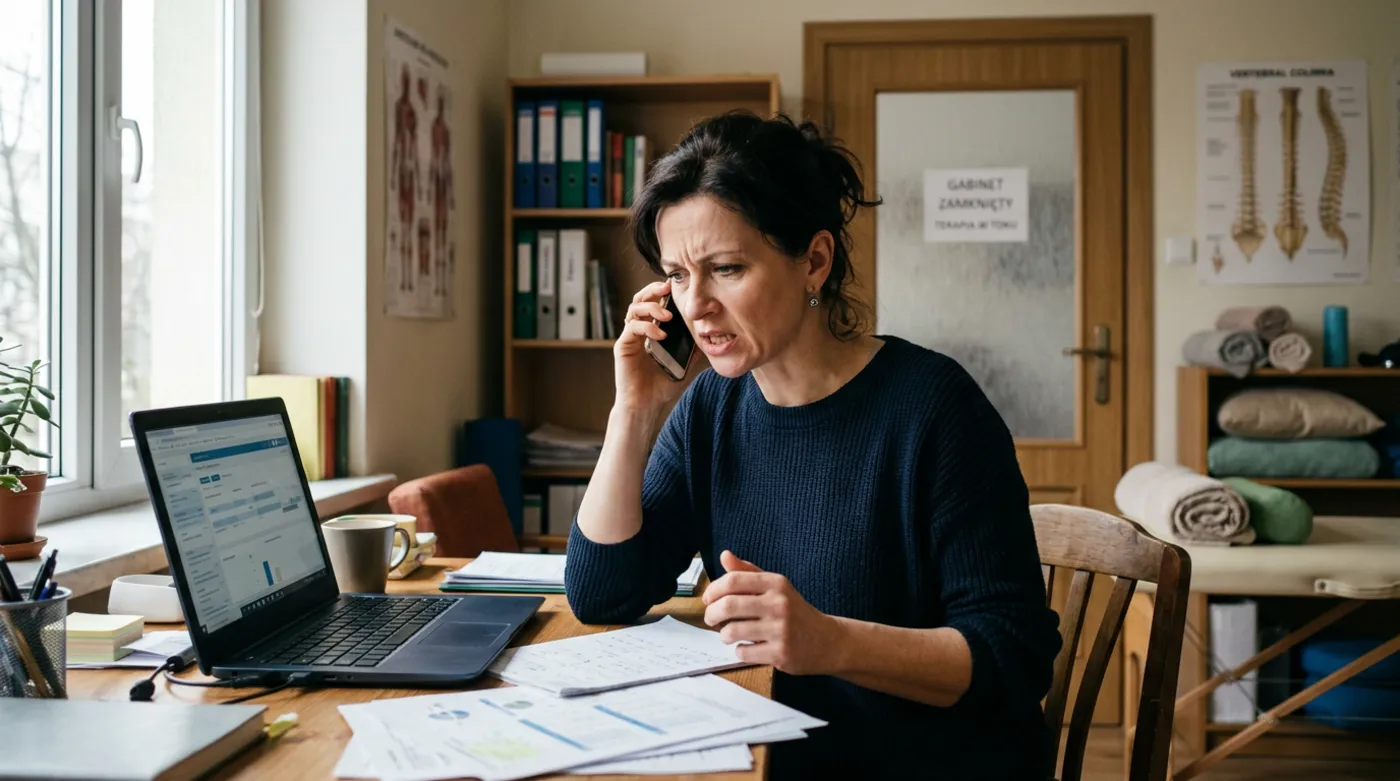 Before the panel
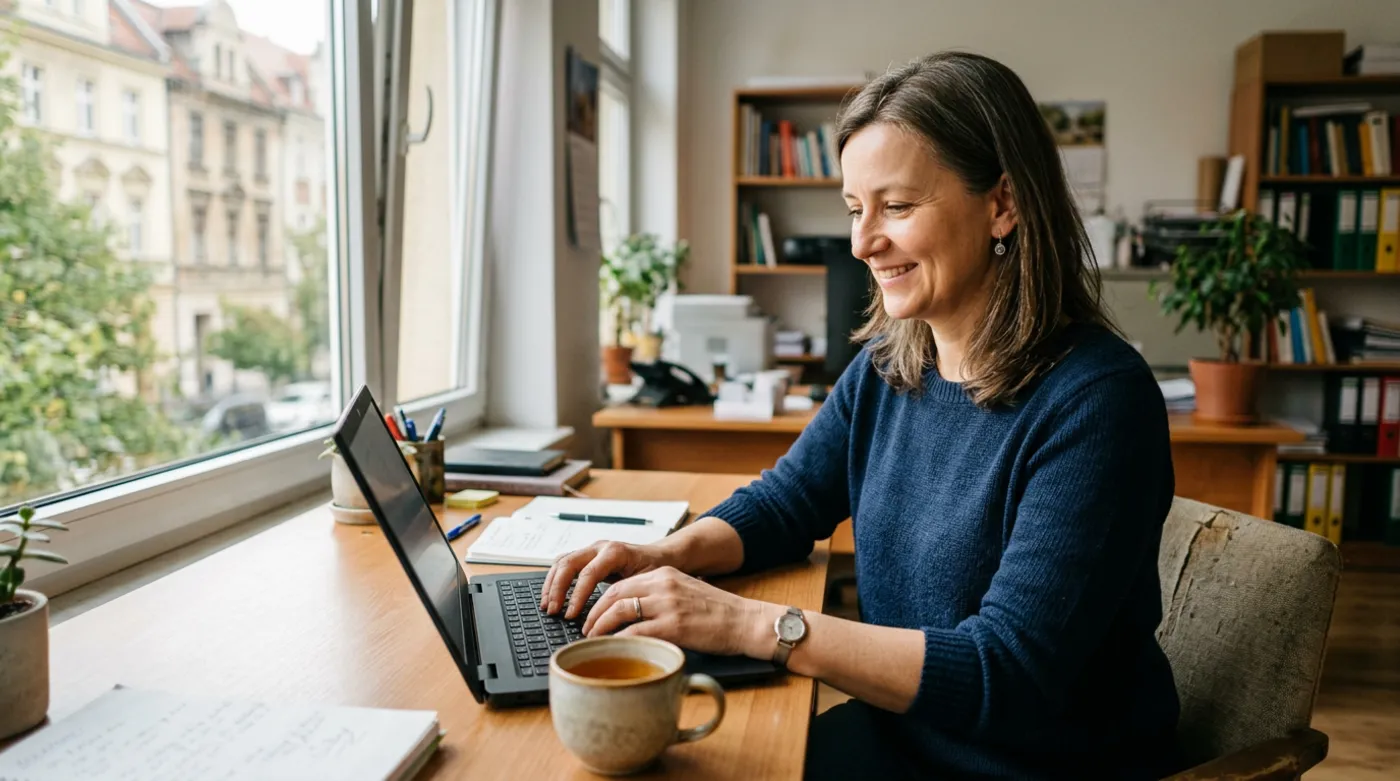 After the panel
An illustrative example, based on situations I often meet in small businesses.
Step by step
What it looks like from your side

- 1
Deciding what you change
Your part: conversationYou tell me which content changes most often. I set up the panel so those places are close at hand.
- 2
Building the site
Your part: approvalI prepare the site and the panel. I protect the layout so that changing a text doesn't wreck the look.
- 3
Training
Your part: practiceI show you live how to change a text, a price and a photo and how to add a post. You can try it yourself straight away.
- 4
A guide
Your part: readingI leave a short guide to the most common tasks and stay in touch in case you get stuck.
What you get
What you get
- A site with a panel matched to what you change
- A protected layout that is hard to break by accident
- Live training in using the panel
- A short guide to the most common tasks
- Accounts for you and the people who will edit the site
- Backups that let you undo changes

“I would rather you change the price list yourself in three minutes after the training than phone me about every typo. The panel is meant to be your tool.”
Who a website with a CMS panel is for
- Businesses that often change prices, opening hours or their offer
- Owners who want to add news and posts themselves
- Companies dependent on the person who once built the site and is hard to reach
- Teams in which several people will fill in the site's content
Frequently asked questions
What is a CMS?
A CMS is a panel in which you edit your website much like a text document. You change texts, upload photos and add posts without touching any code. You don't need technical knowledge, and after a short training you know how to make every typical change.
Can I break the site by editing it myself?
I set the panel up so that you change only what is meant to be changed, and the page layout stays protected. I also make backups, so if something goes wrong you can return to an earlier version. You don't need to be afraid of clicking.
Which CMS do you use?
I choose it to match your needs. For some people the popular WordPress will be best, for others a simpler panel built for a specific site. I explain the differences and recommend what will be comfortable to use and safe for years, not what is fashionable.
Will I get a user guide?
Yes. After launch I show you the panel live and leave you a short guide to the most common tasks. When you forget something later, you can go back to it or simply write to me.
See also
What else makes a website sell
Free consultation
Let's talk about your business
A no-obligation chat: I'll tell you what will really bring you more customers and what it costs. I reply within 24 hours.
