Business automation · Automated workflows
Workflow automation, so matters in your company go to the right person on their own
A workflow is the written route a matter takes through your company: from enquiry, through delivery, to closing. Automation makes sure nothing gets lost and everyone knows what is theirs.
Do any of these sound familiar?
- Documents circulate by email and you do not know who has the ball right now.
- A job got lost on the way and the customer had to chase it.
- Employees ask what they should do next.
- Approvals wait for days because nobody knows it is their turn.
- Everyone does the same process a little differently.
Situations like these come from the lack of one shared routine. Once it is written down and watched by automation, matters stop getting lost.
What it is
What are automated workflows

It is a set order in which a matter travels through your company. A job comes in, automation assigns it to a person, sends them a notification and, when they finish, passes it on. Nobody has to manage the queue by hand. So nobody has to remember who is next.
A workflow can also react to conditions. If the amount is higher, it goes to the boss for approval. If something is missing, it goes back with a request to complete it. You set the rules and the automation keeps to them consistently. It is like having a good assistant who knows the company's rules and never forgets them.
I start by drawing the process on paper, together with you and the people who know it. Only then do I build it in a tool. That way the workflow reflects how the company really works, not a theoretical diagram. After launch the team gets a short guide, so the new workflow surprises no one.
What you gain
What you gain from workflows
Matters do not get lost
Every job or document has its owner and does not vanish in an email inbox.
You know the stage
You see at once what is in progress, what is waiting and where something got stuck, without asking the team.
The team knows what to do
Everyone gets a notification when it is their turn, so they do not need to ask or guess.
Consistent quality
The process runs the same way every time, even when a new person covers for someone.
Example
What it looks like in practice
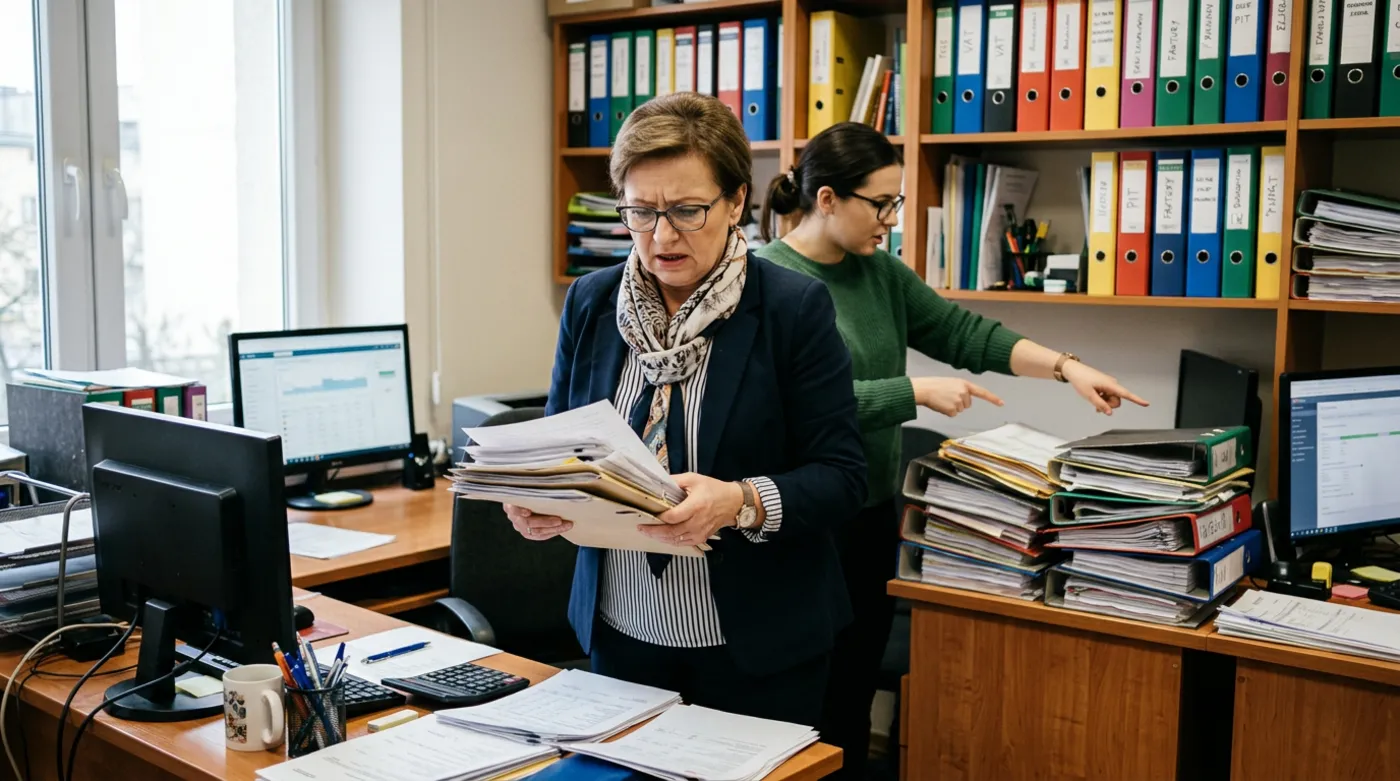 Before the workflow
 After the workflow
An illustrative example, based on situations I often see in small businesses.
Step by step
What it looks like from your side

- 1
Describing the process
Your part: conversationYou tell me what the route of a matter looks like today. We write it down together, step by step.
- 2
Workflow rules
Your part: agreementWe agree who is responsible for what and what happens in unusual situations.
- 3
Build and test
Your part: trialI build the workflow and check it on a few real matters together with your team.
- 4
Launch
Your part: first daysThe workflow goes live. The team gets a short guide and I wait for feedback.
What you get
What you get
- Your company process written down and drawn out
- A working automated workflow tailored to your team
- Notifications for the people responsible for the next steps
- A view of what stage each matter is at
- A short guide for the team
- Support after launch and adjustments when something needs to change

“A good workflow starts with a conversation with the people who know the process. The tool is only the executor of their rules.”
Who automated workflows are for
- Offices and companies where documents travel between several people
- Teams that pass jobs along by email and often lose them on the way
- Companies with repeatable processes that have several steps and approvals
- Owners who want to see what stage every matter is at
Frequently asked questions
What is a workflow in a business?
It is a written sequence of steps a matter goes through, for example a job or a document. Each step has its own person and its own condition. Automation makes sure the matter does not get stuck and passes it on when the previous step is done. This way nobody has to ask what stage something is at, and the answer is always at hand.
Is a workflow only for large companies?
No, in small companies it can be even more helpful. When several people work together, chaos and lost messages come easily. A simple workflow brings order without big systems or expensive projects. We start with a few steps and add more only once the team has got used to them, so nobody is overwhelmed.
Can I change something after launch?
Yes. Your business changes, so the workflow should too. I set it up so that you can add a step, change a person or a condition without building everything from scratch. I do simpler changes straight away, and we discuss bigger ones. There is no need to give up the tools your team is used to.
Do I need special software for this?
Usually not. I use automation tools that connect to what you already have, such as email, a spreadsheet or an invoicing program. When the situation is unusual, I write custom code, so you do not have to change any of your habits. We expand things only when it is really needed.
See also
What else can run on its own
Free consultation
Let's talk about your business
A no-obligation chat: I'll tell you what will really bring you more customers and what it costs. I reply within 24 hours.
