Business automation · Business process automation
Business process automation that takes repetitive paperwork off your plate
Process automation means handing repetitive tasks to software that does them for you, the same way every time and always on schedule. You focus on customers and decisions, and the paperwork happens in the background.
Do any of these sound familiar?
- Every week you retype the same data from an email into a spreadsheet or a program.
- A quote waits for days because nobody has time to prepare it.
- When one person is on holiday, part of the company comes to a halt.
- You sometimes forget a reminder, an invoice or a reply to a customer.
- In the evening you are finishing office work instead of resting.
Usually it is not the people's fault. It is that the same routine is done by hand every single time. A routine like that can be handed over to automation.
What it is
What is business process automation

It is when a task you always do the same way no longer needs your attention. For example: a customer fills in a form, the data lands in a spreadsheet, they get a confirmation and you get a notification. Nobody retypes anything and nobody has to remember.
I start with a conversation and a list of what you do by hand today. Together we check how much time it takes and what goes wrong most often. I do not automate everything, only what really weighs on the business and can be done safely.
For the build I use ready-made automation tools, and when that is not enough, I write custom code. You do not need to know any technical details. You get a working process and a simple description of what happens, step by step.
What you gain
What you gain from automation
More time for customers
Tasks that used to eat up hours happen in the background, and your head is free for sales and conversations.
Peace of mind that nothing slips
Reminders, quotes and confirmations go out on their own, so you do not have to rely on memory alone.
A business not tied to one person
The process is written down and keeps running when someone is on holiday or falls ill.
Easier growth
With more orders you do not have to add people to the office straight away.
Example
What it looks like in practice
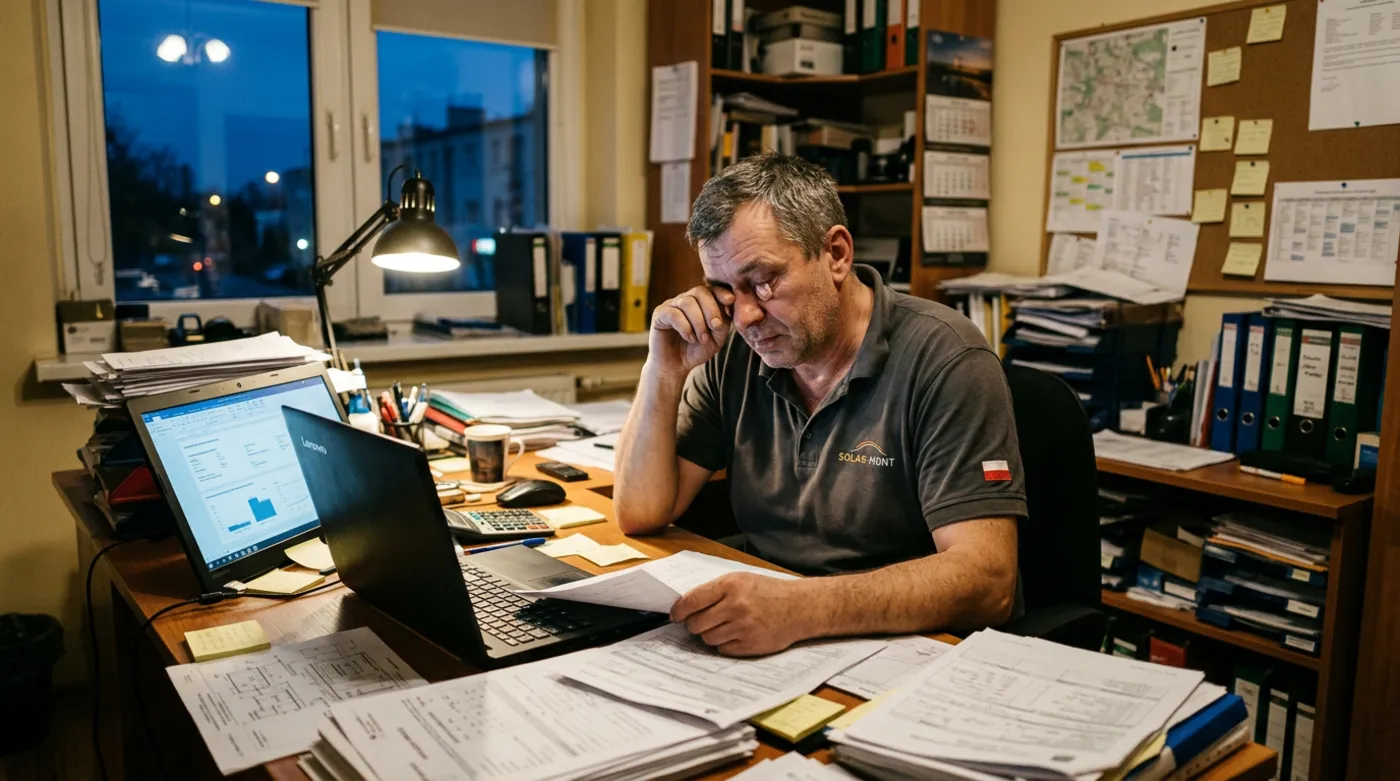 Before automation
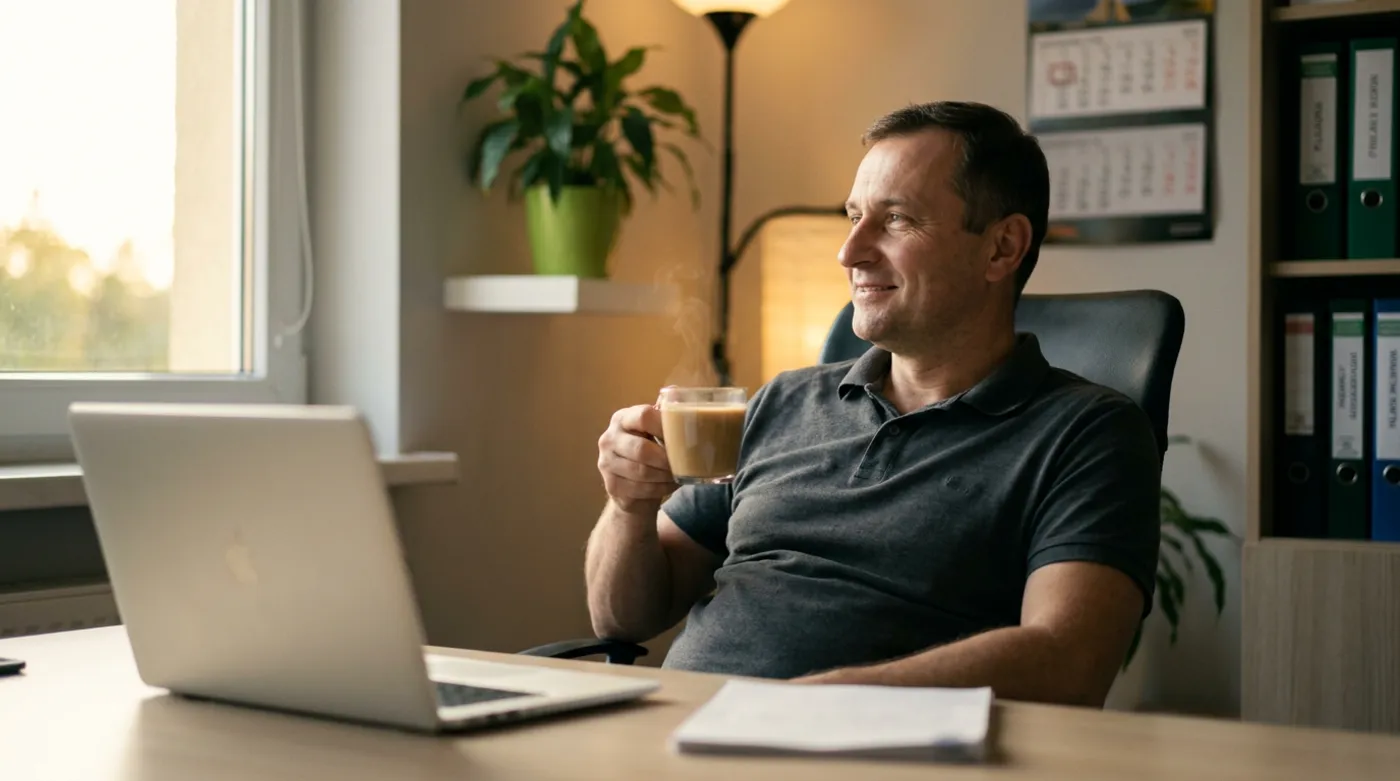 After automation
An illustrative example, based on situations I often see in small businesses.
Step by step
What it looks like from your side

- 1
Conversation and a list
Your part: conversationYou tell me what you do by hand. Together we write those tasks down and judge which ones wear you out most.
- 2
Choosing the first process
Your part: decisionI suggest one process with the biggest payoff. You approve it before I start anything.
- 3
Build
Your part: reviewI build the automation and show you how it works on real examples before it goes live.
- 4
Launch and care
Your part: peace of mindThe process runs and I keep an eye on it. Once it proves itself, we take the next one.
What you get
What you get
- Your business processes written down, with an assessment of what is worth automating
- A working first automation tailored to your business
- A test on real examples before launch
- A simple description of what the automation does and how to switch it off
- Help when something needs to change
- A proposal for next steps if the first one works

“I do not automate for the sake of technology. I look for tasks that steal your time today and hand them to software in a way you can trust.”
Who business process automation is for
- Business owners who retype the same data from one place to another every day
- Service companies where quotes, contracts and reminders are still done by hand
- Teams where everything depends on one person and their memory
- Entrepreneurs who want to grow without hiring another person for the office right away
Frequently asked questions
What can be automated in a business?
The best candidates are tasks you always do the same way: sending quotes, moving data from an enquiry into a spreadsheet, payment reminders, order handling. If you repeat something several times a week in the same pattern, it can probably be handed over to automation. On a call I will point out where it makes the most sense.
Will automation replace my employees?
That is not the point. Automation takes over the dull, repetitive tasks, and people get more time for talking to customers and making decisions. In small companies this usually does not mean layoffs. It means the same people can keep up with more orders.
Do I have to change the software I use?
Usually not. I try to connect what you already have, so nobody has to learn everything from scratch. I only suggest changing a program when the current one cannot be connected to anything and causes a constant problem. That keeps the change gentle for your team.
Where should a small business start with automation?
With one process, the most annoying one. First we list what you do by hand and how long it takes, then we pick the task that will give you the most relief. The first small automation shows how it works, and only then do you decide about the next ones. This approach limits risk and lets you see quickly whether it makes sense.
See also
What else can run on its own
Free consultation
Let's talk about your business
A no-obligation chat: I'll tell you what will really bring you more customers and what it costs. I reply within 24 hours.
