Websites · Online stores
An online store where customers easily find a product and finish the purchase
I build online stores where customers quickly find a product, pay easily and choose delivery. You get order in your sales instead of scraps of paper and messages.
Does any of this sound familiar?
- Orders arrive by email, Messenger and phone, and you piece them together by hand.
- Customers put products in the basket but don't complete the purchase.
- You don't know how much stock you have until you check the shelf.
- Sending parcels takes too much of your time every day.
- Your store is hard to use and you are afraid to change anything.
A store should save you time, not take it. Usually it is enough to simplify the customer's path and organise the orders.
What it is
What an online store is

It is a site where customers browse your products, add them to the basket, pay and choose delivery, and you receive a ready order. You don't have to answer phones after hours or copy orders out of messages. Everything lands in one place.
I start with what you sell and to whom. A small range needs only a simple store, while a large one needs a good category structure and search. I pick a platform that fits your scale, so you don't overpay for features you will never use.
I also watch the path from arrival to payment: photos, descriptions, basket and order form should be clear without instructions. The fewer steps and questions, the more orders end in payment.
What you gain
What you gain from an online store
Sales at any hour
Customers can buy in the evening or at the weekend, and in the morning you find orders ready to pack.
Orders in order
Orders, payments and customer details are in one panel, not scattered across your inbox and notebooks.
A comfortable purchase
A simple basket and familiar payment methods mean customers give up halfway less often.
Running it yourself
You add products, change prices and set promotions on your own. You don't wait for someone else to do it.
Example
What it looks like in practice
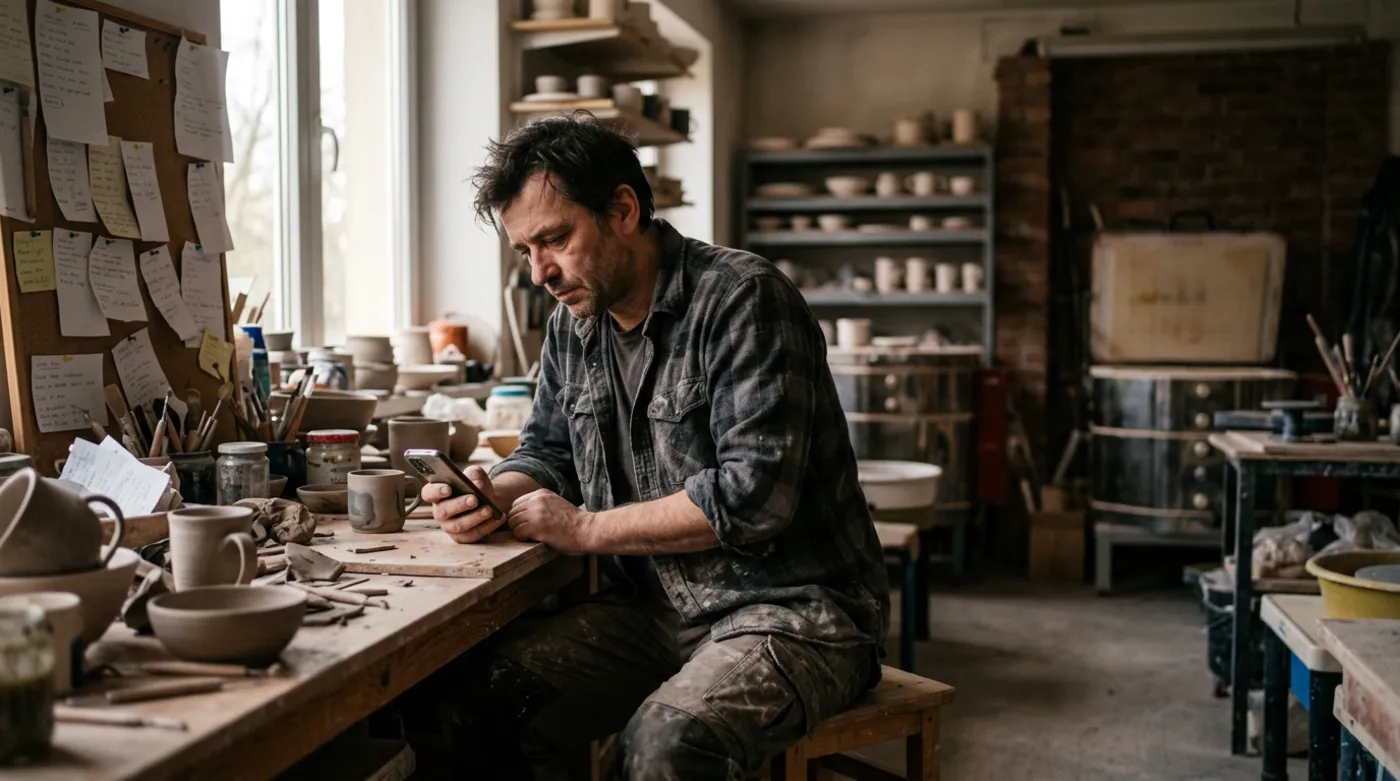 Before the online store
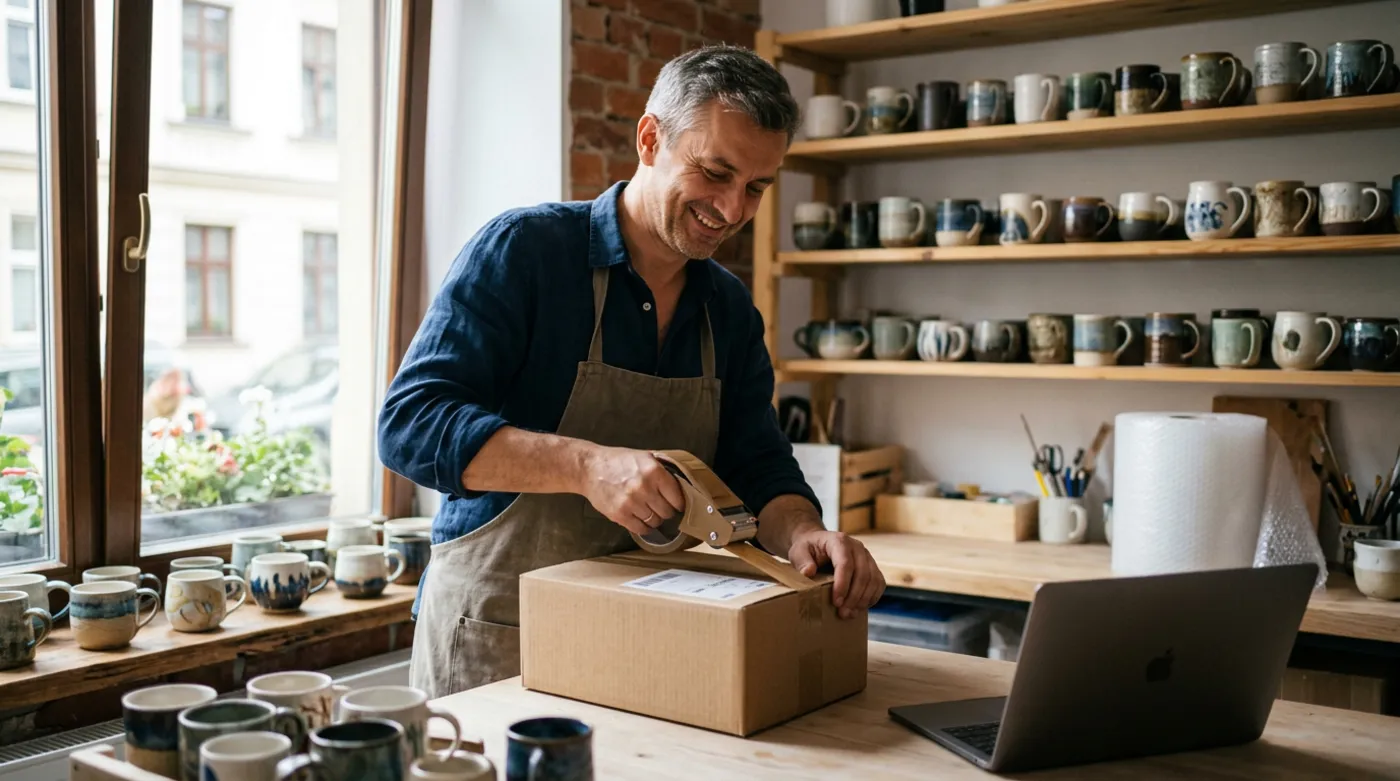 After the online store
An illustrative example, based on situations I often meet in small businesses.
Step by step
What it looks like from your side

- 1
A conversation about your range
Your part: conversationYou tell me what you sell, how you take orders today and how you send parcels. I choose a solution that fits.
- 2
Layout and design
Your part: approvalI show you how the store will look and how a customer gets to the purchase. I adjust until it is right.
- 3
Products and payments
Your part: productsI connect payments and delivery and help load the products. You provide the photos and descriptions you have.
- 4
Test and launch
Your part: test orderTogether we place a test order from start to finish. When everything works, I open the store to customers.
What you get
What you get
- An online store matched to your range
- A clear product catalogue with categories and search
- Connected online payments and chosen delivery options
- A panel where you add products and see orders yourself
- The required information pages: terms, delivery, returns
- A short training session on running the store

“A store should be simple for the customer and for you. If after a week you don't know where to click, that is my job to fix.”
Who online stores are for
- Businesses that sell today by phone, Facebook or messages and want to bring order to it
- Producers and craftspeople who want to sell their products to customers across the country
- Physical shops moving online
- Shop owners with an old store that loses customers at the basket
Frequently asked questions
Which platform should my online store use?
It depends on the size of your range, your growth plans and your budget. I help you choose a solution that fits your business instead of pushing one for everyone. With the quote I explain in plain language why I recommend a given platform and what its limits are.
Will I add products to the store myself?
Yes. I set the store up so that you can add products, change prices and descriptions and check orders on your own. At the end I show you how, step by step, and I'm there if you have doubts.
Which payments and delivery options can I connect?
You can connect popular instant online payments, bank transfer, cash on delivery and the biggest couriers and parcel lockers. I choose the ones your customers actually use, so nobody abandons the basket for lack of a convenient option.
How much does an online store cost?
The cost depends on the number of products, the chosen platform and the features you need, for example courier or warehouse integrations. I prepare the quote after we talk, with itemised lines. I don't name figures up front, because a store for fifty products is a different job from one for five thousand.
See also
What else makes a website sell
Free consultation
Let's talk about your business
A no-obligation chat: I'll tell you what will really bring you more customers and what it costs. I reply within 24 hours.
