IT support · Cybersecurity training
Cybersecurity training for employees that teaches them to spot threats
Your employees are the first line of defence. I teach them to recognise fake messages, look after their passwords and stay calm when something looks suspicious, and you get a more confident team.
Do any of these sound familiar?
- Employees click links in emails they do not understand.
- Passwords are simple, repeated, or stuck on a note by the monitor.
- Nobody knows what to do on getting a suspicious message.
- You got an email "from the boss" asking for a quick transfer.
- The team thinks "that does not concern us".
Most successful attacks begin with a message that looks believable. That is why the team should know what one looks like.
What it is
What cybersecurity training is

It is a meeting with your team where I explain in simple language how fraudsters work and how to defend against them. I show examples of fake emails, text messages and phone calls that really reach businesses, and teach how to spot them.
I also cover everyday habits: how to create strong passwords, why it is worth turning on an extra confirmation at login, how to handle documents and what to do when someone notices something suspicious. All of it with examples from employees' own work.
I tailor the training to the industry and the roles. I speak differently to accounting than to customer service. After the meeting, everyone has clear knowledge of what to do when in doubt, and knows that reporting a suspicious message is a good reflex.
What you gain
What you get from training
A more alert team
Employees spot fake messages before anyone clicks on them.
Better habits
Passwords and documents are handled with more care.
A clear procedure
Everyone knows what to do and whom to tell when something looks suspicious.
Lower risk of fraud
It is harder for fraudsters to exploit one person's distraction.
Example
What it looks like in practice
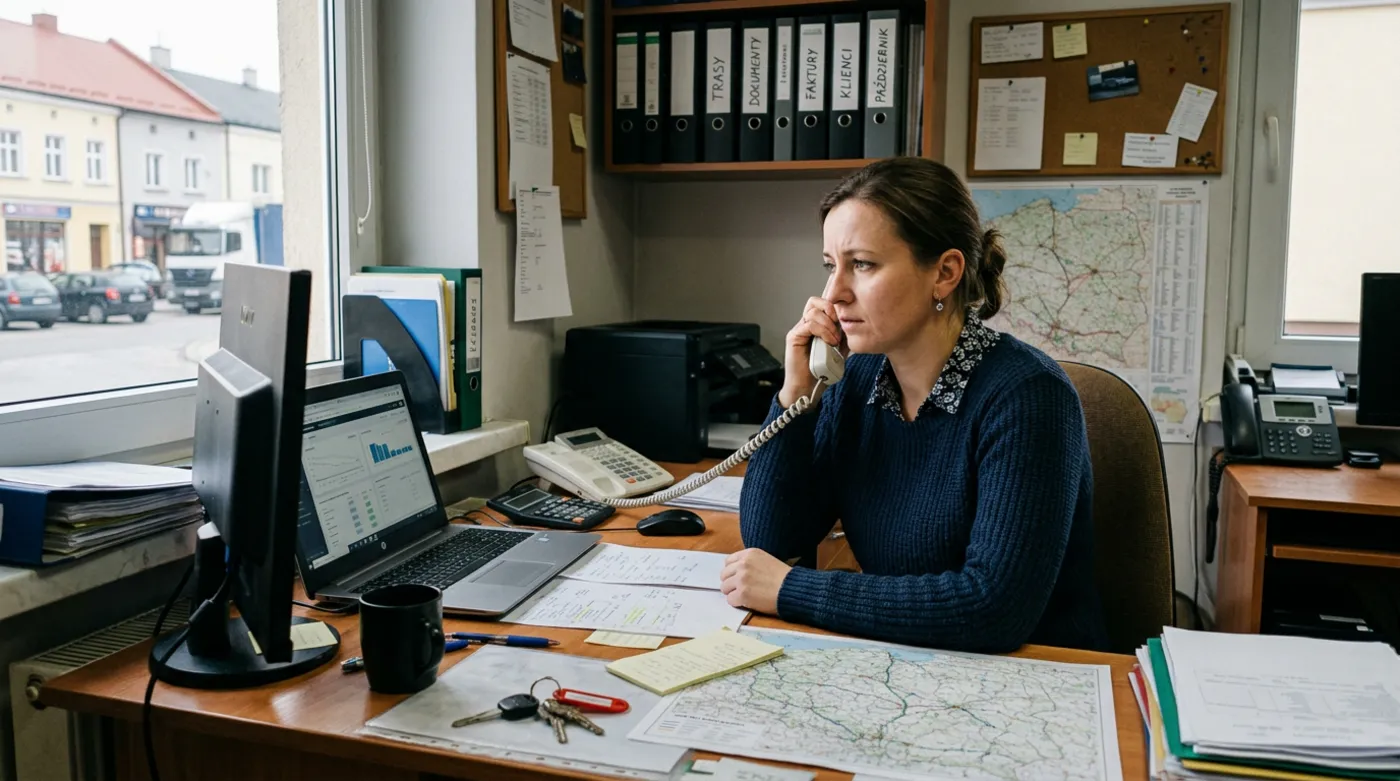 Before the training
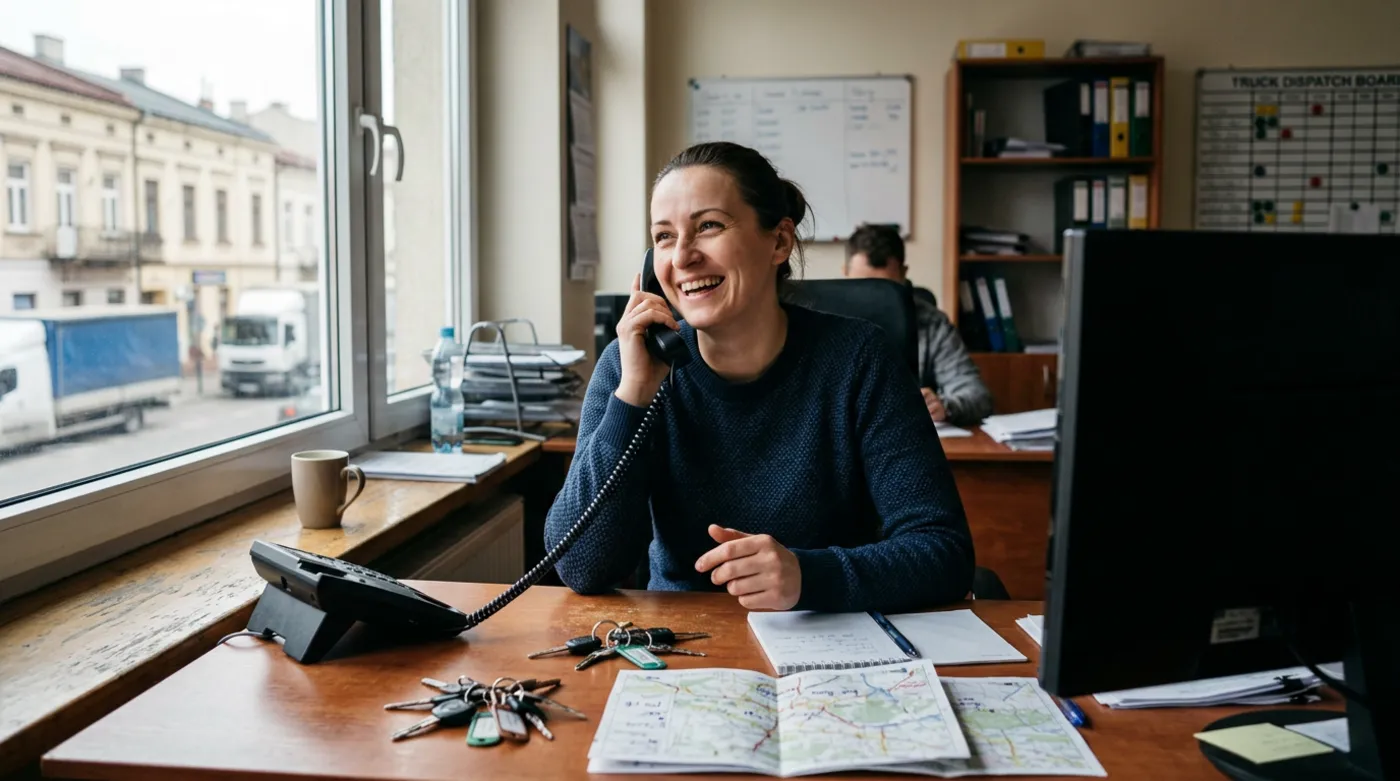 After the training
An illustrative example, based on situations I often meet in small businesses.
Step by step
How it works from your side

- 1
Conversation
Your part: a conversationWe agree who will take part and which situations the team's work involves.
- 2
Preparation
Your part: commentsI tailor the examples to your business and industry.
- 3
Training
Your part: team taking partWe meet with the team and cover the threats and habits.
- 4
Summary
Your part: readingYou get a few short rules to put up in the office.
What you get
What you get
- Training tailored to your business and industry
- Examples of fake messages from everyday work
- Rules for passwords and logging in
- A clear procedure for when in doubt
- A short cheat sheet for the team
- Answers to employees' questions

“Technology helps, but people decide what they click. That is why it is worth them knowing what to look for.”
Who cybersecurity training is for
- Businesses where staff open emails from strangers
- Administrative, accounting and sales teams who handle a lot of correspondence
- Owners who want the team to know how to react to suspicious messages
- Businesses that have already had a fraud attempt
Frequently asked questions
What is phishing?
Phishing is a message that pretends to be someone trusted, such as a bank, a courier or a manager, and tries to get you to click a link or give away details. In training I show how to recognise it and teach what to do when someone sends such an email to the team.
How long does the training take?
I fit the length to your business and the number of people. The aim is not to take the team away from work for too long, while still covering the most important things. Before the training we agree the scope and length, so you know what to expect.
Is the training technical and difficult?
No. I speak in everyday language and use examples from daily work: email, phone, passwords, documents. Employees do not need to know about computers. They should leave with clear knowledge of what to watch for and what to do when in doubt.
Is training enough to protect a business?
No, but it is an important part. Even the best protection will not help if someone hands their password to a fraudster. That is why training goes together with technical protection: updates, backups and an extra confirmation at login. Together they make sensible protection for a business.
See also
What else keeps your business safe
Free consultation
Let's talk about your business
A no-obligation chat: I'll tell you what will really bring you more customers and what it costs. I reply within 24 hours.
