WordPress support and administration · repair, care, development
Your WordPress site works again. And stops breaking after every update.
I fix outages, take over neglected sites, run the hosting side and extend what already works. Over 30 years in IT, so I know what happens under the hood, not just in the dashboard.
- A backup before every change
- Price agreed before work
- Plain-language report

Real outages
Recognise any of these screens?
The WordPress messages below are the original texts your customers and you actually see. For each: where it comes from and what I do about it.
A critical error instead of your site
Usually after a plugin, theme or server PHP update. Visitors see one sentence on a white page and leave.
What I do: I read the error log, find the plugin at fault, get the site back up, then fix the cause.
“Check back in a minute”, since this morning
An update stopped halfway and WordPress stayed in maintenance mode, often with half-updated files left behind.
What I do: I remove the lock, check the files are consistent and finish the update so nothing is left halfway.
Error establishing a database connection
A changed hosting password, a connection limit hit or a damaged table. The whole site goes down at once: shop, forms, blog.
What I do: I check the connection and database health, repair tables and, if it's the host's fault, deal with their support for you.
The technical-issue email nobody reads
WordPress sends a warning itself when a plugin crashes. But to the admin address from years ago, often a former employee or agency.
What I do: I set the right addresses and monitoring, so I learn about an outage before a customer calls you.
The browser warns people off your site
Someone got in through a vulnerable plugin or weak password and planted malicious code or spam. Google flags the site and traffic stops.
What I do: I clean files and database, close the way in, change passwords and request a review in Google Search Console.
Overdue updates, abandoned and “free” premium plugins
A dozen updates waiting, plugins unsupported for years and premium add-ons from unofficial sources. The most common way in for attackers.
What I do: I review the plugins: remove what's unused, replace abandoned ones with maintained ones and unofficial copies with proper licences.
The site takes ages to load on a phone
Thirty plugins, a heavy page builder, photos straight from the camera and no caching. Mobile visitors don't wait.
What I do: I measure what slows it down, slim plugins and images, set up caching and check the result on a real phone.
A backup that doesn't really exist
The backup plugin hangs on the uploads folder, copies sit on the same server and fill the disk. Nobody has ever tried restoring one.
What I do: I set up off-site backups with a sensible number of versions and regularly check a site can really be restored from them.
Old PHP and “Should be improved”
The server runs a PHP version without security fixes, because moving up risks breaking old plugins.
What I do: I test the site on new PHP on a copy, fix what breaks and only then switch the live site.
Meanwhile, in the business
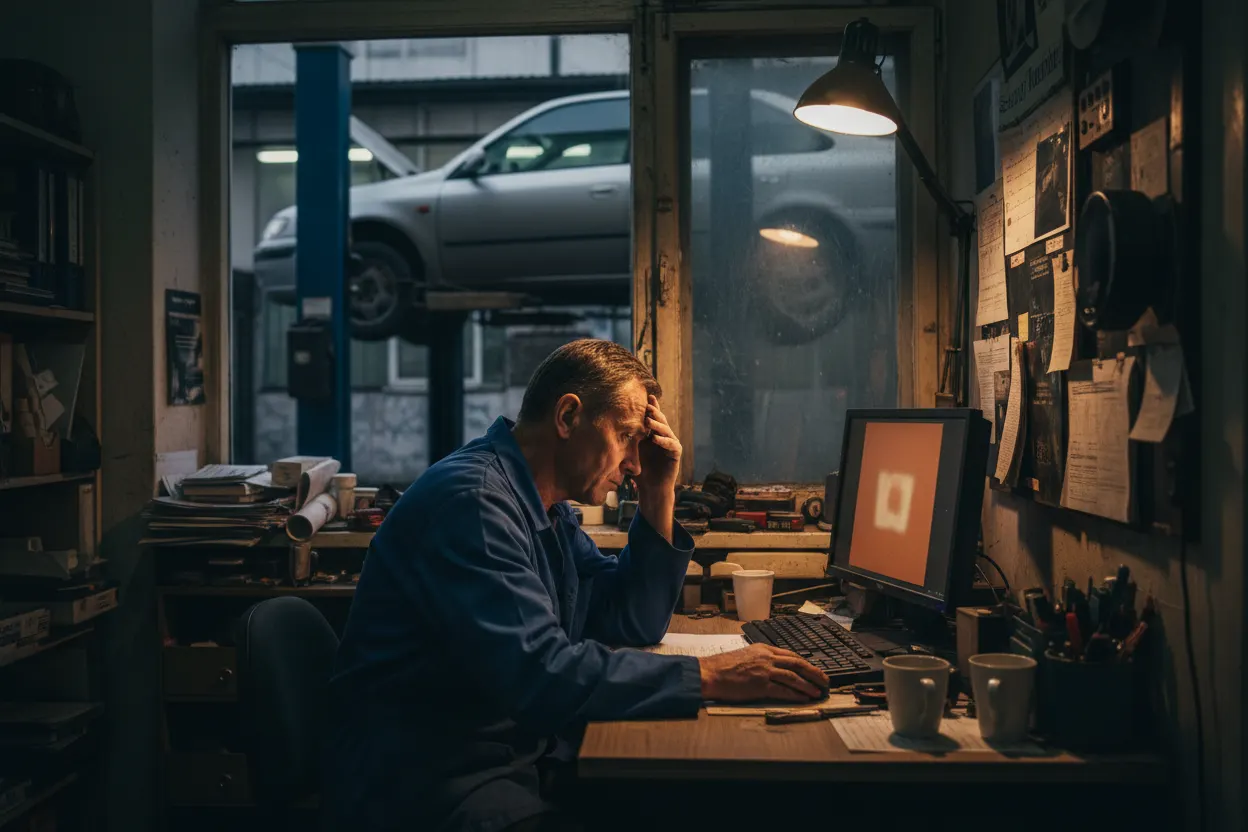
Behind every one of these screens is a business losing customers

Scope
Repair, care, administration, development
You can start with a single repair and stay for the care plan. Or hand me the whole site straight away.
Emergency repair
One-off, when the site is already down.
- Critical error and white screen
- Database errors, stuck maintenance mode
- Malware removal and Google review request
- Regaining access to the admin panel
- Restoring the site from a backup
Care plan
A fixed monthly fee, so outages become rare.
- Updates tested on a staging copy first
- Off-site backups
- Uptime and security monitoring
- Checking forms actually send messages
- A short, plain-language monthly report
Administration
Everything around the site you'd rather not do yourself.
- Users, roles and passwords
- Hosting, PHP, domain, DNS and SSL
- Form email (SMTP) that doesn't land in spam
- Moving to better hosting
- Tidy plugins and licences
Development
When the site works and needs to do more.
- New pages, sections and landing pages
- WooCommerce shop, payments and shipping
- Forms connected to your CRM and email
- Speed-ups and technical SEO clean-up
- Language versions of the site
Care plan details: WordPress maintenance and care plan
How I work
Backup first, then the fix
The same order for every outage and every update.
Diagnosis without touching the site
Error logs, versions, plugins, hosting. I know what happened before I change anything.
A full backup first
Files and database, stored off the server. There's always a way back.
Fix on a staging copy
Wherever possible I test fixes on a copy, not on the live site with customers on it.
Go live and check
I click what customers click: the form, the cart, the booking, the mobile version.
A plain-language report
What happened, what I did and how to keep it from happening again. No jargon.

Once I take over
The site just works, and you look after customers
- Updates stop being a lottery
- You know the backup exists and can be restored
- I hear about an outage first, not your customer
- Forms and bookings reach the right inbox
- One person for your site who picks up the phone
Questions
Before you give me access to your site
Will you fix a site you didn't build?
Yes, that's most of the work. I work on sites built by agencies, freelancers and owners themselves, on all kinds of themes and page builders.
How much do a repair and a care plan cost?
I quote a repair after a short diagnosis, before I start. A care plan is a fixed monthly fee depending on the site's size and whether it's a shop. You know the price before we start.
What access do you need?
A WordPress administrator account and hosting access (control panel or FTP and database). I create a separate account for myself that you can remove at any time.
I have premium plugins from an unofficial source. What now?
Such copies often contain planted code and never get updates. I replace them with proper licences, or with free alternatives where they do the same job.
Won't updates break my site?
They can, which is why I do them carefully: a backup before changes, a test on a copy, then checking forms and cart afterwards. If anything goes wrong, I roll back.
Do you work remotely?
Yes, I look after sites remotely for businesses anywhere. If you're in Szczecin and prefer to meet in person, I'll come over.
Free consultation
Let's talk about your business
A no-obligation chat: I'll tell you what will really bring you more customers and what it costs. I reply within 24 hours.
