IT support · System repair and setup
Computer repair and setup for your business, so equipment stops slowing the work down
Computers at work should work, not slow the day down. I repair, configure and tidy Windows, macOS and Linux systems so the equipment serves people, not the other way round.
Do any of these sound familiar?
- The computer takes several minutes to start and freezes during work.
- New equipment sits unused because nobody has time to set it up.
- After an update something stopped working and nobody knows what.
- Staff complain that the system behaves differently on every computer.
- An old computer has to be moved to a new one and you fear losing files.
Often you do not need new equipment. It is enough to tidy it up and set it up well.
What it is
What system repair and setup is

It is work on the software itself: installing and reinstalling the system, updates, settings, removing the causes of slowdowns, and configuring new equipment. The aim is for the computer to start without delay and have everything the employee really needs.
When moving to a new computer, I transfer documents, programs, email and settings, and the old machine stays untouched until everything works. That way nobody risks losing files, and the team's work does not stop for a whole day.
When equipment is simply too slow, I say so plainly and suggest whether adding memory or a drive is enough, or whether buying a new one is more sensible. I do not push a purchase if the computer can still be set up well.
What you gain
What you get from tidy systems
Faster work
Computers stop being a frustration and staff do not lose time waiting.
Calm with new equipment
New computers reach staff ready to work.
Fewer failures
Updated and tidy systems cause fewer surprises.
Honest advice on equipment
You know whether it pays to repair or to replace the computer.
Example
What it looks like in practice
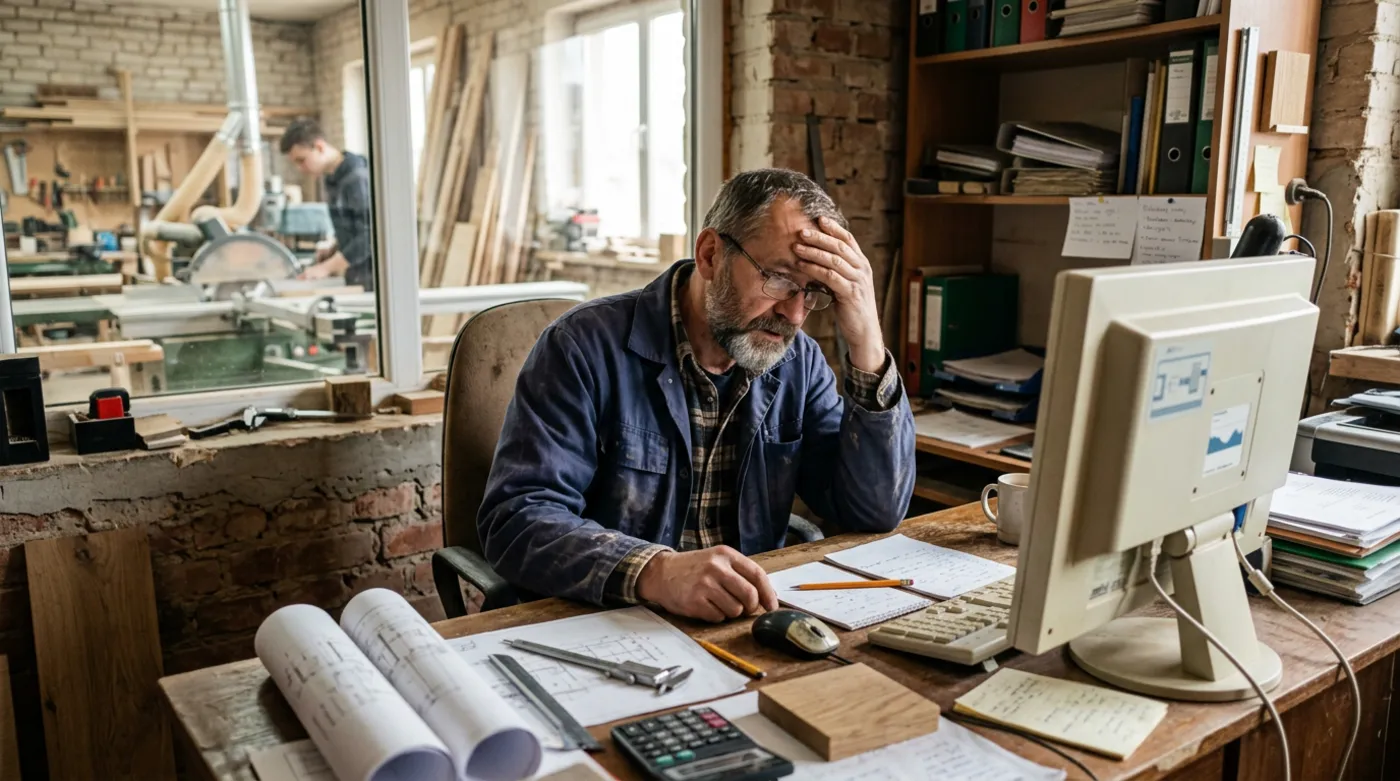 Before the tidy-up
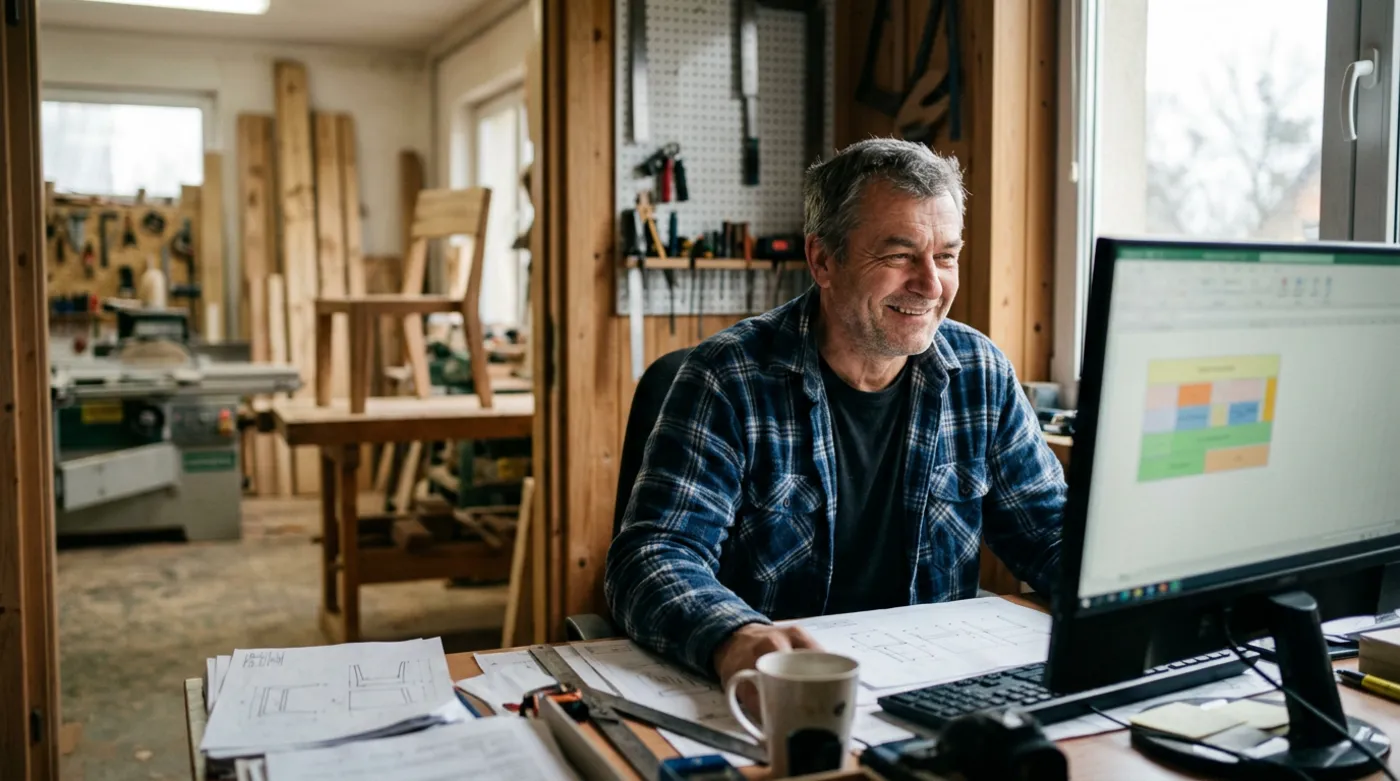 After the tidy-up
An illustrative example, based on situations I often meet in small businesses.
Step by step
How it works from your side

- 1
Conversation
Your part: a conversationYou tell me what runs slowly or not at all. We agree what is most urgent.
- 2
Diagnosis
Your part: accessI check the equipment and the system to find the cause.
- 3
Repair and setup
Your part: a short breakI tidy the system, install, update or move the data.
- 4
Check
Your part: testingTogether we check that everything works as it should.
What you get
What you get
- A diagnosis of the causes of slowdowns or failures
- Installation or reinstallation of the system
- Configuration of a new computer and its programs
- Transfer of data to new equipment
- Updates and tidied settings
- Honest advice on whether to repair or replace equipment

“A good computer does not stand out, because it simply works. That is what I aim for in your business.”
Who computer repair and setup is for
- Businesses where computers run slowly and frustrate the staff
- Owners buying new equipment who need it set up
- Businesses after a system failure that need a fresh installation
- Teams moving to new computers or a new operating system
Frequently asked questions
Why is the computer at work getting slower?
There are several possible causes: too many programs starting with the system, a full drive, missing updates or worn-out hardware. I check exactly what is slowing the computer down, and tell you whether tidying the settings is enough or whether a part or the whole machine should be replaced.
Will you move the data to a new computer?
Yes. When you change equipment, I move files, programs and settings so the employee can sit down and start working. Before I do anything, I secure the data so nothing is lost on the way, and you know what has been moved.
Which systems do you work with?
I work with Windows, macOS and Linux. A business usually has a mix, so I help set them up to work together. I also configure printers, email and access to shared files, so a new computer works like the rest in the office.
Can it be done without a visit?
A large part of the work I do remotely via AnyDesk: configuration, updates, installing programs and tidying the system. This works for businesses anywhere. When a computer will not start or a component has to be replaced, I come to you if you are in Szczecin. At the start of the call I check what will be needed.
See also
What else keeps your business safe
Free consultation
Let's talk about your business
A no-obligation chat: I'll tell you what will really bring you more customers and what it costs. I reply within 24 hours.
